

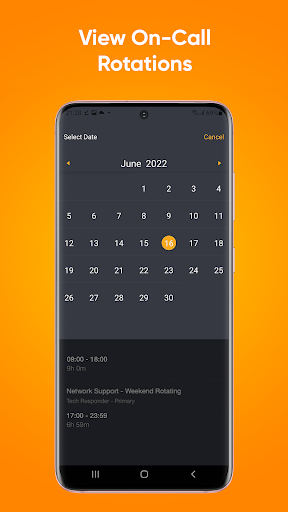
AlertOps is an incident management system that helps IT operations and DevOps manage and optimize their alerts from various monitoring systems to greatly reduce alert fatigue and mean time to resolution (MTTR). AlertOps ensures that the alerts reach the right person the first time, every time! We use smart routing technology, routing rules based on user priorities and schedules that integrate with your on-call schedule. AlertOps manages your incident management process by reducing alert noise and resolution time with our multi-tiered escalation rule. AlertOps is currently being used by 1,000’s of users; trusted by major corporations to manage their IT operations.
AlertOps for Android allows you to:
• Receive unlimited push notifications
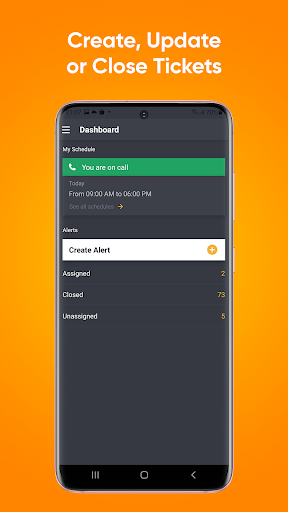
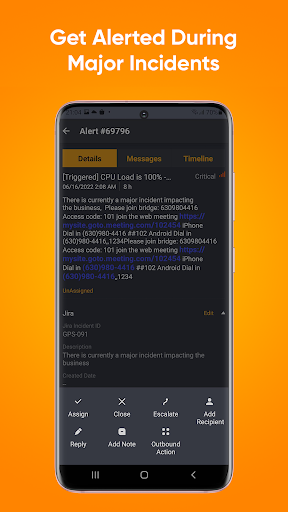
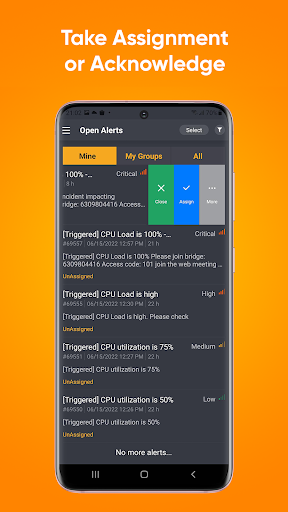
• Easily respond to open alerts (view, take assignment, close or escalate to the next on call person)
• View alert details and resolution
• View all messages related to the alert
• Assign Alerts directly from push notifications without launching the app
• Reply to Alerts, even if you’re not on-call
• Get resolution details when an alert is closed
AlertOps subscription is required to use this application.
What's new in version 3.1.1:
- Minor bug fixes
Thanks for your feedback, we are constantly listening.
Email support@alertops.com with any comments.



9Apps 4.9















