Dot Clock (Dock Clock) icon

Dot Clock (Dock Clock)

0.6.1 for Android
4.0 | 5,000+ Installs | Reviews

MCh

Description of Dot Clock (Dock Clock)

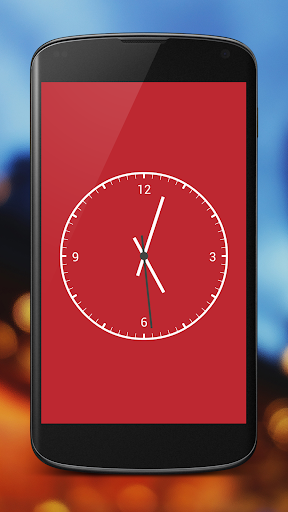
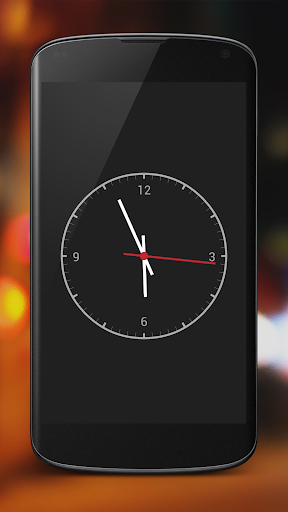
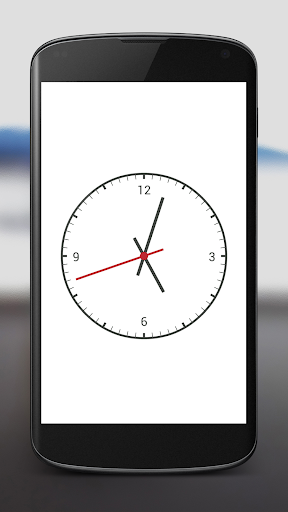
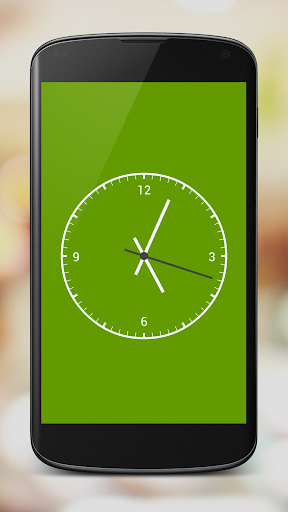
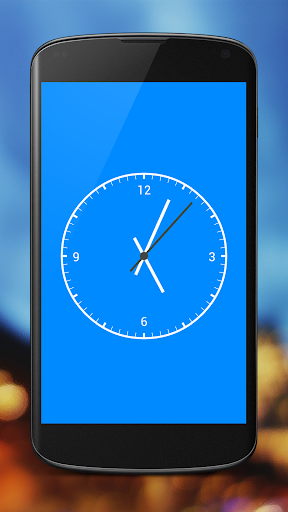
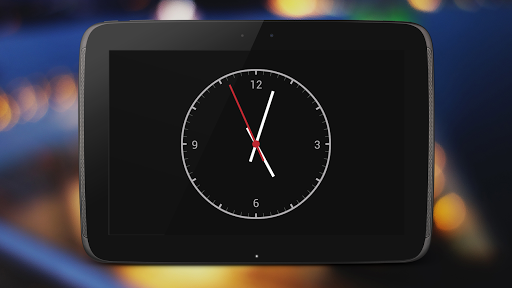
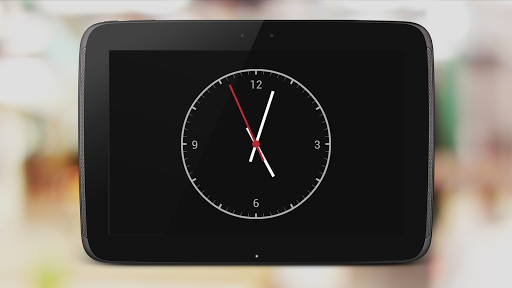
Minimalistic flat night analog clock.
Tap "Menu Button" or tripple tap on screen or open "Dot Clock Settings" to access settings.
Features:
Auto start on power connected
On/Off - Autostart
On/Off - Stay awake
On/Off - Fullscreen
On/Off - Second hand
On/Off - Second hand dot
On/Off - Numbers
On/Off - Bold clock
Bokeh effect
8 Themes

What's New with Dot Clock (Dock Clock) 0.6.1

= v0.6.1
On/Off Fullscreen
Dark Green Theme
Triple tap to access menu
Bold clock
Improved bokeh effect
Added icons to settings
= v0.5.4
Bokeh effect
Start animation
= v0.5.2
Optimalization
Added "Dot Clock Settings" icon into launcher
= v0.5.0
2 More themes
Auto start on power connected
On/Off option "Stay Awake"
= v0.1
First release

Information

  • Category:
    Lifestyle
  • Latest Version:
    0.6.1
  • Updated:
    2013-11-10
  • File size:
    222.2KB
  • Requirements:
    Android 4.0 or later
  • Developer:
    MCh
  • ID:
    com.chovanec.dotclock
  • Available on:
Reviews
  • avatar
    Beautiful and functional, but drains my battery.
    2017-02-24 12:22
  • avatar
    Nice. How about a night mode though - one press to dim the display to minimum brightness
    2016-05-19 04:03
  • avatar
    Amazing ........
    2014-09-03 11:17
  • avatar
    Lovely app 5 stars if u could have even just 1 clock we could tweak much like your bubble wallpaper app...good one tho dark reds lovely!thanks...😉
    2014-06-12 04:48
  • avatar
    Widget would look good.
    2014-05-26 07:55