
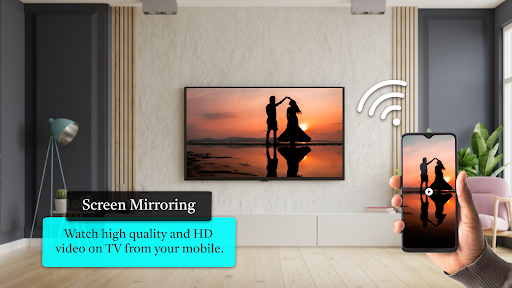
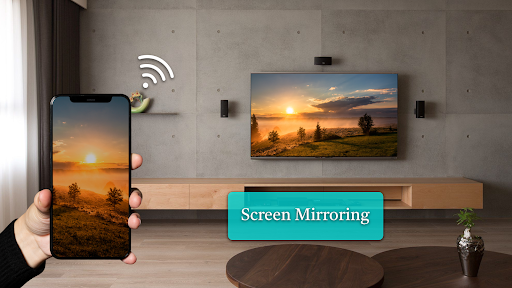
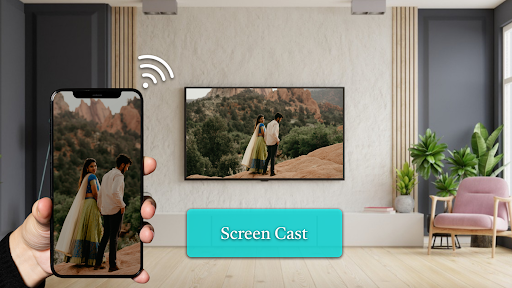
Screen Mirroring - Miracast for TV allows you to mirror your smartphone on the TV screen in high quality. You will be able to play videos, music, photos, etc to your big TV screen.
our app helps you cast phone and tablet to TV fast and stably.
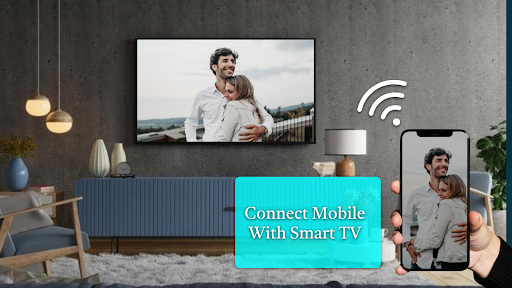
This app will assist you to scan and mirror your android phone or tab's screen on smart TV and will get a great big screen phone experience by connecting your phone to a TV screen via This Cast To TV app and easily stream movies from phone to your big TV screen.
Cast to TV support most Smart TVs, DLNA Receivers and wireless adapters.
📺Multiple Devices Supported
- Most smart TVs, LG, Samsung, Sony, TCL, Xiaomi, Hisense, etc.
- Google Chromecast
- Amazon Fire Stick & Fire TV
- Roku Stick & Roku TV
- AnyCast
- Other DLNA Receivers
- Other wireless adapters
KEY FEATURES of Video Screen cast Mirroring
- Cast smartphone screen to big TV screen stably
- Simple & fast connection with just a click to screencast
- Cast the mobile game to your big-screen TV
- Mirror your screen cast video with high definition screen
- Cast to TV, Live video on Twitch, YouTube and BIGO LIVE
- All media files supported, including photos, audios, E-books, PDFs, etc.
- Show demonstrations in a meeting, watch travel slideshowswith family
- Neat & clean user interface to create a good experience
- Video cast screen share in real-time speed.
Cast to TV is the most powerful mirror technology for screen mirroring in real-time speed.
Stream your favorite movies
Screen Mirroring App can allows you to stream movies, videos, photos and apps on big TV screen.
Cast your best family moments
Screen mirroring app helps to open window in smart TV screen from your phone, Sharing your phone screen With the Television now is easier.
Stream to TV without limitation
You can search your favorite TV shows and series and easily stream them on your TV screen.
if you are searching for a free and stable screen mirroring for casting your screen into larger screen, this useful Screen Mirroring app can do the work to view your phone on your TV.
How To Use:
1. Your TV should support Wireless Display or any sort of Display Dongles.
2. The TV must be connected to WI-FI network same as your phone.
3. Search for your Device.
4. Select and pair the device.
Before you Start:
Please follow the steps bellow to display your mobile screen on your TV:
1- Make sure your TV and your Phone are Connected to the same wifi network
2- Enable Miracast Display on your TV
3- Enable Wireless Dispaly option on your phone
4- Click Select button and choose your TV
5- Enjoy!
Before connecting the device, make sure VPN is turned off.
The TV must be connected to WI-FI network same as your phone.





9Apps 4.9













