


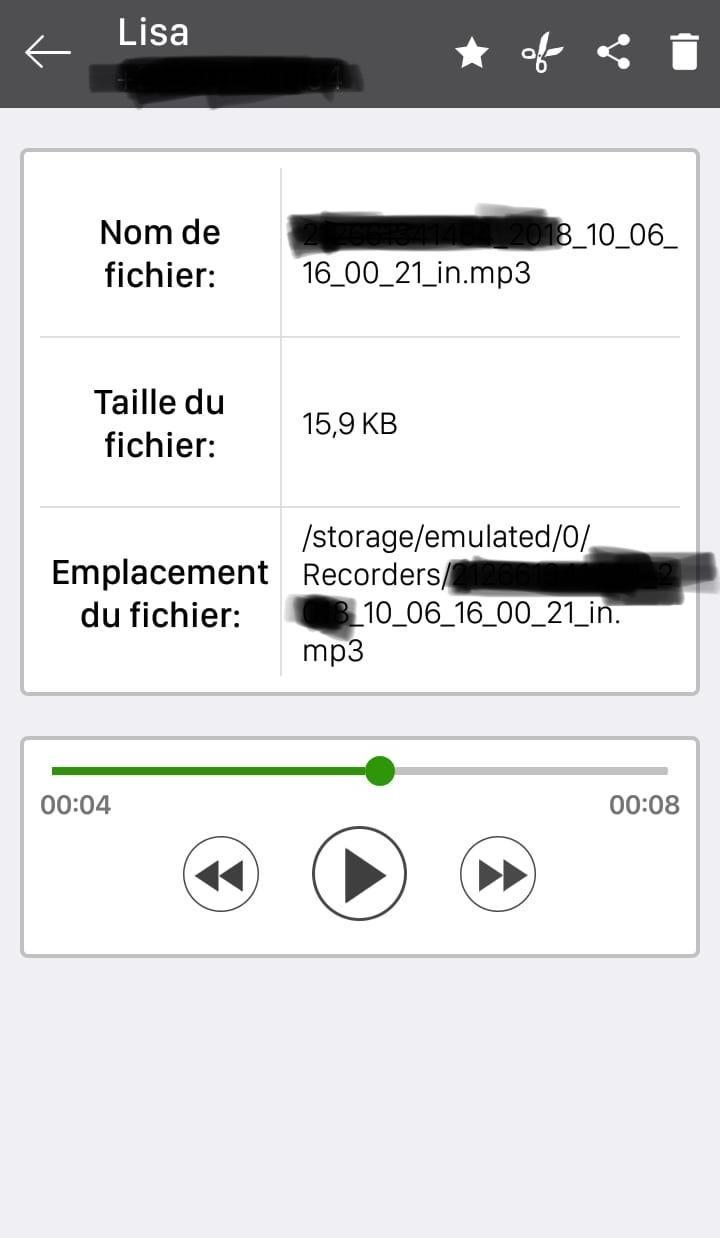
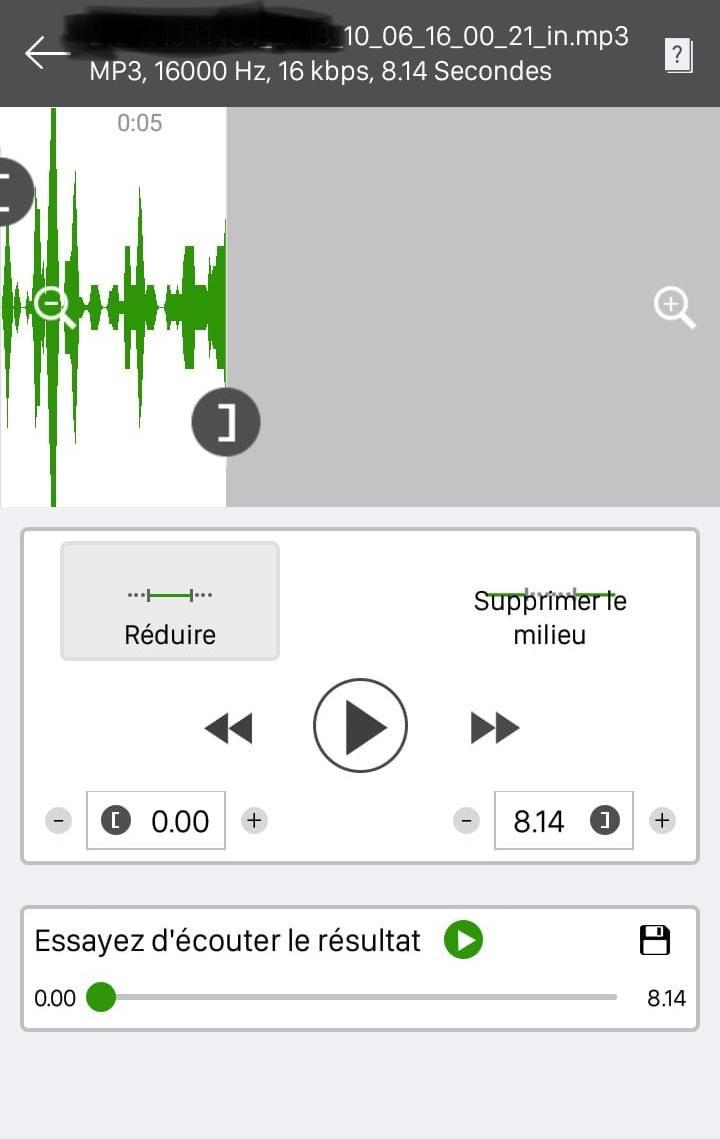
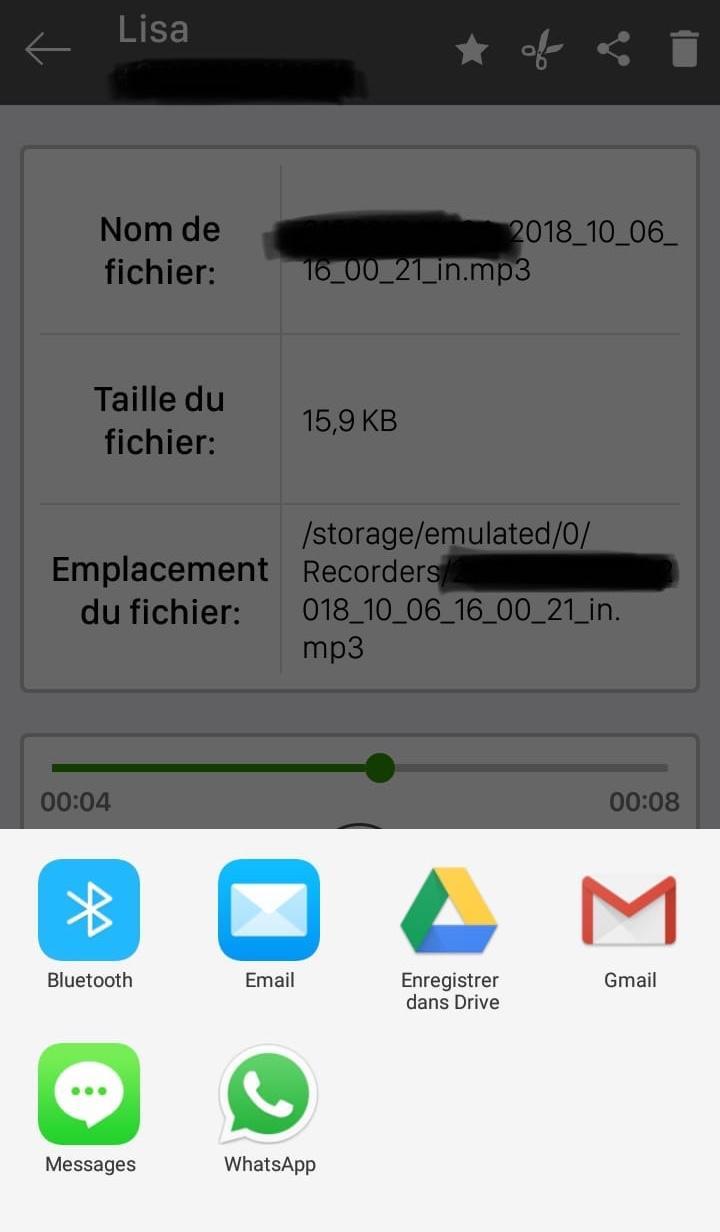
You can set which calls are recorded and which are ignored. Listen to the recording, add notes and share it. Integration with Google Drive™ and Dropbox allows calls to be saved and synchronized to the cloud as well.
Google Drive integration works on Android versions 3.0 and above.
Please note that call recording does not work on certain handsets and can result in inferior quality recordings. We therefore suggest that you try the free version before purchasing the paid app.
If you encounter any recording issues or wish to improve voice quality, try recording from a different audio source, or use auto-on speaker mode.
Recorded calls are stored in the Inbox. You can set the size of the inbox. The number of saved calls is limited only by your device memory. If you decide that a conversation is important, save it and it will be stored in the Saved Calls folder. If not, old recordings will automatically be deleted when new calls fill up the inbox.
Do not miss calls to record incoming and outgoing calls with a single click
Do not miss calls to record incoming and outgoing calls with a single click. You can set saved calls and ignore the rest. Listen to the recording, add notes and share them. Integration with Google Drive ™ and Dropbox also allows you to save and synchronize calls to the cloud.
Google Drive integration works on Android 3.0 and above.
The best call recorder, automatic call recorder, phone call recorder
By using Call recorder, You can automatic call recording and save any phone call you want.
You can set which calls are recorded to white list and which are ignored.
Listen to the recording, add notes and share it. Synchronized to the cloud as well.
You can set a conversation is important, save it and it will be stored in the important tab.
If not, old recordings will automatically be deleted when new calls fill up the inbox.
call recorder auto is a the best free call recorder application with these features
Features:
- Record incoming call
- Record Outgoing call
- Favorite
- Search
- Marking recordings as important
- Multi select, delete, send
- Displaying contact name and photo
- Excluded numbers
- Set password to protect privacy
- Lots of recording formats
- Set source (Mic, Voice call, camcorder)
- Ability start delayed recording
- Different recording modes by number, contact, non-contact or just selected contacts
- Enable/Disable call recording
- Records all your phone calls
- Play recorded audio
- Delete recorded items
- Lock recorded items to prevent from auto-cleaning
- Share recorded items
- White list
- Blacklist
- And many more...
Share files
A lot of functions for call recorder auto ,all you need is in this call recording app
Functions:
- Record your calls automatically while calling.
- Organize your call records. You can view all your calls with options such as list by time, group by names or group by dates.
- You can play back, or save your call to mp3 files on your SD card.
- call recorder auto- Record outgoing call - record incoming calls
- Record all call conversations.
- Play audio recorded conversations.
- Delete recorded conversations.
- Blocking of the calls listed to the automatic removal.
- Send calls to listed to email.
- Show confirmation dialog for saving the recorded call. Ask immediately after the call and set up in the options.
- Favorite
- Search
- White list
- Black list
- And much more ...
- Set source (Mic, voice call, a video camera)
f app doesn't work for your phone or quality is low:
1. Try to change different recording file types: ogg, mp3, ar, mpg in settings.
2. Try to change Source: MIC or VOICE CALL in settings




9Apps 4.9














