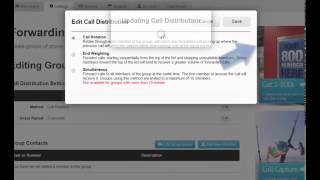




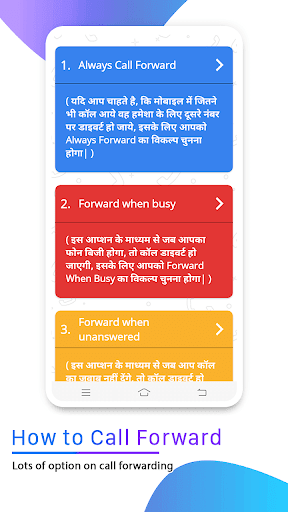
Call Forwarding is quick and easy way to use for forwarding your incoming call to another number.This app has option for forwarding unconditionally unanswered or if busy in auto setting mode.
Call Forwarding app support call forwarding to all the GSM/3g/4g/5g/VoLte operators in auto setting mode.Instead of going to settings then call settings and then call forward settings and then finally configuring your call forward, you can simply configure call forwarding in one click using this app.
Key Features of Call Forwarding app:
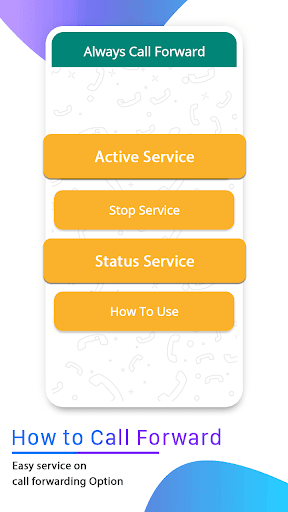
- First Enter Mobile Number to Whom you Redirect call in Active Service.
- Then press submit button and select sim whatever you want to forward.
- And than See in your notification to start your forwarding call.
- Stop service button you can stop your services.

9Apps 4.9