

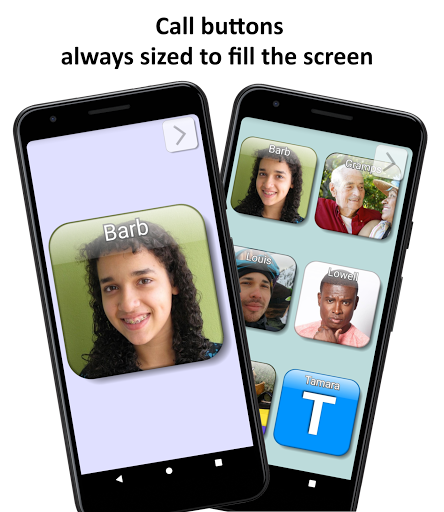
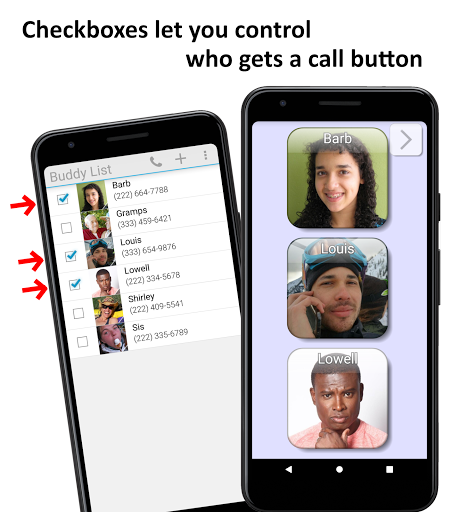
Call Buddy is perfect for those you phone most often. And it's easy to change who is listed: Add or remove a person's call button in just a couple of taps. Call Buddy's clean look makes the call buttons highly visible.
I use Call Buddy on the ski slopes to stay in touch with my companions for the day. In the morning I take a few seconds to set up a speed dial button for each friend. Then during the day, to call someone I pull out the phone. It's often hard to see the screen because of bright sunlight, fogged goggles, and going without glasses. But with the big buttons that's not a problem. A tap on a button instantly calls my friend.
Call Buddy offers:
• A calling screen with really big call buttons
• One tap can phone someone
• Two taps can add or remove a call button
More features:
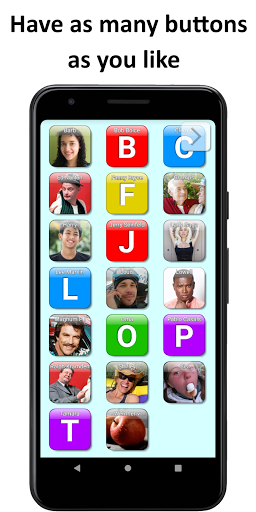
• Adding a button resizes all buttons to always fill the screen
• Export or import buddies to or from Contacts
• Customize button images and colors
• Speakerphone can be on or off (inactive on some phones)
• Dialing can be speed or slow (1 or 2 taps)
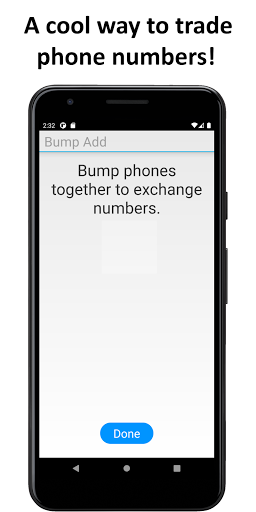
• Trade phone numbers by bumping phones
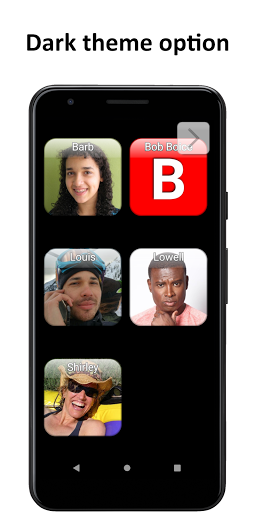
• Dark mode option
People you might want in Call Buddy:
• Your closest friends
• Your club, study group or committee
• Your friends attending a festival or outing
• Your emergency response team
Call Buddy could also be set up for:
• A young child
• Someone visually or physically impaired
• Someone with dementia or alzheimer's
• A nurse call button
Password setup:
Password setup lets you lock down Call Buddy so no one can change the settings or the Buddies List. You might use this for an alzheimer's patient or a young child. To lock down the entire phone you can use an app such as
Parental Control SecureKids
https://play.google.com/store/apps/details?id=com.securekids.launcher_reloaded . Then allow access to Call Buddy. Then in Call Buddy, set up a password. Also make sure Preferences / Speed dial is turned on. Now you have a phone that just makes calls, and cannot be changed without the passwords for both apps. This setup gives you similar functionality to the
RAZ Memory Cell Phone
https://www.razmobility.com/solutions/memory-cellphone/ . Try this! I would love to hear how you like it.
Call Buddy is attractive and simple to use. Try it!
Contact:
Bruce Haley
BruceHaleyEmail@gmail.com
Thank you for considering Call Buddy. Tell me what you think!
Version 1.0.7
Fixed setup permissions crash installing on Android 11.






9Apps 4.9















