

ATTENTION: Read note below before downloading the server application!
Get the Windows application from one of these links and run it on your PC:
GitHub repo:
https://rebrand.ly/air-mouse
Direct download(Windows 64-bit):
https://rebrand.ly/air-mouse-pc
Cross-platform (Linux, mac OS, Win) server application is in beta! (Contact atompunkapps@gmail.com for more info)
Features:
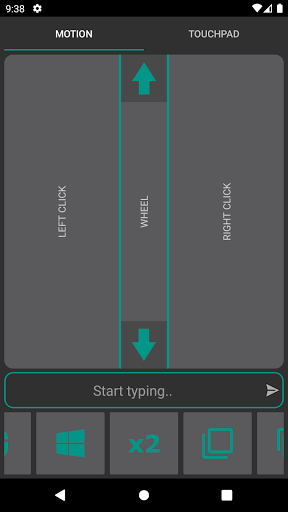
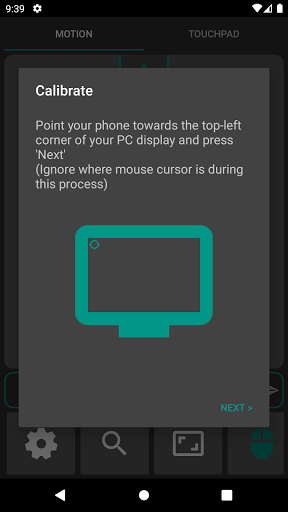
- Control your PC's mouse using your phone's motion sensors
- Left/Right Click: Tap for click, hold to drag and drop
- Scroll input
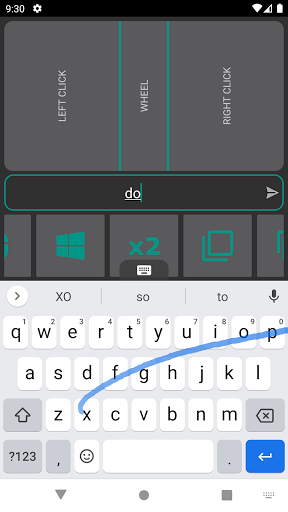
- Keyboard input
- Frequently used keys (Start Menu, Alt-Tab, Copy-Paste, etc..)
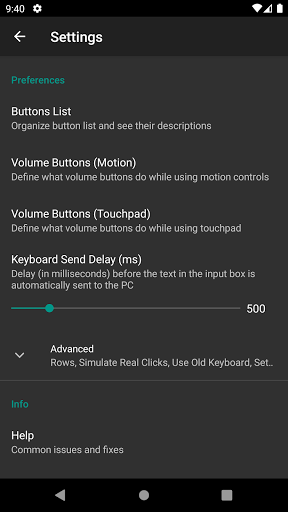
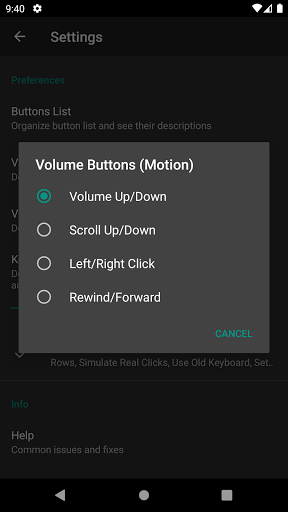
- Use volume buttons as input to the PC (Scroll Up/Down, PC Volume, Rewind/Forward, Left/Right Click)
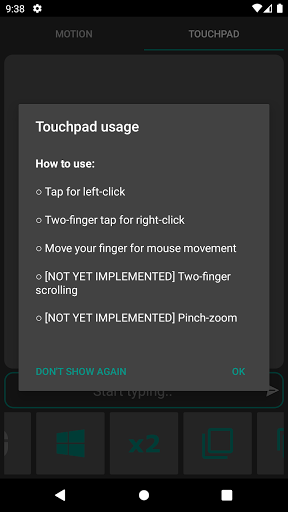
- NEW! Control your mouse with a touchpad on your phone that works just like a laptop touchpad
Notes:
- The accuracy of the mouse pointer depends on the quality of your phone's sensor.
- Please do NOT leave a bad review saying there's a virus in the Windows app!
- There's a link to the GitHub repo up there, build the server application from scratch if you're really afraid.
- Windows might show a big warning the first time you run the application; Click on 'More info' and then 'Run anyway'.
- The application needs to be allowed through Windows Firewall to function.
(As a standalone developer I cannot afford the ridiculous costs for digital certificates that are required to sign these executables; Which is why you get these warnings)







9Apps 4.9














