
Check the Brother support website to see if your model supports Brother Mobile Connect:
https://support.brother.com/g/b/oscontents.aspx?ossid=4
If your model is not supported, use the Brother iPrint&Scan app.
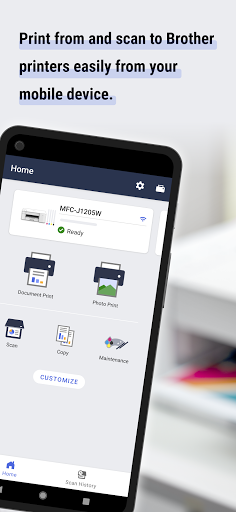
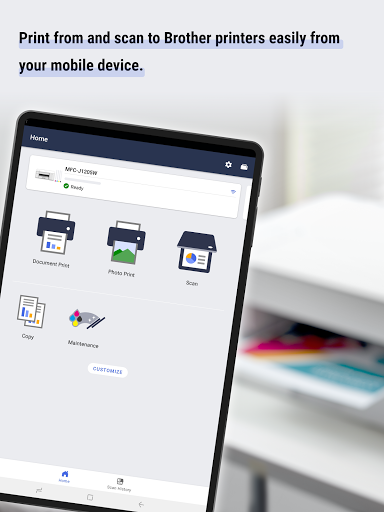
Use Brother Mobile Connect to print, scan, and copy, as well as manage your machine and customize its features.
[Main functions]
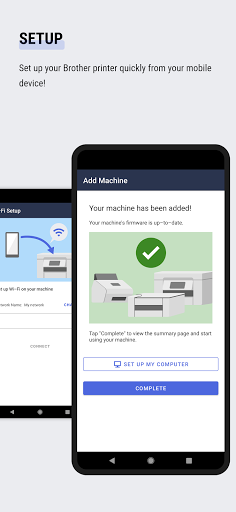
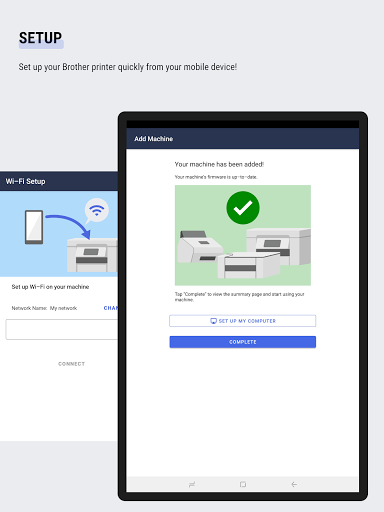
- Setup
Set up your Brother Printer from your mobile device.
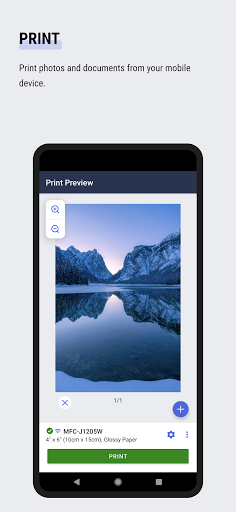
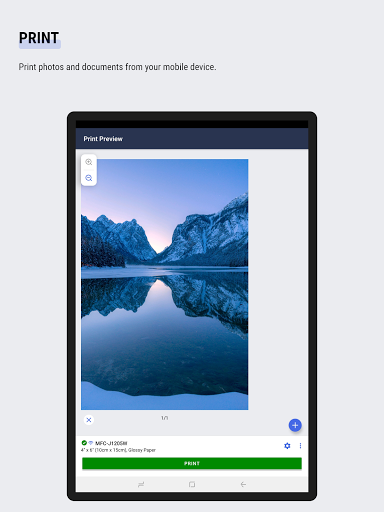
- Print
Print photos and documents from your mobile device.
Trim photos before printing.
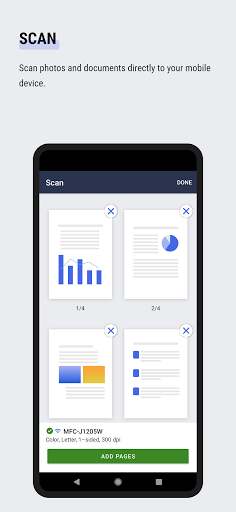
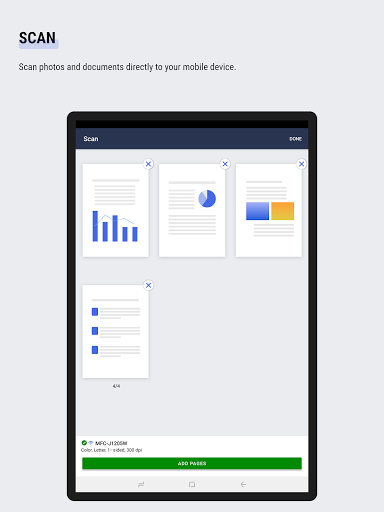
- Scan
Scan photos and documents directly to your mobile device. (PDF/JPEG)
- Copy
Change the copy settings and start copying documents from your mobile device.
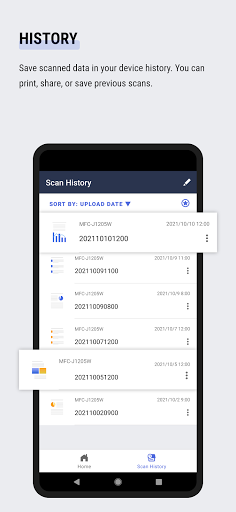
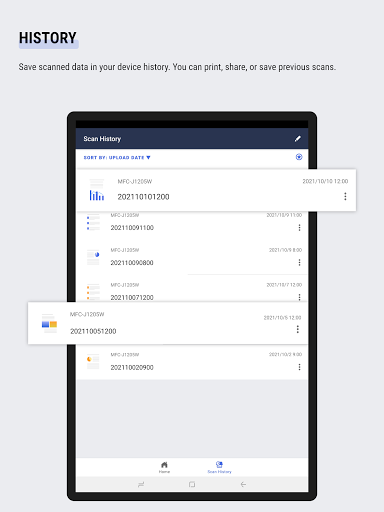
- History
Save scanned data in your device history.
You can print, share, or save previous scans.
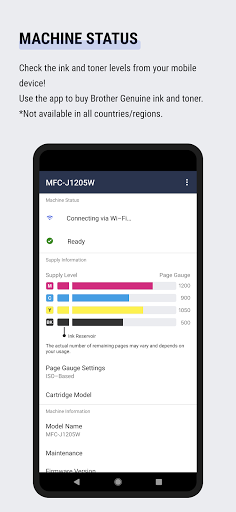
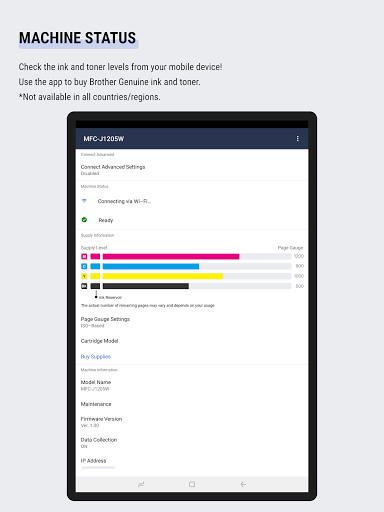
- Management
Check the ink and toner levels from your mobile device!
Use the app to buy Brother Genuine ink and toner.
*Not available in all countries/regions.
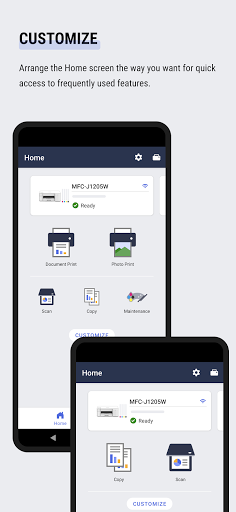
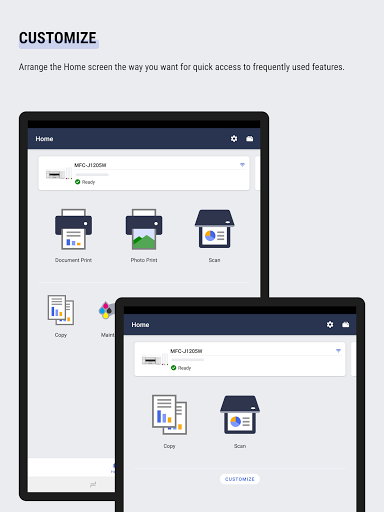
- Customize
Arrange the Home screen the way you want for quick access to frequently used features.
- Notifications
Receive information about supplies and service *
* Not available for all countries and models.
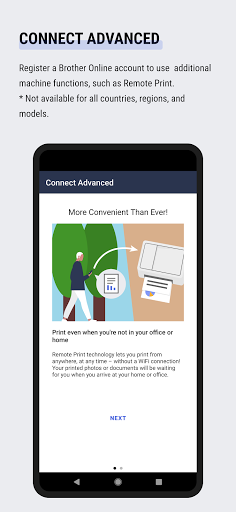
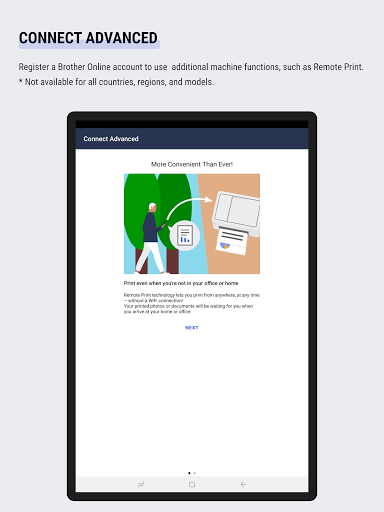
- Connect Advanced
Register a Brother Online account to use addtional machine functions, such as Remote Print.
* Not available for all countries, regions, and models.
* Available functions may vary depending on the model.
* To help us improve the application, send your feedback to mobile-apps-id@brother.com. Please note we may not be able to respond to individual emails.
Fixed minor bugs for a better user experience.


![Connect a machine to a wireless network using the Brother Mobile Connect app[Brother Global Support] screenshot 2](https://i.ytimg.com/vi/CqPBvADEWmk/mqdefault.jpg)



9Apps 4.9













