
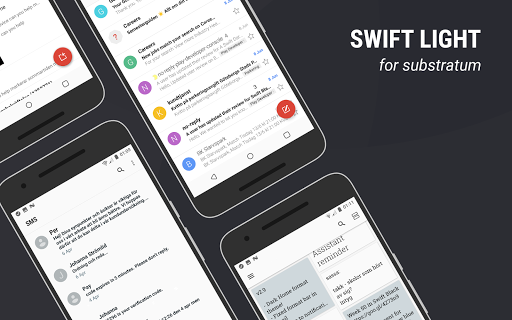
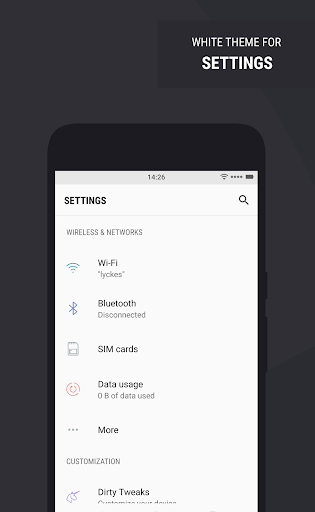
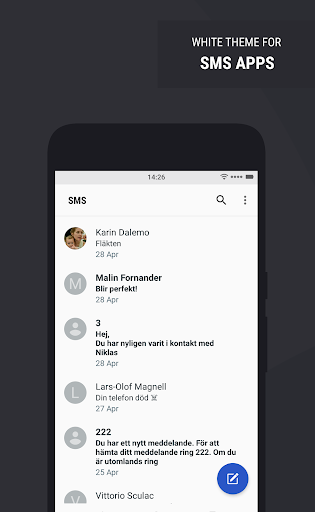
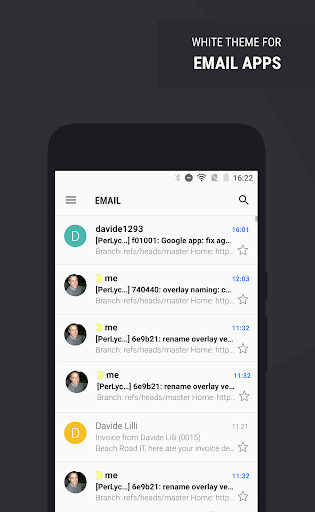
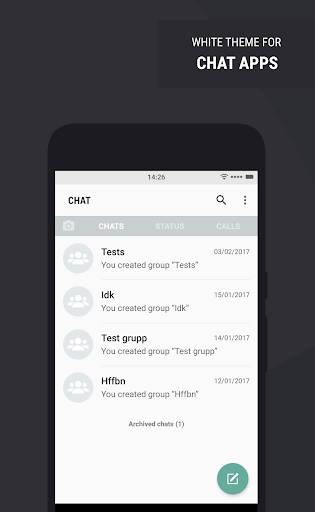
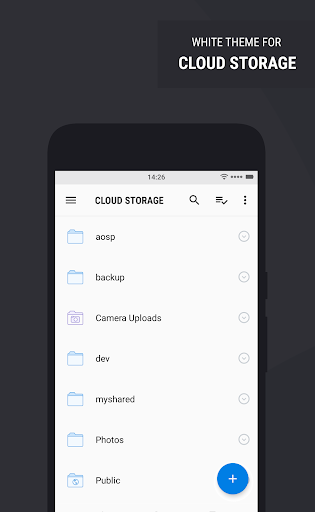
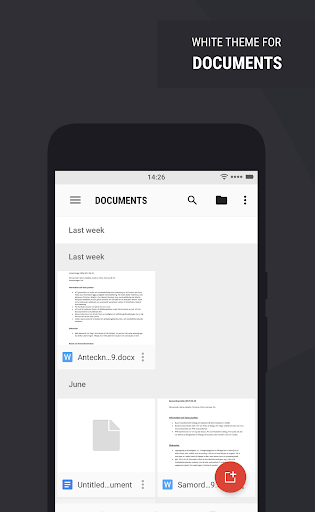
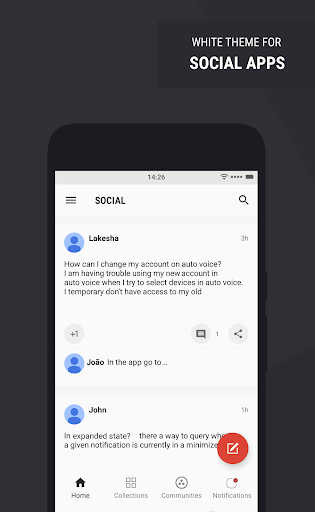
This is Swift Light, a Substratum theme. The idea with this theme is to make apps all light. It's inspired by Android O and Samsung, and you use it with the Substratum theme engine. It supports Nexus & Pixel
/
OxygenOS Nougat
/
LineageOS
/
Samsung S8
/
OMS
/
Oreo 8.0
/
Oreo 8.1
/
OxygenOS Oreo
Supported apps list:
https://goo.gl/Y3Uajp
Instructions and important information:
INSTALLATION:
Make sure your system supports the use of a Substratum theme. Download the Substratum theme engine app and the theme, open up the Substratum app and you’ll find the theme inside. Open it and select your Android version in the menu at the top. Select the apps you want to theme and hit install. Wait until all overlays are installed and then reboot.
UPDATING:
When you updated the theme from Play Store, you reinstall the overlays in the same manner as you installed them. Don’t forget to reboot after you update the overlays.
PROBLEM SOLVING:
If an app stops working, you need to reinstall the overlay for that app and reboot. This is required as an overlay needs to be applied on top of an app. For exemple, when you update an app from Play Store, the overlay won't be on top anymore. When you reinstall the overlay, and reboot, you will make sure it is again. This is just how overlays works and a suggestion is that you turn off auto updates and update your apps when there is an update of the theme. Usually we update every 4-5 days.
SAMSUNG & ANDROMEDA:
The Andromeda and Samsung theme requires an extra, paid, plugin for the theme to work. You’ll be noticed about it the first time you open the Substratum theme app on one of these systems.
ROOT
is not needed for Samsung, Andromeda (Pixel & Nexus) or OMS systems. Other systems needs root.
NEED HELP?
If you need help please contact us on Telegram or by email and we will help you personally based on what system you are using.
PLEASE
do not report bugs in the review system as it's much easier for us to help you by chat or email.
IF THE THEME DOESN’T WORK FOR YOU:
We offer a refund to everyone who downloaded the theme but cannot use it, just email us your order number.
• Support channel (Telegram): https://goo.gl/tpPji0
• FAQ: https://goo.gl/ahZvYZ
3.8 - Reboot after applying! - Read the FAQs for common troubleshooting: https://goo.gl/71e4Be
• Updated theme for YouTube v13.50 and higher
• Updated theme for WhatsApp v2.19.17







9Apps 4.9