
Awesome clock LWP
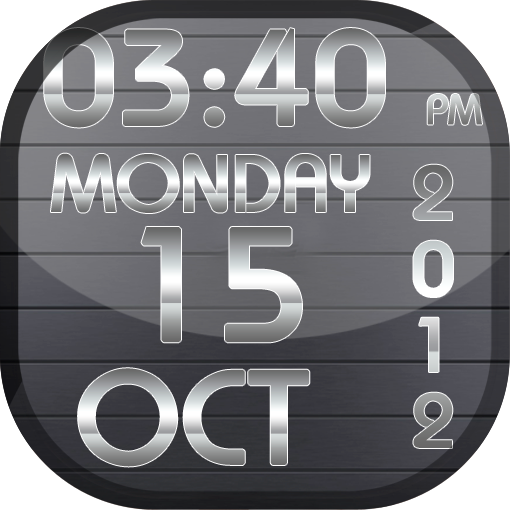
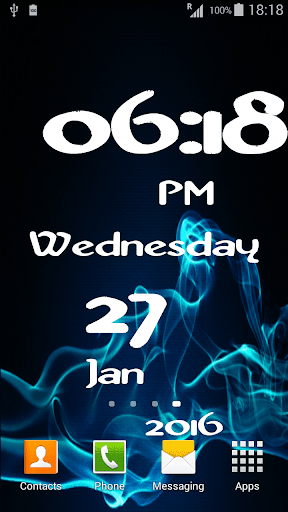
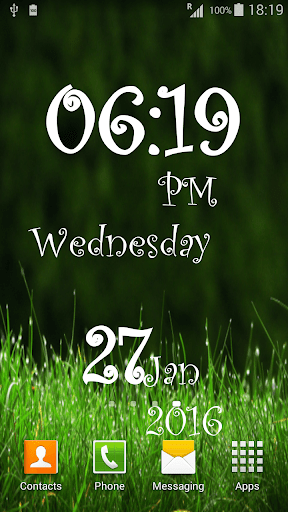
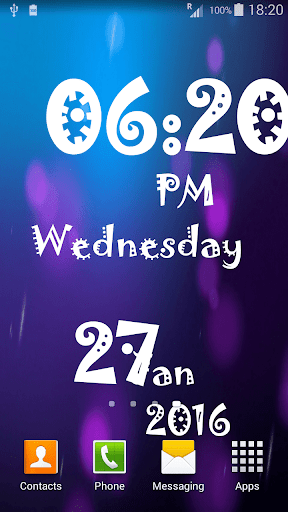
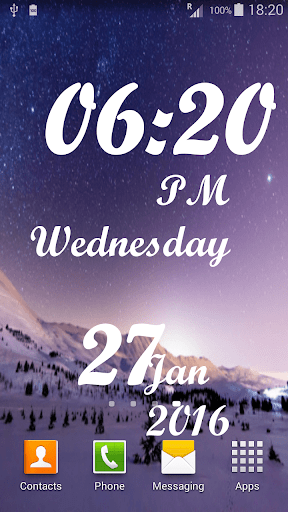
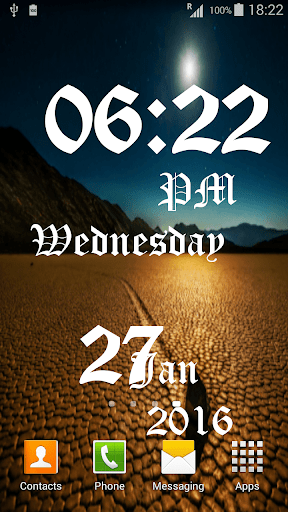
How do you remember date day and time while you are travelling or not present in your office? Leave old ways like wrist watches and go for the awesome clock LWP that not only gives lively appearance to your cell phone screen but could be customized by various option adding fun factor to every day.
This wall paper gives you variety to choose from font color, font style, shadow, outline, and outline width, background and animation effect. Give same live wall paper a new look whenever you get bored .
How To Set:
- go to your home screen;
- press the menu button on your device;
- select "Wallpaper";
- select "Live Wallpapers";
- search and select for " Live Wallpaper"
- select "Settings" to see the settings or select "Set wallpaper" to activate it.
I hope you enjoy this Lovely Live Wallpaper and encourage me for further apps.
**__** Minor bug fixed












9Apps 4.9













