

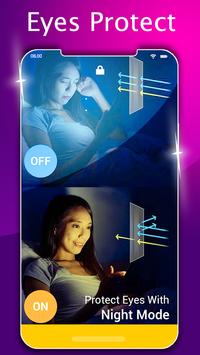
Filter Protect pro, Night Screen, as a filter , adjust free.Night Mode's main goal is to reduce the brightness of your screen lower than you can achieve with the default settings. This app help to shifting your screen to night mode can relieve your eyes strain, and your eyes will feel at ease during night reading.
Hello friends, if your Eyes feel tired during night reading on the phone? Have trouble in sleeping after long time watching phone screen?
Our key features:
1) Pleasant reading color: Night mode is most pleasant on the eyes for night reading. Especially as it is able to lower the screen back-light far below the ability of the back light controls on your screen. it prevents harsh color tone and converts into dimmer vision.
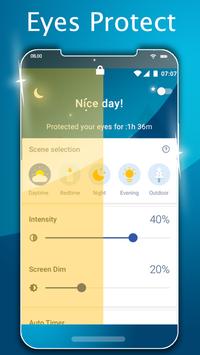
2) You can adjust color temperature 500K to 3500K
3) Also can adjust Intensity level & Dim level 0% to 100%
4) Timer Function- you can also set on time & off time
5) You can also set auto timer it will work based on your location
6) Easily adjustable filter intensity on a button tap
7) You can also control your hardware button backlight
8) Night Mode app also have Dark Theme
9) Saves power consumption and reduces eyes strain
10) User friendly operation
11) Makes reading pleasant
Night Mode's main goal is to reduce the brightness of your screen lower than you can achieve with the default settings.
This application applies an overlay filter that acts as a dimmer to darken the screen and ensure your eyes don't hurt. 😎




9Apps 4.9













