No Disturb icon

No Disturb

3.8 for Android
3.9 | 50,000+ Installs | Reviews

INAPP

⚠️ You need 9Apps App to install .XAPK File. How to install XAPK?

Description of No Disturb

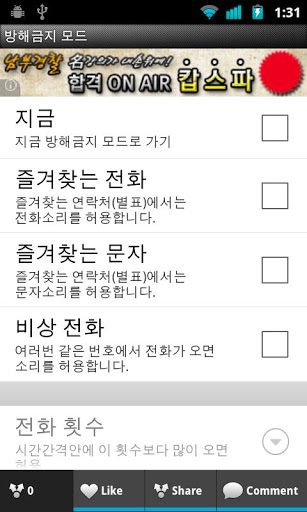
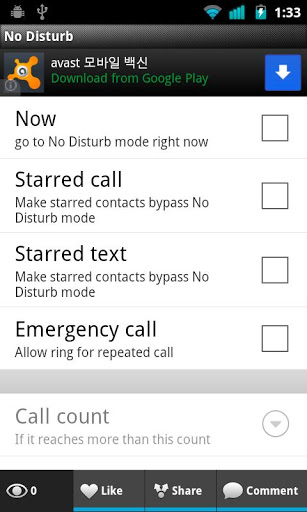
No Disturb application uses "Do Not Disturb" feature allowing users to mute all incoming notifications to calls, texts and other intrusions from interrupting during a schedule or when users turn No Disturb on.
This app certainly prevents late night wake ups from noisy notifications.
Have a good sleep~
*Features
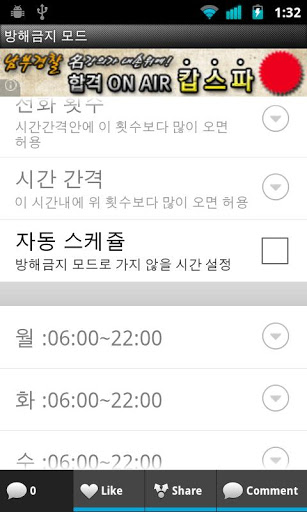
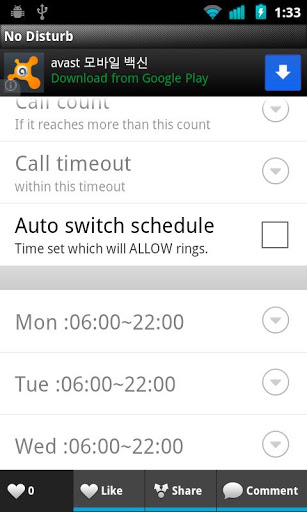
- Can schedule auto switching No Disturb mode, between day and night.
- Can add exception schedule for going to No Disturb mode within normal mode hours.
- Option to receive calls with vibration instead of mute.
- NFC tag support.
can write two command, toggle no disturb, toggle schedule mode.
when writing tag previous data will be deleted.
turn NFC service on to use it.
- No Disturb mode toggle widget.
*** Translate contributors
German - Sascha Uftring, Michael Lohmar


Information

  • Category:
    Productivity
  • Latest Version:
    3.8
  • Updated:
    2019-12-31
  • File size:
    3.2MB
  • Requirements:
    Android 4.4 or later
  • Developer:
    INAPP
  • ID:
    com.blogspot.imapp.imnodisturb
  • Available on:
Reviews
  • avatar
    No longer works. I have used this app for years. Just recently the update no longer allows one to control which days of the week and what hours one can turn on the do not disturb function. It seems to want you to select what apps you want to silence. Very tedious and no control on hour of day or night you want your phone to be quiet. Poor customer service, will not respond to email requests or assistance.
    2019-11-15 07:17
  • avatar
    On the Galaxy S7 Edge using Marshmallow 6.0.1. Your application triggers sound distortion when used. Your AM/PM settings option is upside down and incorrectly marked for a setting. And starts as a 12 clock in the setting area then shows a 24 clock. Also work on triggering a auto response for text messages as well. Attention developer your app needs work,!
    2016-05-07 09:07
  • avatar
    I was just thinking today "I wish this would go to vibrate after the no disturb period." and, voila, there's an option for that. Worked flawless on every phone I've used it on.
    2016-03-23 05:09
  • avatar
    This is really a drag app
    2016-03-07 03:16
  • avatar
    It was great until it started "ringing" for bypassed contacts when receiving a text from them
    2015-11-09 07:09
  • avatar
    This app works perfectly on all my Samsung phones, however I just upgraded to the LG V 10 and it doesn't work at all. Would love to know how to fix the problem as it was my favorite app!!!
    2015-11-08 03:18