


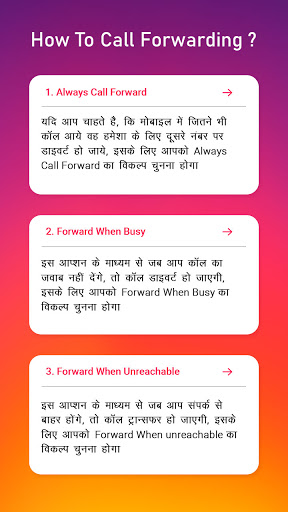
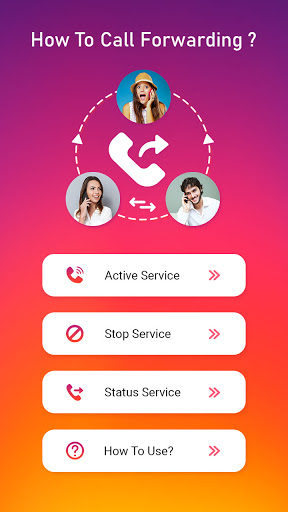
The Call Forwarding app is an easy and simple application to use for forwarding your incoming call to another number.
Call Forwarding App - How to Call Forward?
Further Features:
⏩
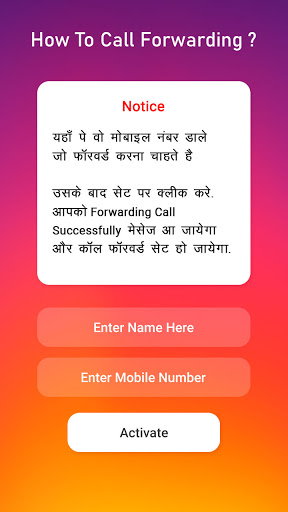
First Enter Mobile Number to Whom you Redirect call in Active Service.
⏩
Then press the Set button and select your Sim to forward the call.
⏩
And then See in your notification to start your forwarding call.
⏩
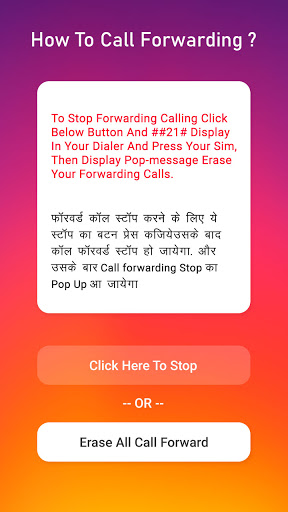
To Stop all Forwarding call got to Stop Service and click the Stop button to stop service.
Thanks..........!!

9Apps 4.9















