

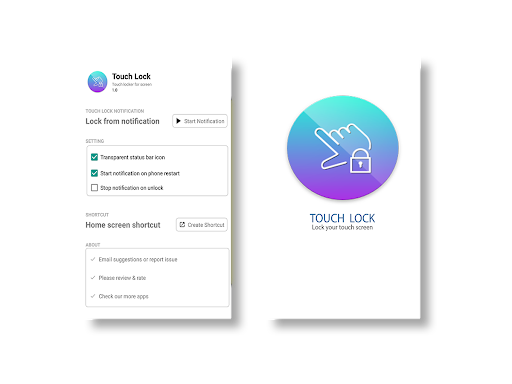
Touch lock app to disable phone touch screen while listening music or watching videos.
Its Touch protector app that prevents unintended touches on the screen. Disable screen touch & lock mobile screen to avoid unwanted touch while watching videos on your screen.
Its also a child lock screen app to lock touch screen so toddler can watch videos without unintended touch issue.
Video touch lock to enjoy your favorite playlist from youtube by avoiding unwanted touch on your mobile screen.
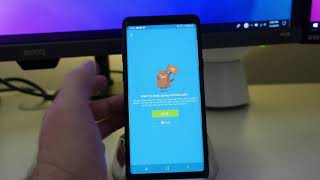
Three simple steps to use app.
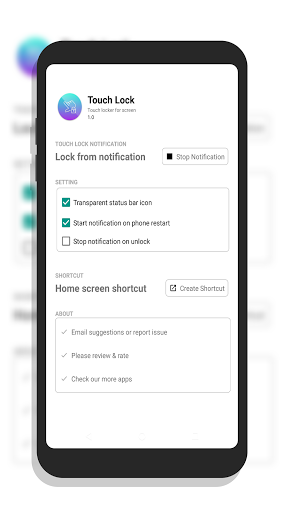
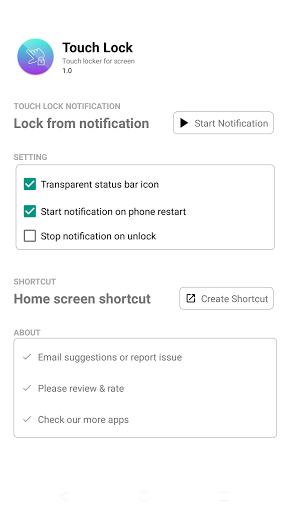
1. Open the Touch Lock app.
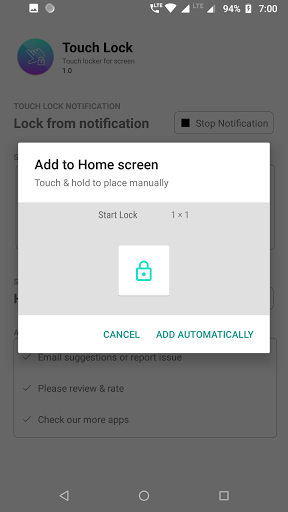
2. Tap on start notification.
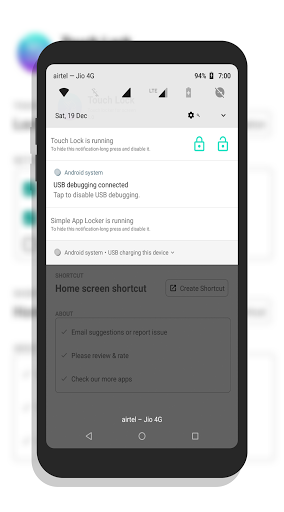
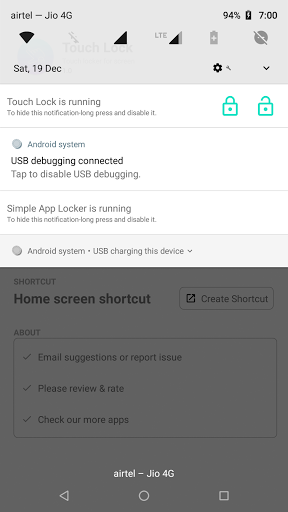
3. Lock-Unlock touch screen from notification.
On lock, Touch lock gets active and it blocks all touches afterwards.
To unlock touch screen, swipe down from status bar, and stop service from notification.
Features:
- Quickly activate or deactivate the touch lock from notification.
- Lock touch screen while watching videos or streaming on Youtube.
- Listen music with screen lock to save battery.
- Block touch when your child is playing with your phone to prevent unwanted screen touches.
- Child lock: Lock touch screen when your child is watching some baby video or running a toddler app.
If you want to report bugs or have suggestions contact us at yogi.306@gmail.com.
If you like the app, don't forget to leave 5 star rating.
Permissions:
System overlay permission: require to lock the touch screen.











9Apps 4.9














