
You need serious tools 🛠 for shopping and are not satisfied with simple applications. You also care about privacy and data protection. You also care about privacy and data protection. You're looking for an app with a long life support. BigBag 🛍️ is for you because it has all serious shopper need:
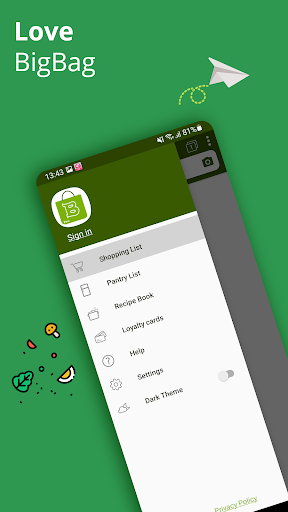
✅ Shopping List: to remember everything you need to buy, plan where to buy and keep track of the total amount of your shopping cart.
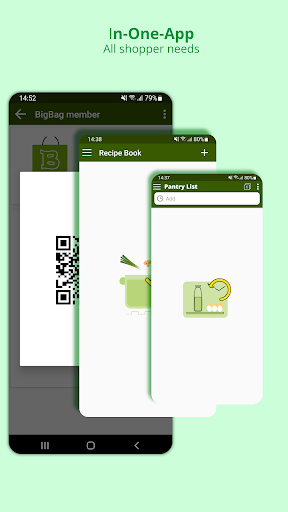
🥫 Pantry List: to manage the items you have in the pantry, fridge, to remind you what to refill and what will expire.
🥣 Recipe Book: to keep your favorite recipes with customized ingredients that meet your family taste. You can put the ingredients to a shopping list to prepare your next meals.
💳 Card Scanner: To digitize your loyalty cards with barcode so you can get rid of heavy wallets filled with plastic cards.
🗄Data backup (only avaiable in Pro version): Your data is backed up and safely protected within your phone storage. You never have to worry about data loss.
👨🏻🍳 Since over 3 years, we have always kept BigBag reliably serviced, always ready to support and will continue to do so. You can trust BigBag completely in the long run.
👍 BigBag is made with love, users love BigBag because the following amazing functions:
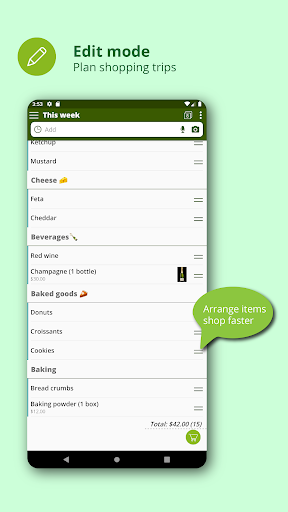
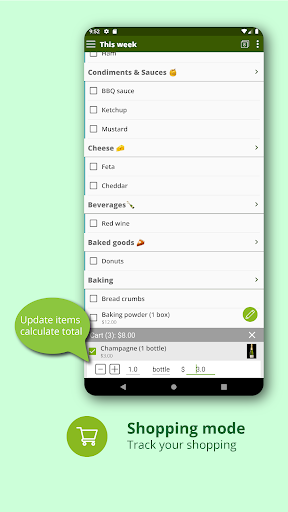
- A excellent shopping list with Editing and Shopping modes separated: The handy edit mode to plan your shopping strips. The shopping mode is optimized for shopping situations in the stores.
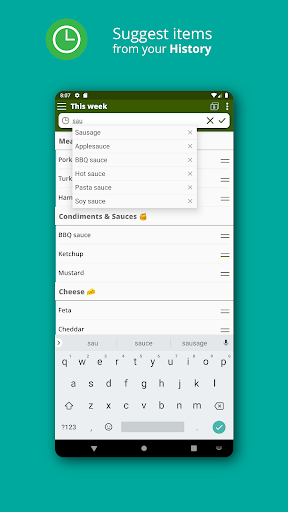
- History list: Remembers entered items for repeat purchase,
- Text import: Quick add items from text of a list,
- Drag & Drop: Reorder and change item's categories by drag & drop,
- Swiping: Swipe item to the left for deleting or the right for snoozing,
- Quick set quantity: Set needed quantity of item directly in the list view,
- Categories: To group items by categories, arrange items by shop aisles,
- Screen turned-on: Keep screen turned on while shopping,
- Multi-lists view: Mix some selected lists to view at one time,
- Color lists: To mark items by list's color in multi-list view,
- Share: Share list with other apps,
- Get shared: Import shared lists from other apps,
- Backup data: Backup data within your phone storage, keep your data safe,
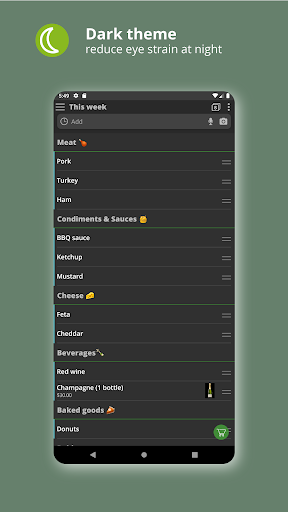
- Dark theme: Reduce eye strain at night,
- Sorting: Sort list items alphabetically or by group,
- Coupon: Never forget coupons & promo codes,
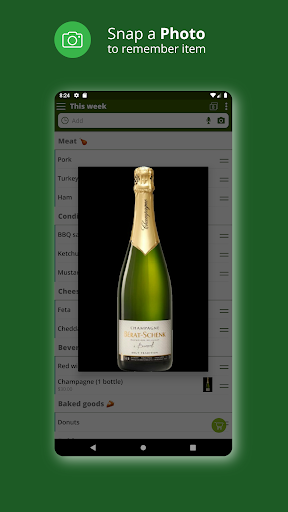
- Photo: Remember product to buy with picture,
- Widget: Quickly view shopping lists on home screen of your phone.
- Cloud sync: Synchronize your data for use across multiple devices.
- Barcode scanner: Quickly save your card code and ready for scanning in stores.
We cannot explain all the beautiful features of BigBag by words, please download and experience BigBag for yourself.
*****
You can downloading Pro version or try BigBag free without ads at: https://play.google.com/store/apps/details?id=com.best.grocery.list








9Apps 4.9