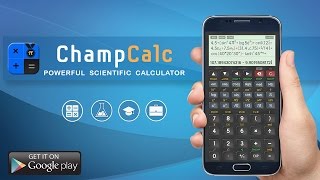

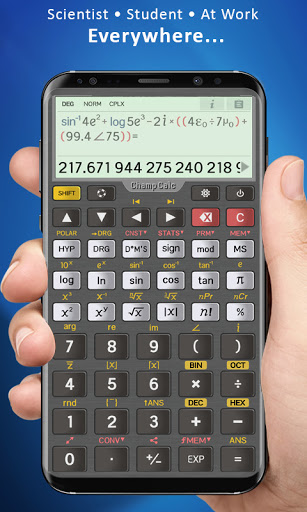

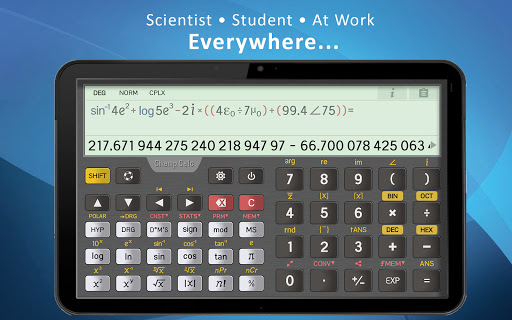

ChampCalc Pro © Scientific Calculator is a powerful scientific calculator that supports
large numbers and extreme precision
of more than 100 digits.
The calculator detects and shows repeating decimal numbers (periodic numbers) on the display and interfaces, and allows to edit them inside the expression.
The calculator fully supports
complex numbers
in a rectangular and polar form. Complex numbers can be used freely inside the expression, and they fully supported by functions.
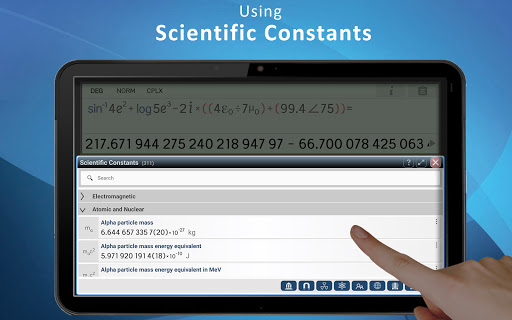
The calculator provides a wide variety of domains such as mathematics, trigonometry, logarithms, statistics, percentage calculations, base-n operations, scientific constants, unit conversions, and more.
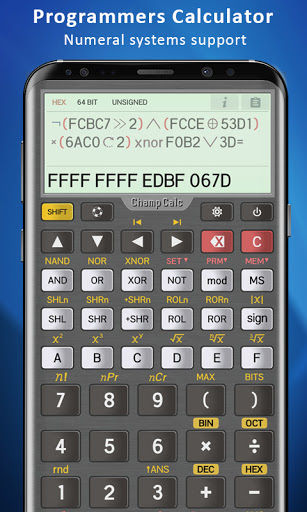
An advanced programmer's calculator is integrated and supports binary, octal, and hexadecimal numeral systems. The calculator provides extra functionality such as logical operations, bitwise shifts, and rotations.
Editing the expression in a convenient and clearly way by
multi-line expression editor
, and customizable
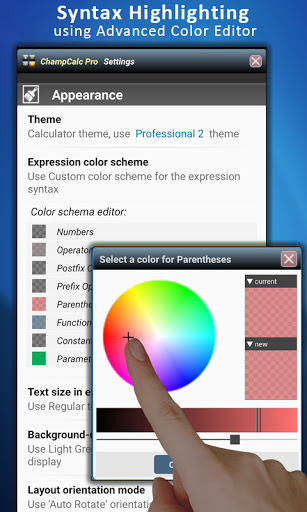
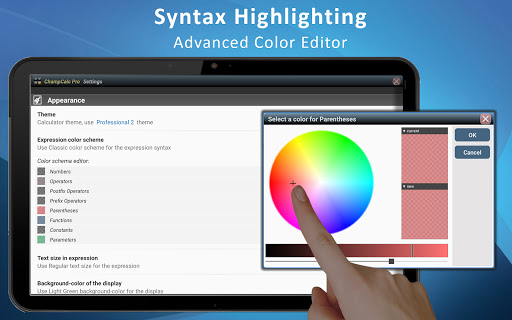
syntax highlighting
.
Using the calculator is simple and convenient, thanks to the friendly and intuitive user interfaces.
And not less important, professional and aesthetic look, high-quality themes, customize syntax colors, and much more.
Features:
• Multi-line expression editor with syntax highlighting
• Supports large numbers and extreme precision
• Supports up to 100 decimal digits of significand
• Fully supports Complex Numbers and Polar view
• Math, Trig, Logarithmic, Statistics and more
• Trigonometric and hyperbolic functions
• Binary, octal and hexadecimal numeral systems
• Logical operations, Bitwise shifts, and rotations
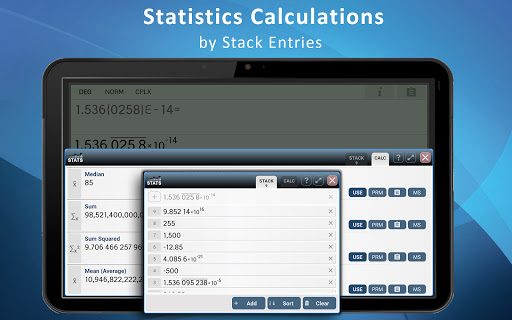
• Statistics calculations by stack entries
• Percentages calculations
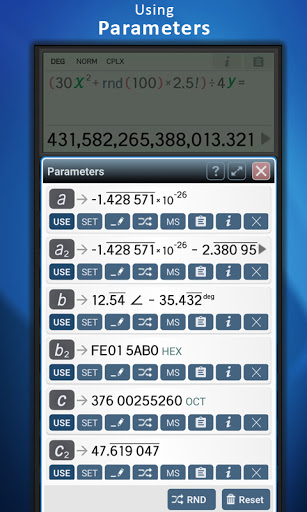
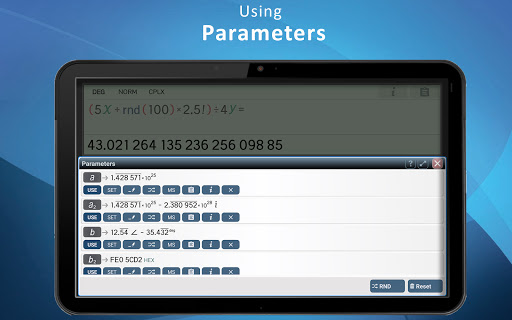
• Using parameters inside the expression (PRO)
• Providing extended information about the result
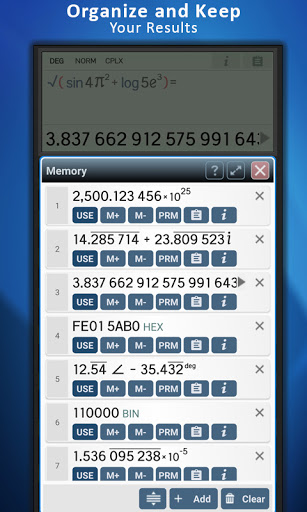
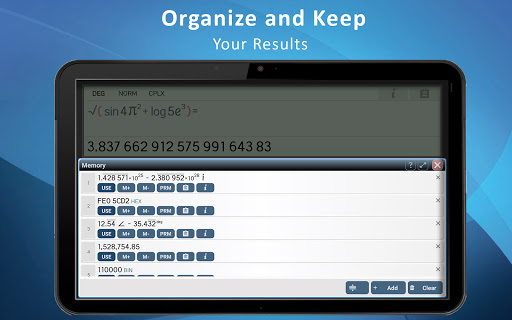
• Interactive interface for storing and using values
• Statistical calculator with stack entries
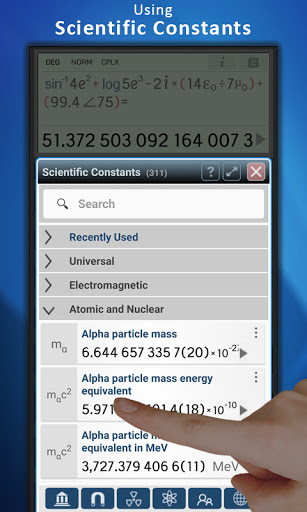
• More than 300 scientific constants (CODATA)
• More than 760 conversion units
• Sharing and clipboard operations
• Quick navigation in history of expressions
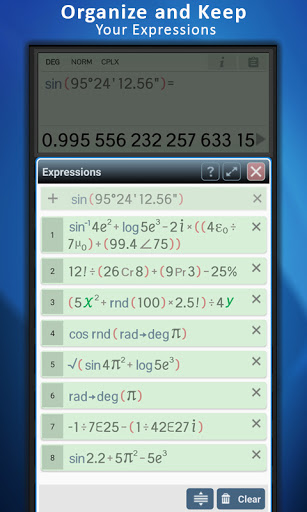
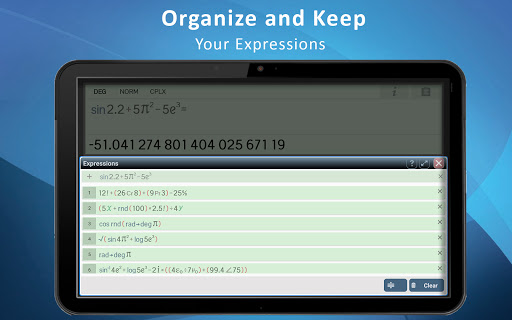
• Interactive interfaces for memory and expressions
• Angular mode: degrees, radians, and grads
• Conversions functions for angular mode
• DMS supports (degrees, minutes, and seconds)
• Configurable number format and precision
• Fixed, scientific, and engineering mode
• Detects, show and edits repeating decimal numbers
• High-quality themes
• Customize syntax highlight of the expression
• Integrated user manual
PRO version features:
★ Organizing and saving expressions
★ Advanced user interface of Parameters
★ Advanced color editor for syntax highlight
★ Customize text size of expression
★ Trigonometric functions with complex arguments
★ Support for this project ☺
Download the powerful and advanced scientific calculator app now!
Version 6.12:
- Support of Indian style of digit grouping [under settings -> formatting]
- Updating the welcome screen
Recently:
- Conversions update: Adding force units
- Dark mode supported in interfaces (Android 10 and higher)
- Improvements in interfaces appearance








9Apps 4.9