
Pro version of bedr radio, 100% adfree!
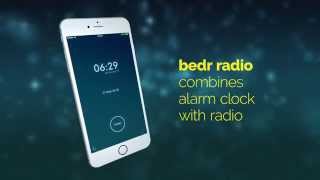
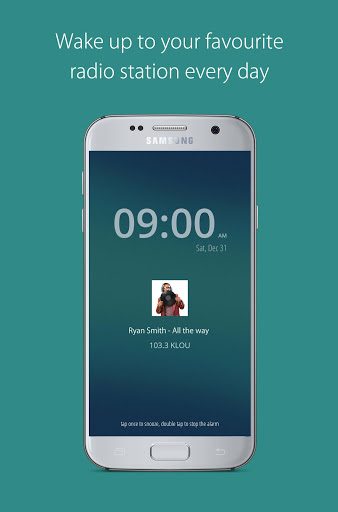
Wake up to your favorite radio station, whether NPR or sports radio, local or international, from news to classic, pop, rock, or hit songs. With over 8,000 radio stations, the free bedr clock radio app offers every station you could want. The alarm clock contains every imaginable feature, including: snooze, gentle wake-up, night clock, and a display of the song currently playing. But most importantly: this alarm clock is absolutely
fail-safe
!
Download the
free bedr clock radio app
now!
bedr alarm clock radio Features:
- 100% reliable due to integrated backup sound
- simple, intuitive operation
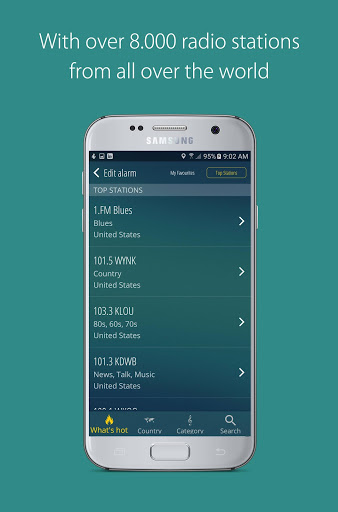
- over 8,000 radio stations from around the world
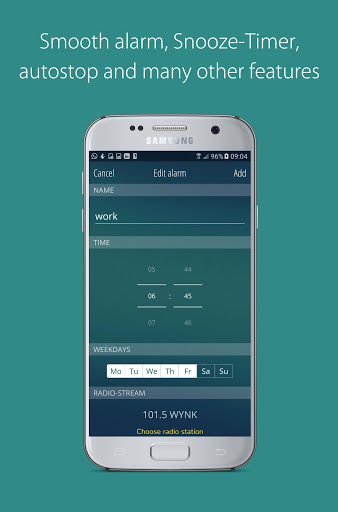
- gentle alarm
- snooze function
- easily turn off the alarm by double tapping the screen
- displays the song currently playing
- automatic shut-off
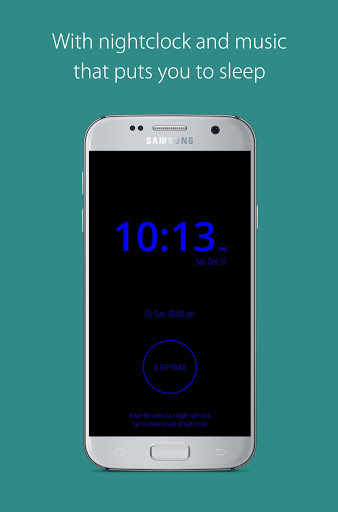
- integrated evening clock
- accompanying music for sleep (sleep timer)
- and much more!
bedr clock radio is the most reliable alarm clock in the Play Store. With this successor to the most popular clock radio app "Alarm Clock Radio free" (more than 1.5 million downloads, an average rating of 4 stars), you'll never sleep poorly again:
Simply tap the screen to turn off or snooze the alarm.
Set the "soft wake" option and in the morning you'll be gently awakened from sleep.
- turn on the night clock and pick a radio station to play you to sleep .
Adjust the alarm clock to your needs and find out just how beautiful the morning can be. Download the bedr Clock Radio NOW!
Info about permissions:
We assure you that all permissions are only intended to ensure the functionality of the bedio Clock Radio app. Below you can see what we need these permissions for.
- Pictures/Media/files
This permission allows you to select music files as backup music. These will be played when the radio stream cannot be played.
- View Wi-Fi connection information, network connections & complete network access
These permissions are required to optimize the radio stream playback. Additionally, when the internet connection is poor, an emergency notification is played, which in any case will wake you up.
Device ID & Call Information
This authorization is needed, so we can control the alarm/music during a telephone call. To pause it.
- Change audio settings
This authorization is required for the "soft wake" feature.
- Auto-run
This ensures that the alarm will work properly even after your device restarts.
- Vibration control
This permission is needed for the optional activation of vibration for the alarm clock.
-Sleepmode deactivation
This permission is needed so that the alarm mode can function properly.
Credits:
Image "Man with headphones covering his mouth with a vinyl record": Designed by Asier_relampagoestudio - Freepik.com
Fixed crashes








9Apps 4.9