
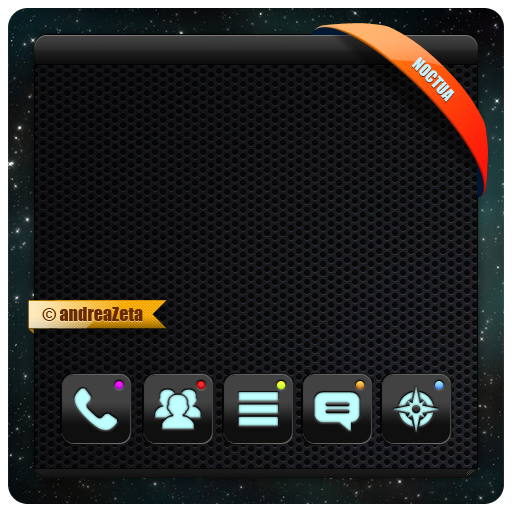

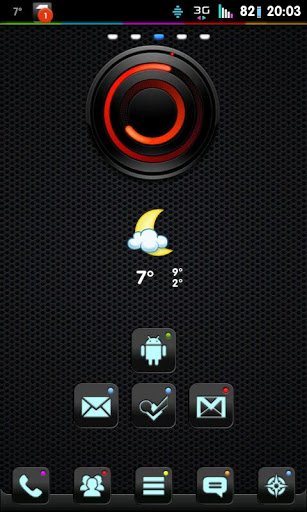
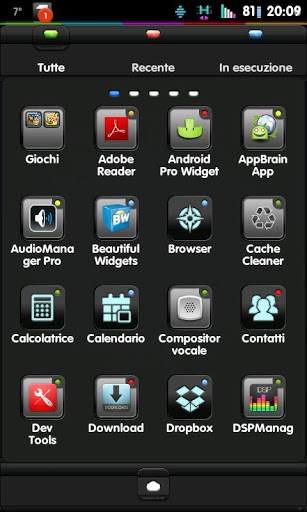
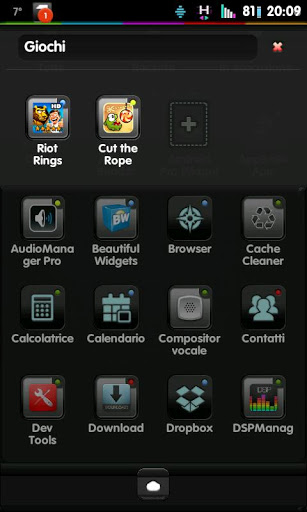
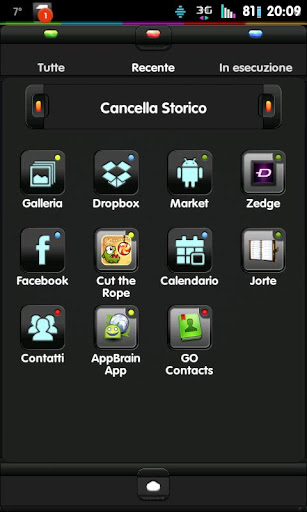
All new icons, wallpapers, folders interface and app drawer for your Android.
This app only works with GO Launcher EX, install GO Launcher EX free from the market first.
How to use the Theme:
1.Do not open directly after installation.
2.In GO Launcher EX: MENU > THEME.
3.Choose and apply the theme.
Note:
Some devices may not change the icons automatically.
1.Tab and hold an app in desk screens.(Not available in app list.)
2.Replace > Choose the theme's icons.
Widgets on screenshots: MIUI Spiral RED Analog Clock, Beautiful Widgets
-- Version 1.2 --
[new] Improved appdrawer horizontal layout
[add] Skinned menu to match the whole theme
[add] Added some more icons





9Apps 4.9













