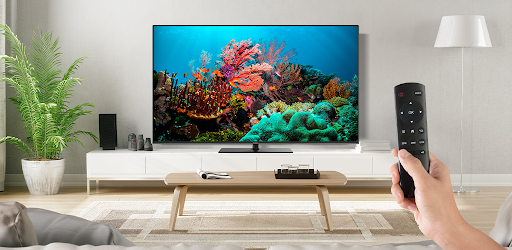
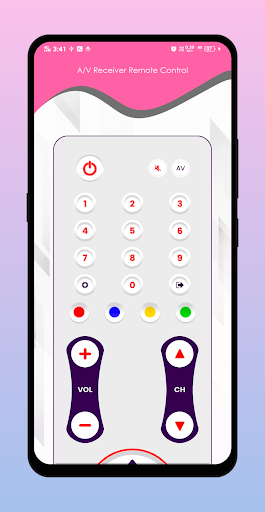
Start Using your Android Phone as a A/V Receiver Remotes.
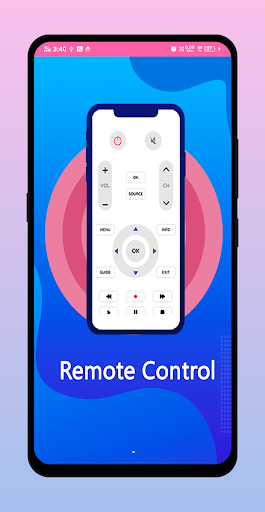
A/V Receiver Remote Control - AVR Remote contains the following Remotes and much more.
> Aiwa AVR Remote Control
> Arcam AVR Remote Control
> Bose AVR Remote Control
HOW IT WORKS??
- Install OurA/V Receiver Remote Control - AVR Remote App from Play store.
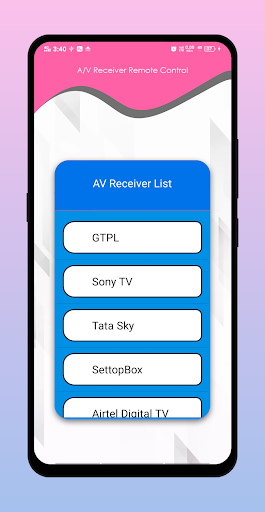
- Select your brand of AVR Remote in the list, search your device brand.
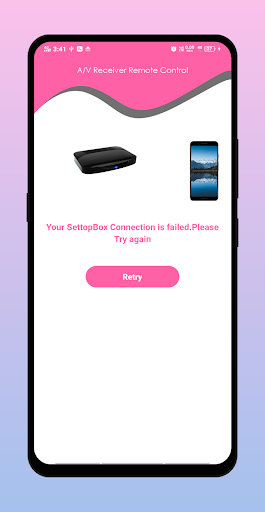
- Wait until your connection is successful.
- Then check Your Device is IR Infrated or not??
- And Enjoy your AVR Remote
Disclaimer
-----------------
This A/V Receiver Remote Control - AVR Remote has no relation to any brand entity, we have just developed this App for users convenience to provide multiple AVR devices in one package.
So, download “A/V Receiver Remote Control - AVR Remote” app and give us your best opinions.


9Apps 4.9