
Auto Speak Translator Features & Flow
Step#1
Download the Auto Speak Translator app from the play store and allow all the permissions required by the voice translator.
Step#2
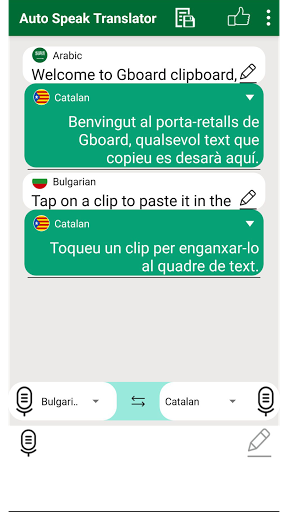
Open the app and tap on the mike to speak & translate.
Step#3
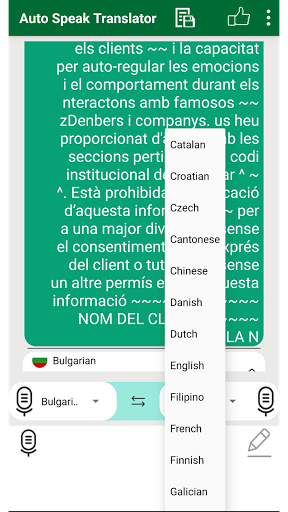
Choose the language you want to translate the text from the Auto Speak Translator.
Step#4
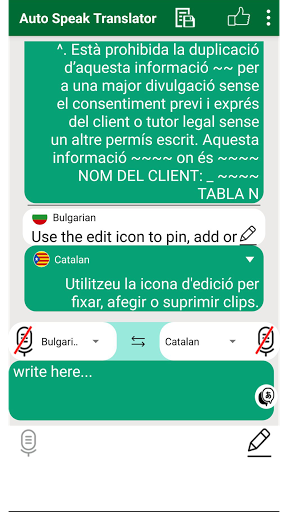
For saving, listening and sharing speech to text translation, tap on the drop button from the translated text from the Auto Speak Translator
Step#5
View saved speech to text voice translations from the “Saved” button on the upper bar of the Auto Speak Translator app.





9Apps 4.9













