
You also can prevent the other application from changing screen orientation.
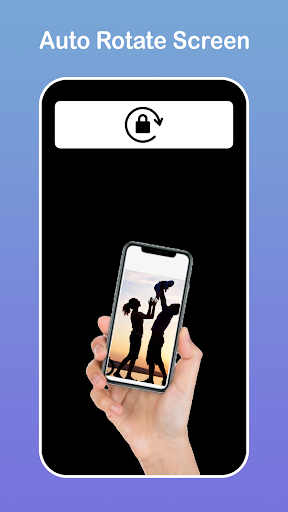
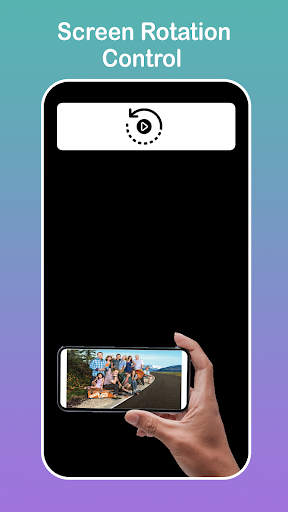
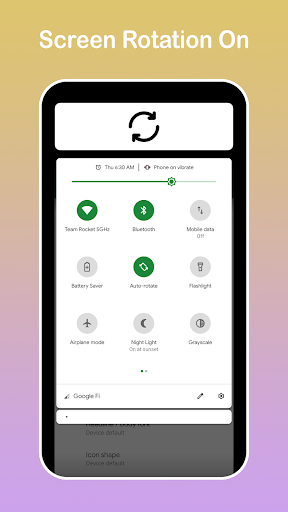
The following rotation modes are available.
- Guard: this application prevents the other application from changing screen orientation.
- Auto Rotation: screen orientation is determined by a physical orientation sensor.
- Portrait: the screen is in a portrait orientation.
- Portrait (Reverse): the screen is in a portrait orientation; the opposite direction from normal portrait.
- Portrait (Sensor): the screen is in a portrait orientation, but the sensor is used to change direction.
- Landscape: the screen is in a landscape orientation.
- Landscape (Reverse): the screen is in a landscape orientation; the opposite direction from normal landscape.
- Landscape (Sensor): the screen is in a landscape orientation, but the sensor is used to change direction.






9Apps 4.9












