

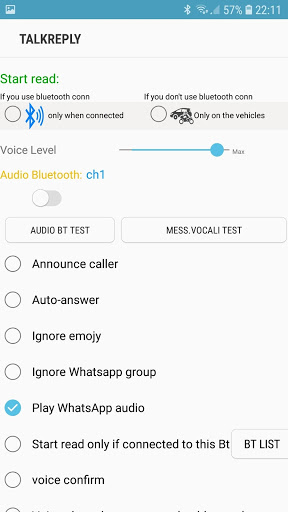
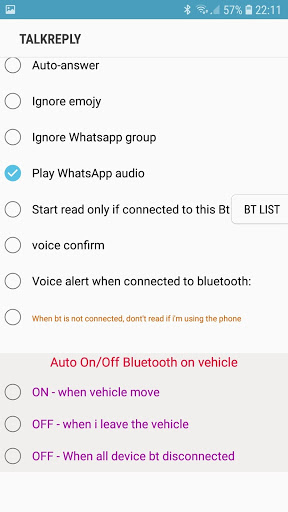
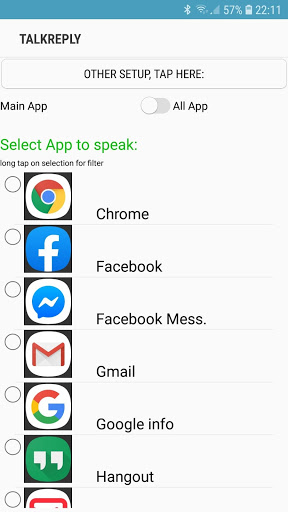
Simple and intuitive to use, allows you to listen to incoming notifications
and answer comfortably with your own voice.
HOW DOES IT WORK?
When a message arrives, it is read verbally
(Select the appropriate box the app asks you to say 'READ' to read the contents of the message)
at the end of the reading a BEEP, is issued
at that point it is possible to send an answer in the following ways:
- SAY 'REPLY' FOLLOWED NOW BY YOUR TEXT
Example: "REPLY I am coming"
sending takes place immediately, without re-reading or confirmation request.
- SAY 'REPLY'
will be asked to dictate the text that I am going to re-read,
therefore, you will be asked to say 'SEND'
you can also pronounce other commands:
-CALL
- CALL WITH WAPP
-REPEAT
-Widget with visual status report
- Self-activation when in a vehicle
- Automatic bluetooth audio connection
- Smart Reading Mode
-Vocal msg audio playback
-Auto-answer the incoming call
Essential when driving any vehicle
Android 10 Fix





9Apps 4.9













