

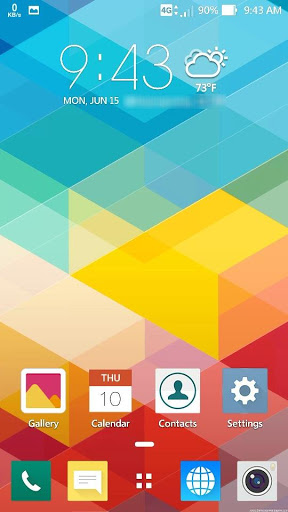
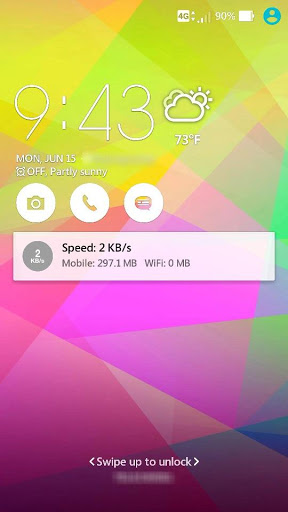
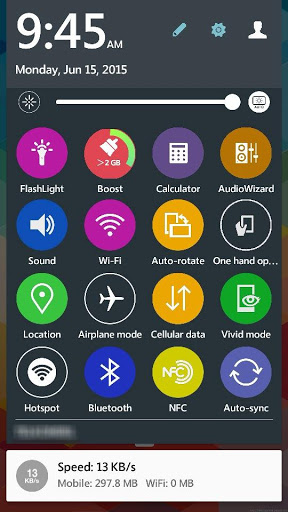
Supported devices: Zenfone 2, ZE500CL, Zenfone 5 LTE, Zenfone 2 Laser, Zenfone Selfie, Zenfone 2 Deluxe
Another Zenfone (Only change wallpaper icons)
How to apply:
1. Install ZenColorful.
2. Launch Themes > My themes.
3. Select and apply this theme.
Theme applies to:
-- HomeScreen
-- LockScreen
-- Quicksettings (Only supported device above)







9Apps 4.9













