Recording & Editing Course For Cubase 10 icon

Recording & Editing Course For Cubase 10

7.1 for Android
3.0 | 5,000+ Installs | Reviews

AskVideo.com

$6.99

Description of Recording & Editing Course For Cubase 10

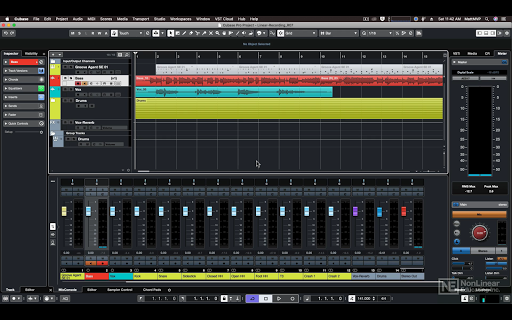
Recording and editing audio doesn’t have to be a difficult task. In fact, after learning the right skills, recording audio with Cubase can be a lot of fun! Thankfully, Cubase specialist Matt Hepworth is here to teach you everything you need to know about working with audio in Cubase 10…
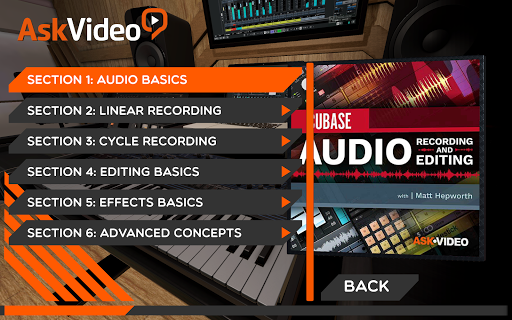
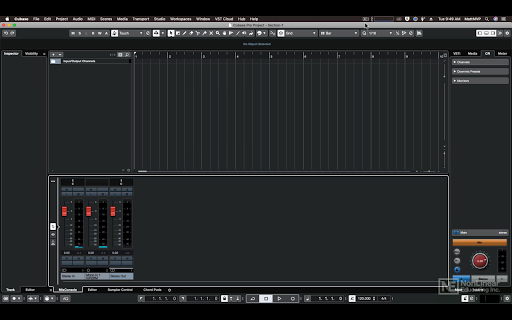
First, Matthew explains how to set up your projects for recording. You learn to set your input levels on your audio interface, how software and hardware monitoring works, and how to configure your project settings for recording. Then, you discover the different recording modes and options available in Cubase, including cycle recording, comping lanes, and punching. Once your audio is recorded, it’s time to get that perfect take using Cubase’s arsenal of editing tools. Matthew also explores audio effects, inserts, sends, as well as more advanced features like folder tracks and grouping... and more!
If you want to learn about recording and editing audio in Cubase 10, your search is over... this is the course you NEED.
CUBASE 10 103
Audio Recording and Editing
Genre: Audio
27 Videos
2h 1m

Information

  • Category:
    Music & Audio
  • Latest Version:
    7.1
  • Updated:
    2021-02-03
  • Requirements:
    Android 0 or later
  • Developer:
    AskVideo.com
  • ID:
    com.askvideo.cubase10103
  • Available on:
Reviews
  • avatar
    Piece of junk, bought it, installed and and nothing works!
    2020-10-18 09:21
  • avatar
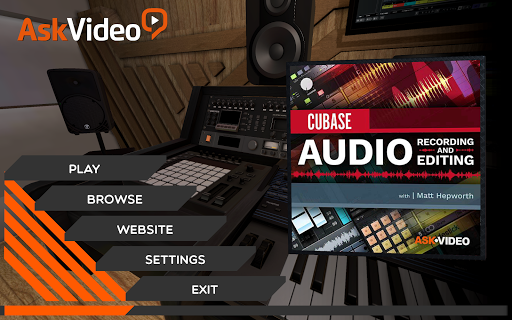
    I recently purchased your Cubase 10 Audio Recording & Editing application from the Google Play store. This is not my first purchase using this product as a phone app as I've purchased several other Cubase tutorials in the past and found them to be quite helpful. However, in this instance, I was unable to browse using the app (with the application stating a single option "Back", which when pressed does nothing). The "WebSite" and "Setting" options work, however, but the "Play" option just highlights the selection and the "Browse" option displays "Back" which cannot be removed from my screen. I tried rebootiong my phones, ensured the application had access to additional storage on each device, but this application still did not function properly. I've tried running the application on both a Galaxy 9 and a Galaxy 10, both with the same results. On 1/31/20, I emailed the company asking for support of this purchased product. Currently awaiting response. So far, not a purchase I will make again in the future with this company.
    2020-01-31 07:47
  • avatar
    I have bad experience of this app, it does not work, it just freezes the application.
    2019-07-07 03:00