
Photo Moto is a small but excellent and powerful photo editing application which is easy to use. This app provides several features such as:
Applying filters on image
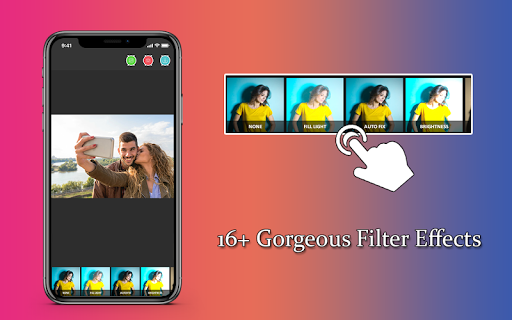
20 filters are available which can be easily applied on the images.
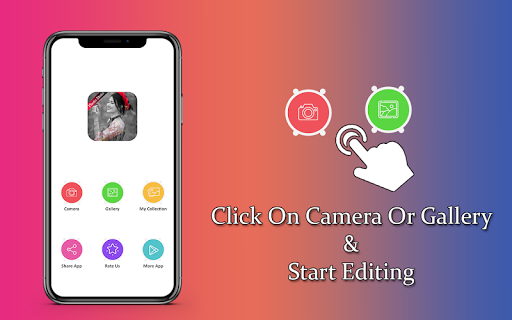
Images can either be captured using the camera icon present in the app or selected from gallery
Text on images
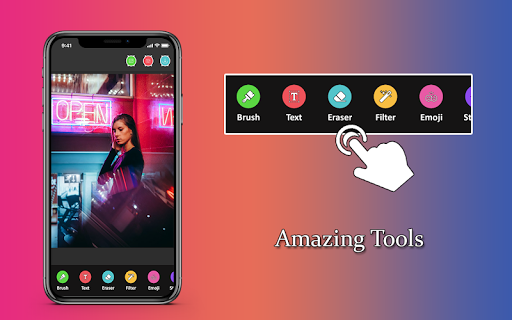
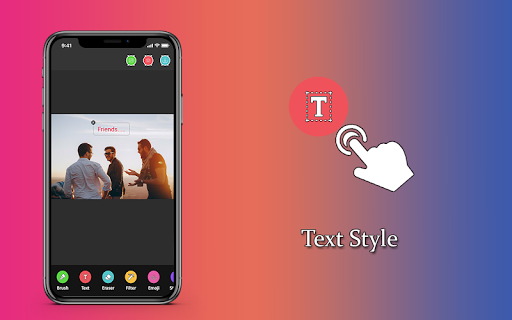
Text can be added to your images with an option to change the color, font, opacity and more
Emojis and Photo Stickers
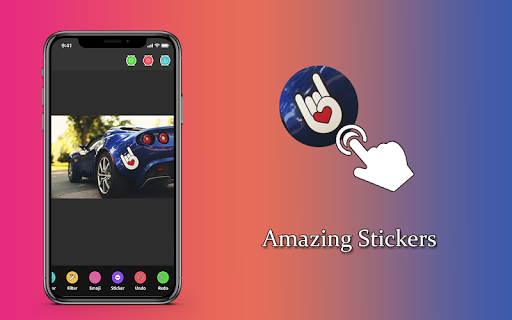
Lot of Emojis and Photo Stickers are available which can be easily added to the image
Brush
Easily use brush options to draw on your images. Color, thickness, opacity can be selected
My Collection
Select My Collection to view all the editing and downloaded photos
Undo and Redo
All changes can be reverted or redone
Several additional features available in the app.
How to use?
1) Select any image from your gallery by clicking on the 'Gallery' icon or by capturing a photo using the 'Camera' icon.
2) Click on 'Filter' and apply any filter of you choice
3) You can also insert text to the image by clicking on 'Text' icon. Expand, drag or rotate the text as you wish with two fingers.
4) Add Emoji's or Sticker's to the image by clicking on the respective icons
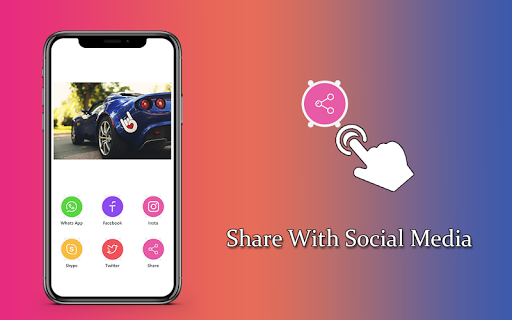
5) Once editing is completed, Click on the 'Download' icon at the top
6) Navigate to 'My Collection' by clicking on the icon and check out all the edited and modified images anytime.

9Apps 4.9

![Moto [Slowed+Reverb] Diler Kharkiya screenshot 2](https://i.ytimg.com/vi/vqY0YJS0ins/mqdefault.jpg)














