Morse Code Keyboard icon

Morse Code Keyboard

1.5 for Android
3.8 | 10,000+ Installs | Reviews

Shamoil Arsiwala

Description of Morse Code Keyboard

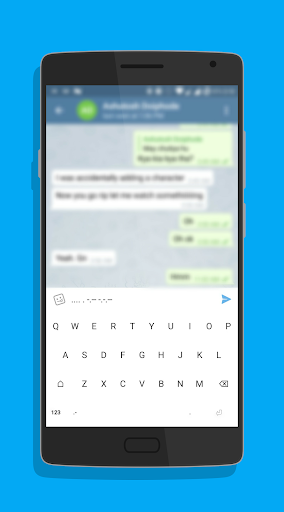
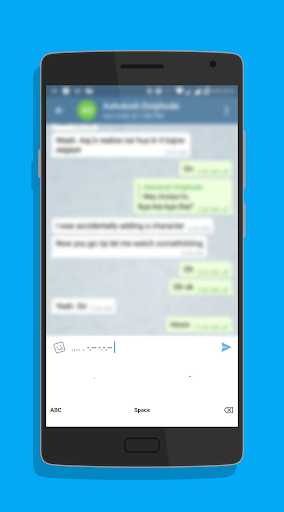
This application features a keyboard in which keys are A, B, C and so on but when you click on them, the Morse code corresponding to that letter will appear! So now no need to convert the text and then send it!
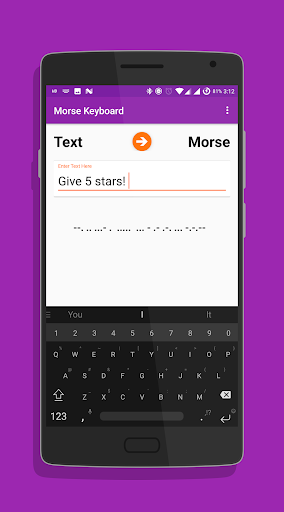
It also has a page where you can input the whole sentence/word and get the Morse code to that text!
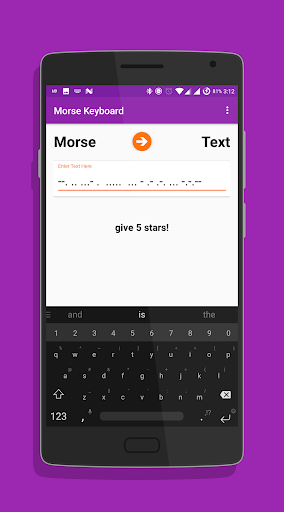
And you can input the Morse code and get the output based on that in text form!!
Some features of the app are:
➡️Text Keyboard giving output in Morse code.
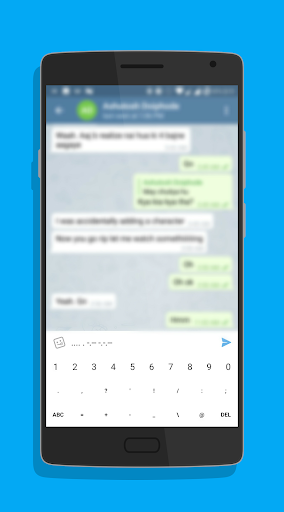
➡️Number and Special Symbol Support in the Keyboard.
➡️A simple dot (.) and dash (-) keyboard.
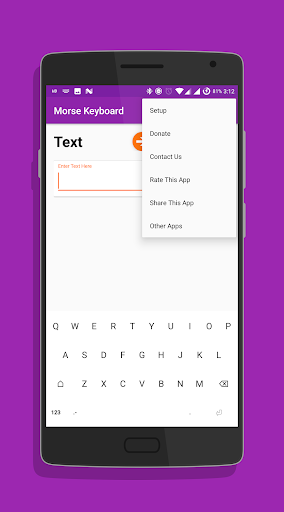
To get started, click on the Setup button in the 3 dot menu and follow the instructions.
If you have any suggestions/doubts, click on the Contact Us button in the 3 dot menu to send us a email regarding the suggestion /doubt.
Thank you!!
Tags : Morse code keyboard simple . - translation translator easy to use

What's New with Morse Code Keyboard 1.5

- Reduced Ad frequency

Information

  • Category:
    Tools
  • Latest Version:
    1.5
  • Updated:
    2017-04-20
  • File size:
    2.9MB
  • Requirements:
    Android 3.2 or later
  • Developer:
    Shamoil Arsiwala
  • ID:
    com.arsiwala.shamoil.morsekeyboard
  • Available on:
Reviews
  • avatar
    Nice
    2020-09-15 05:17
  • avatar
    I love this one
    2020-08-29 03:35
  • avatar
    This is a good app for encrypting message and sending important messages to companions!
    2020-06-27 03:16
  • avatar
    I doesn't give an option to go back to gboard, or any other keyboard of choice, after getting enabled. I need to manually open this app again, and change to gboard in the "Setup". That's painful to do, each time I want to swap.
    2020-04-28 05:35
  • avatar
    .-- --- .-. ... - .- .--. .--. . ...- . .-.
    2019-11-02 04:40
  • avatar
    .- .-- . ... --- --
    2019-10-24 09:59