Clip Copy - PC to mobile icon

Clip Copy - PC to mobile

1.5 for Android
4.2 | 5,000+ Installs | Reviews

Urmil Parikh

Description of Clip Copy - PC to mobile

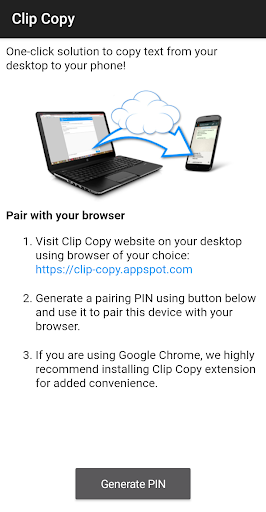
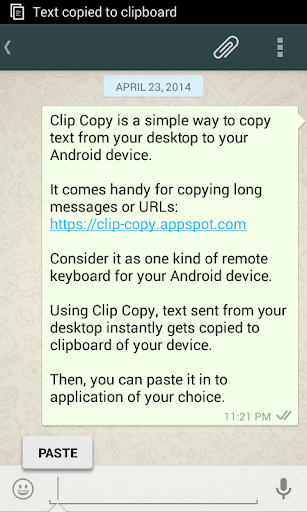
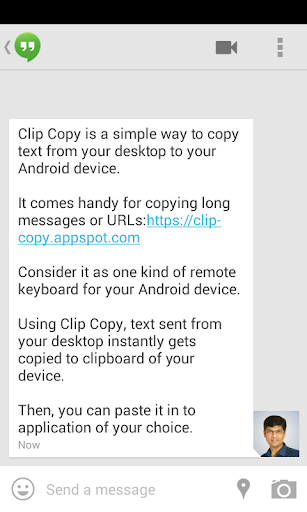
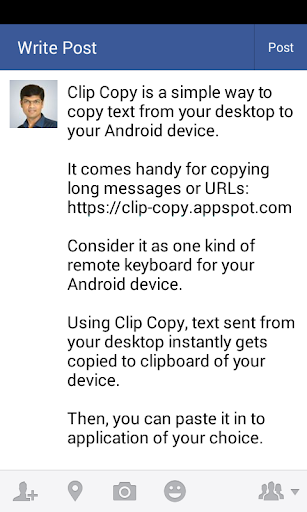
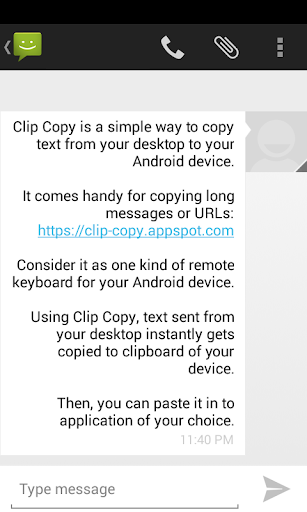
Clip Copy is a simple way to send text from your desktop to your Android device. It comes handy for sharing long messages or URLs. Consider it as one kind of remote keyboard for your Android device.
Now, with browser plugin available, it is just a single click operation!
https://chrome.google.com/webstore/detail/clip-copy/nhabmnkcikbafdgidlmjkflpiemhnbch
Text sent using Clip Copy instantly gets copied to clipboard of your device. Then, you can paste it in to application of your choice to use it further.
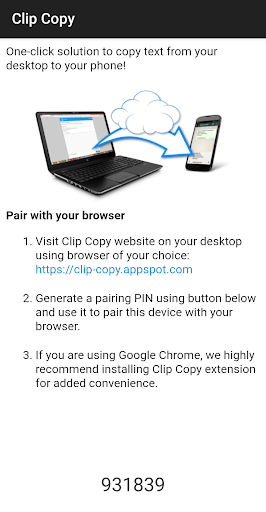
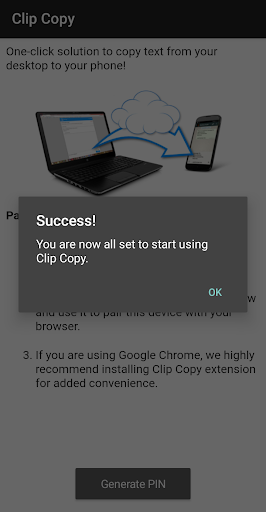
To get started, visit https://clip-copy.appspot.com from your desktop and follow easy to understand instructions.
Don't forget to share it with your friends and family!

What's New with Clip Copy - PC to mobile 1.5

Fresh UI, compatible with latest Android versions.

Information

  • Category:
    Productivity
  • Latest Version:
    1.5
  • Updated:
    2020-01-25
  • File size:
    1.8MB
  • Requirements:
    Android 2.3 or later
  • Developer:
    Urmil Parikh
  • ID:
    com.appspot.clipcopy
  • Available on:
Reviews
  • avatar
    While copying from pc & pasting on phone, it works fine. But while copying from phone, pasting to PC, it doesn’t work. Note that I use Redmi Note 7 based on Android 10.
    2020-09-13 09:28
  • avatar
    Updated 2020 😊. It works perfect now. Thanks. P.S. The Website is not secured though.
    2020-01-25 03:59
  • avatar
    Just need one time code after that I can copy any content and transfer to mobile instantly
    2018-09-16 09:49
  • avatar
    It is nice But sometimes it doesn't generate pins even after trying for too many times Fix that and it will be 5 star
    2018-02-01 02:13
  • avatar
    Wonderful
    2017-01-27 06:34
  • avatar
    Thanks fr bringing out such a nice app.
    2016-01-31 02:45