
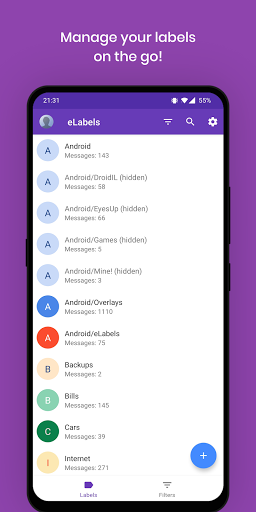
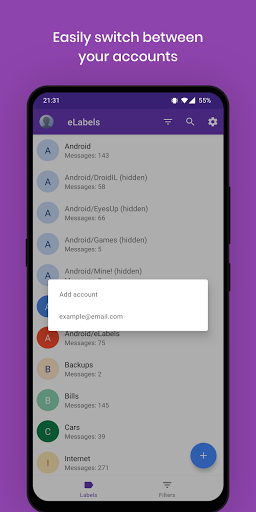
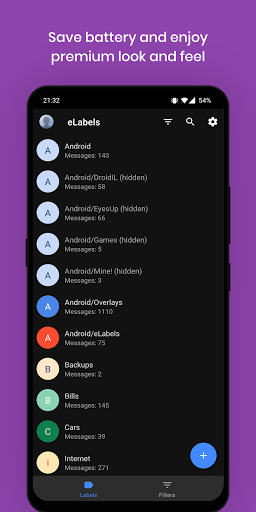
eLabels is a companion application that allows you to manage your email* labels on the go!
* Only Gmail email accounts are supported
- Create labels (folders) to organize your emails, keep your Inbox clean and never miss an important email.
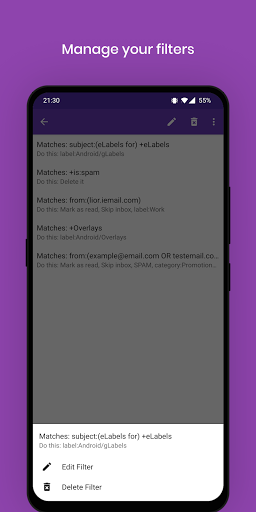
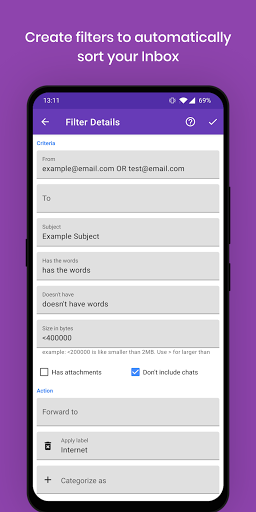
- Create filters (rules) to automatically sort your emails in labels.
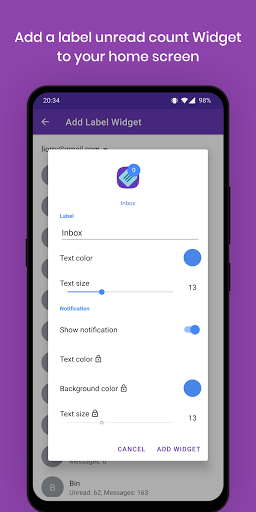
- Add unread badge widgets of your favourite labels to your home screen.
What you can do with eLabels
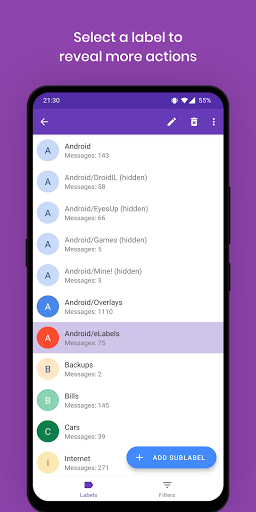
- Create, rename or delete a label.
- Add, edit or delete a filter (rule).
- Unread badge (count) widget per label
- Label overview: total messages, unread messages count.
- Tap a label to open it.
- Set label text and background color (Pro)
- Change label listing visibility.
- Quick access to your Inbox, Drafts and Starred folders (Pro)
Privacy
- eLabels has successfully passed Google's verification process. Your data will remain private on your device.
- Required permissions will be used only to read labels & filters data. Your emails or any other information will not be read or saved.
How to create labels on desktop: https://support.google.com/mail/answer/118708?type=gmail
How to create filters on desktop:
https://support.google.com/mail/answer/6579?hl=en?type=gmail
The latest version fixes 2 similar issues for Android 10 (Q) and above:
- Fixed not being able to go back to eLabels from Gmail after opening a label.
- Fixed eLabels widget not opening the label when Gmail app is already running.






9Apps 4.9
















