
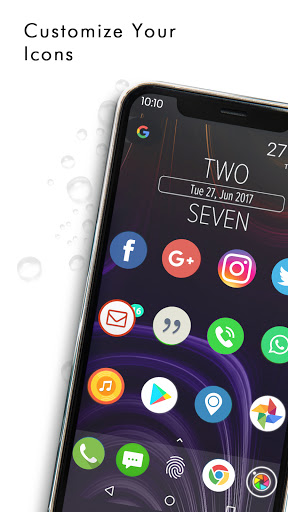
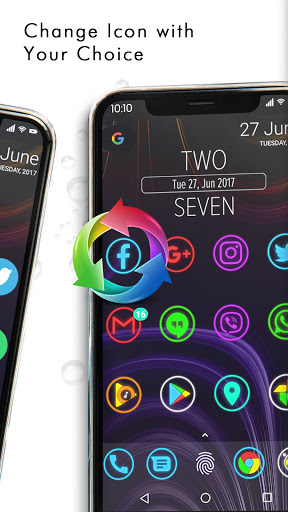
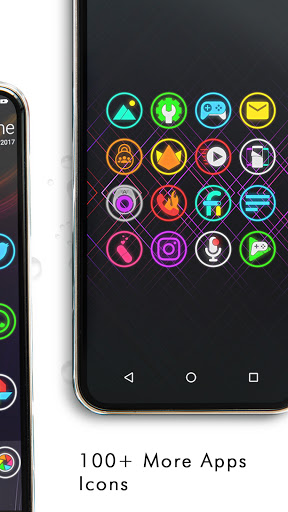
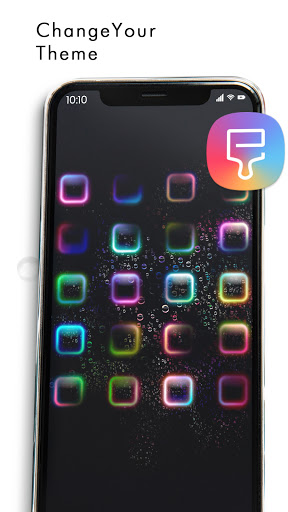

Icon Changer application simply provide feature to set app icon image as per you want.
User set app icon as per interest.User also able to change Application name.For exa: Whatsapp replaced with My Chat.
So on device screen displays My Chat instead of Whatsapp.
Icon Changer Editor is awesome application to customize and change any application icon and application name. You can set your own photos with replace to application original icon. Our app will create shortcut of your selected application on your home screen. Simplest way to decorate your app icon and your android phone.
How To Use App
1. Open Icon Changer Editor application.
2. Choose an app to change the icon.
3. Select a new icon from IconPacks or new image from Camera or Gallery. Select any shape from given list as per your choice.
4. Set colorful background with different radius.
5. Edit a new name for the app.Please note that app name must not be blank.
6. Go to home screen of device to see the newly generated shortcut icon.
Thanks for your interest.


9Apps 4.9



![How To Change Software Icons In Windows 10 [2020] screenshot 4](https://i.ytimg.com/vi/TTOo8AP_XmQ/mqdefault.jpg)














