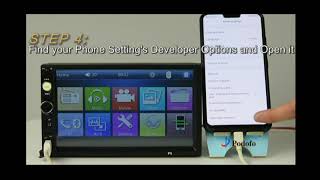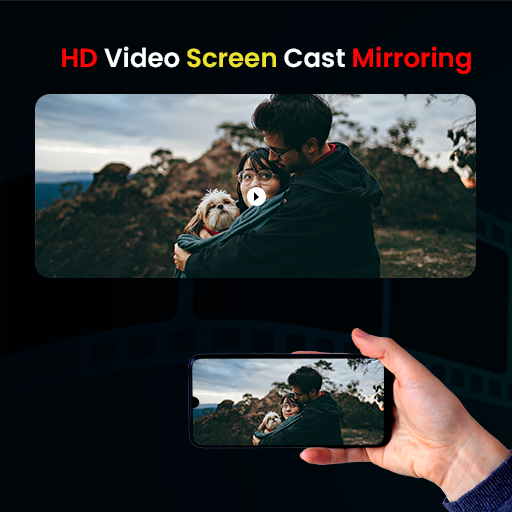
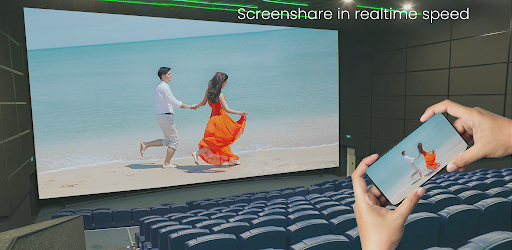
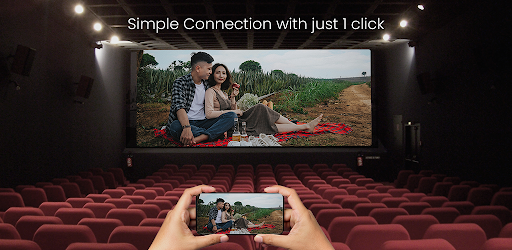
HD Video Screen Cast Mirroring For All TV for Android to smart TV screen mirroring assistant for screencasting and playing video on the large screen.
You will need to open the connection for Mirror Cast App on both your smartphone/tablet and your TV in order for the connection to work successfully.
Make sure the TV connected to wifi is compatible with your phone.
How to Use Screen Mirroring:
1. Make sure your phone/tablet and smart TV are connected to the same Wi-Fi network.
2. Enable “Wireless display” on your phone.
3. Enable “Miracast” on your smart TV.
4. Search and pair the device.
Performance Improvement


9Apps 4.9