

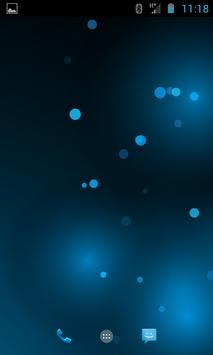
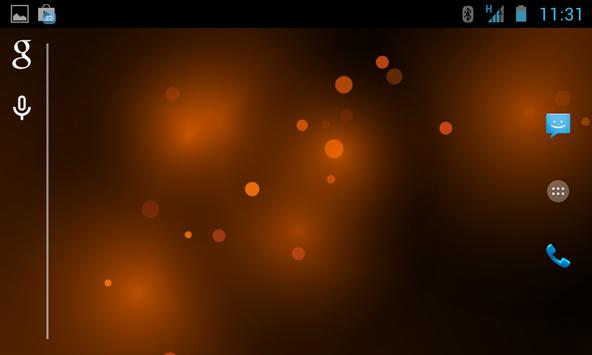
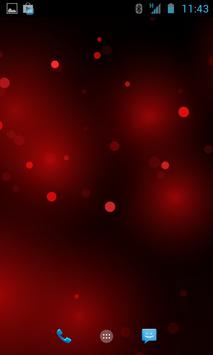
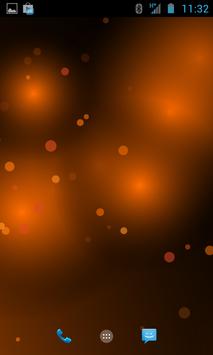
This is my
reply for android default "bubbles" wallpaper with change color option.
Very simple and elegant, will not consume CPU and battery
Bubbles live wallpaper set instruction:
1. On any homescreen, place a finger on the display and long press.
2. From the menu that pops up, select “Wallpapers.”
3. From here, select “Live Wallpapers.”
4. Here you will see a list of the live wallpapers that are installed on your device.
5. Select "Bubbles wallpaper"
6. Tap “Set Wallpaper.”
Please rate the app
Google security update





9Apps 4.9












