

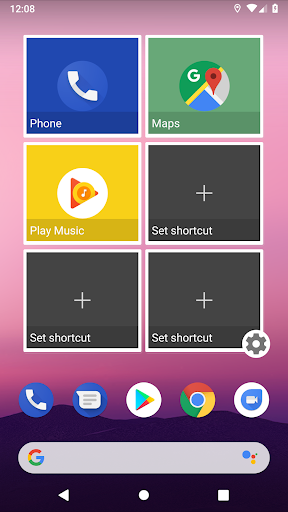
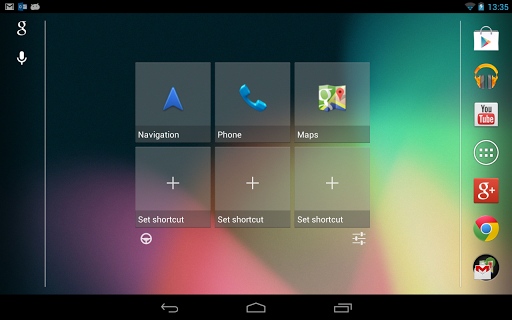
"Car Widget Pro" makes easier and quicker access to phone features when you're in the car.
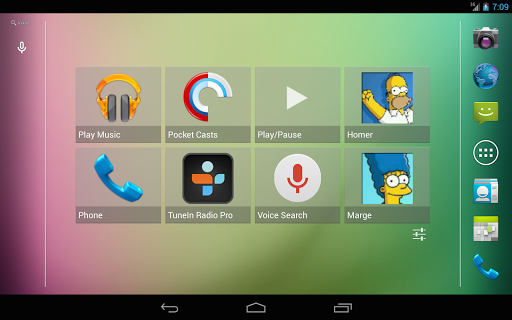
With the widget you can assign one or more screens on your home launcher to be dedicated for usage inside the car.
Unlike Car Home applications, you still will have access to all other screens of your home launcher.
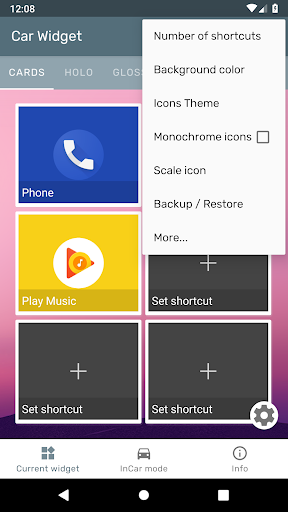
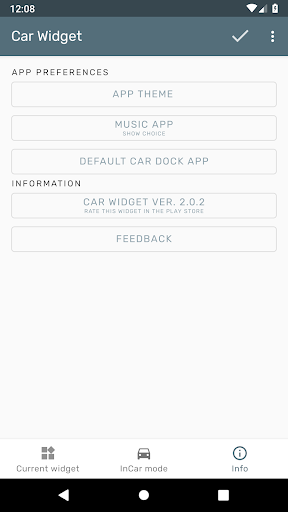
To access widget settings use application shortcut.
HOW TO USE/OPEN/ADD
On any home screen press "menu", then "add", select "widgets" and choose "Car Widget" from the list of available widgets.
You might need to restart the device in order to widget to appear in the list.
Main features:
* 4x4 widget
* 4,6 or 8 big shortcuts per widget
* 5 Skins
* Customization options: background color, opacity, font size and color, icons tint
* Replacement for "Car Dock" / "Car Home" applications.
* Custom icons and titles for shortcuts
* Icon packs
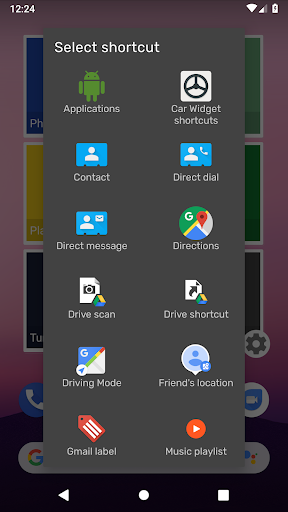
Available shortcuts (can be expanded by installed applications):
* Applications
* Bookmark
* Contact
* Direct dial/ message
* Directions & Navigation (Using Google Maps)
* Gmail label
* Music playlist
* Settings
* Built-In Shortcuts - (InCar switch, Play/Pause, Next, Previous - Experimental)
Car Widget Pro features:
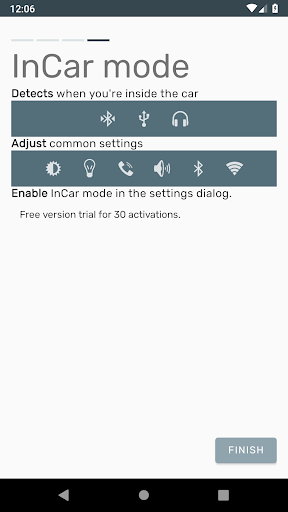
Automation for your car. Detects when you inside the car and adjusts settings of your phone.
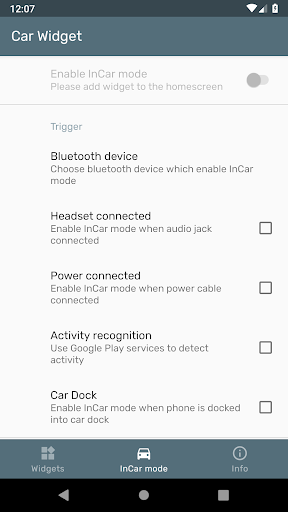
Trigger (possible to combine all of the options):
* Power cable connected
* Headphones connected
* Bluetooth device connected
* Activity recognition (Driving,Walking)
* Car Dock
Actions:
* Turn on Bluetooth
* Disable screen timeout
* Adjust screen brightness
* Adjust volume level of media
* Switch off Wi-Fi
* Route call to speaker
* Auto answer (Experimental)
* Autorun App
* Shortcuts in notification bar (Android 4.0)
Limitations:
- It's not possible to unlock the screen from widget
- It's not possible to switch to the specific screen from widget
- Not possible to switch GPS
Permissions:
CALL_PHONE (Directly call phone numbers)- used for direct call shortcut
WAKE_LOCK (Prevent phone from sleeping) - used to disable screen timeout
WRITE_SETTINGS (Modify system settings)- used to adjust brightness settings
ACCESS_WIFI_STATE and CHANGE_WIFI_STATE - connect and disconnect from Wi-Fi
BLUETOOTH and BLUETOOTH_ADMIN - required in order to switch Bluetooth state
(Modify or delete the contents of your USB storage) - Backup/Restore functionality
Tips:
* Landscape mode: Not all launchers allow to use phone in landscape mode, just replace yours with alternative one that supports it (like LauncherPro or ADW).
IMPORTANT
Please exercise caution when using this application and do not manipulate your device while driving. Always pay attention to the road.
Add scroll in About tab









9Apps 4.9














