

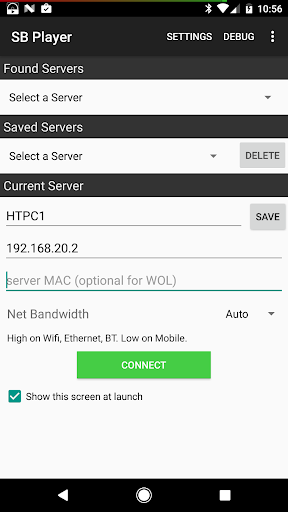
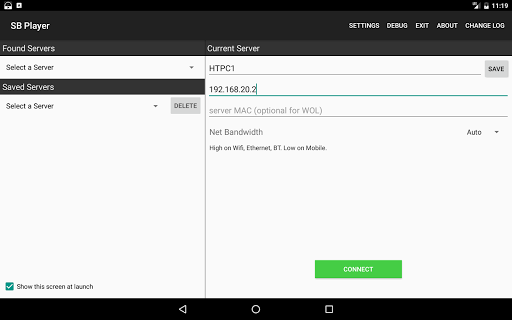
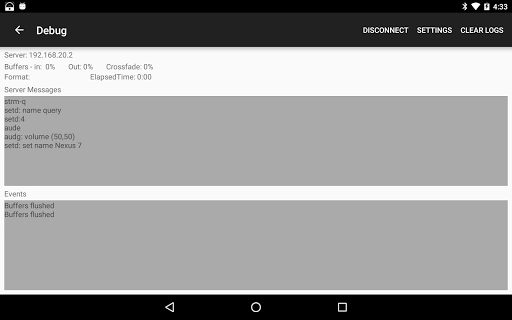
A software Squeezebox player for your Android device. If you've never heard of Squeezebox please do a Google search before purchasing. This app only has controls for connecting to servers, it does not have any playback controls.
To control playback you will need a use a Squeezebox remote app like Squeeze Ctrl, or use the web controls of your server.
Requirements:
Devices running Android 4.1 or higher.
Works best on Android 5.0
Features:
- Supports both local servers and MySqueezebox.com (you will need to have a MySqueezebox.com account)
- Automatically discovers local servers on your network.
- Supports playback of music files on your server and internet streams.
- Natively decodes Flac, MP3, AAC, Ogg, Alac, and PCM (AIF and Wav) audio.
- Natively supports playback of 24bit audio by converting to 16bit (with dithering).
- Continues playing when the app is in the background.
- Can handle music with lower than 44.1Khz sampling rates, common with internet radio.
- Supports fade in, fade out, and crossfading between songs.
- Supports synchronized playback with other players.
- Supports single channel mode for using two sync'd players as left and right channels
- Supports track/album gain for songs.
- Automatically pauses playback for phone calls.
- Option to pause audio when the headphones are unplugged.
- Option to launch directly into the notification area without showing an app view.
- Option to limit playback to only lossy compressed formats for low bandwidth situations.
- Option to auto-detect connection type (3G/4G, Wifi, or ethernet) and set the bandwidth accordingly.
- Option to disable 24->16bit dithering and/or use lower quality resampling for use on slower devices.
- Option to output higher than 44.1kHz audio on devices that support it.
- Works with the apps in MyApps that are allowed by Logitech to work on software players.
- Experimental support for floating point PCM output on Android 5.0 devices.
- Experimental support for DSD Audio playback by converting to PCM. Requires LMS 7.9.
Limitations:
- Android 4.x can only support up to 16bit/48kHz audio. Android 5.0 allows higher resolution formats.
- Only works with ShoutCast and plain http internet streams, which accounts for the majority
of streams.
Will not work with MMS and MMSH streams, which are mainly used for WMA audio.
- Apps like Rhapsody (and possibly Spotify) will not work with this app because Logitech restricts
them to hardware players only.
I've been told that paid Pandora should work.
- Any stream that requires resampling by the app may not work well on slower devices.
- The quality of synchronized playback can vary a lot depending on the device.
It works well on a Galaxy Nexus, but it won't be perfect and will need to be adjusted in your server
settings. Android 5.0 recommended for synchronized playback.
Added support for HTTPS streams
Added support for balance control in LMS 8.2








9Apps 4.9















