

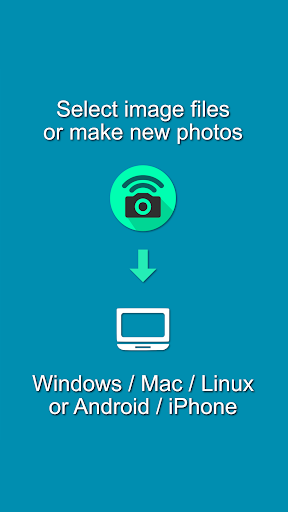
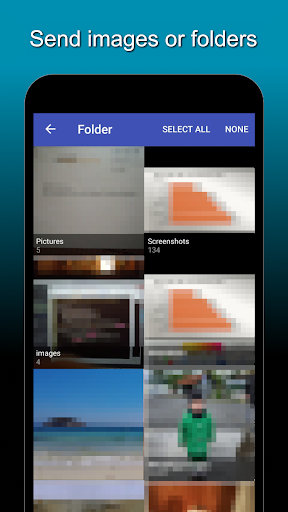
Photo Transfer empowers you to take photos or select existing images or videos, which you can immediately transfer without usb cable to your PC or laptop via WiFi. You can also transfer entire folders with images. Use the the icon at the bottom right for this.
How it works:
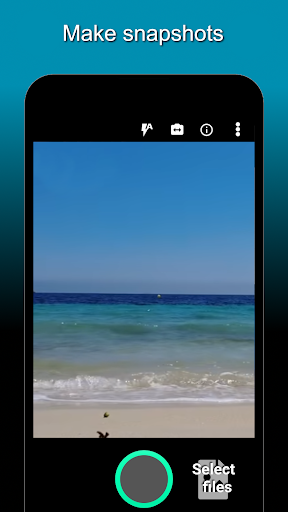
1) make fotos or select images from your smartphone
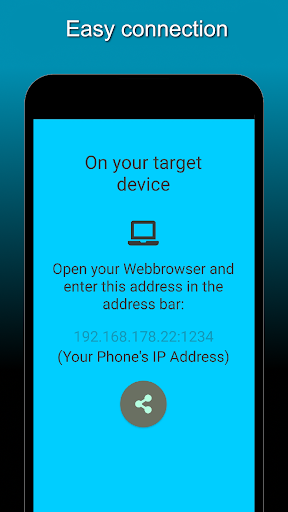
2) an address will be displayed which you type in the browser's address bar of you laptop/pc
3) a download link with a zip file of all selected image files and snapshots will be displayed
4) you can download this with a mac, windows pc, linux pc or other smartphones/tablets as long as the devices are in the same Wifi
• The workflow of Photo Transfer is very lightweight and easy to understand
• Your photos and videos stay in your WLAN / Wifi -> maximum security by keeping the data at home
• Stable transmission: photos and videos are held in memory by the Photo Transfer app until they have been fully transferred.
• Camera preview shows exact margins exact as in the later photo. Unfortunately, many camera apps cannot do this
• Direct photo and video transmission without cloud or external servers
• Photo Transfer works without registration: Transfer your photos and videos to pc without username or password
• Photo Transfer keeps your storage memory clean: no need to save the pictures additionally on your phone
It is very important for us to find potential problems with the app. Please send us an email for questions or bug reports:
help.alphacoredynamics@gmail.com
The Photo Transfer app is perfect for taking pictures of letters with signatures, for example, and then transferring them to your PC for further editing or archiving (digitizing). Photo Transfer is also good for copying your screenshots or pictures from Messenger groups/chats.






9Apps 4.9















