




This App Use For Whats Tool
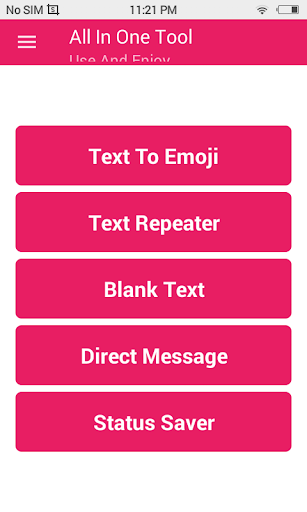
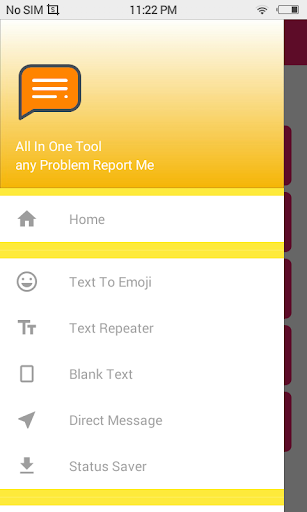
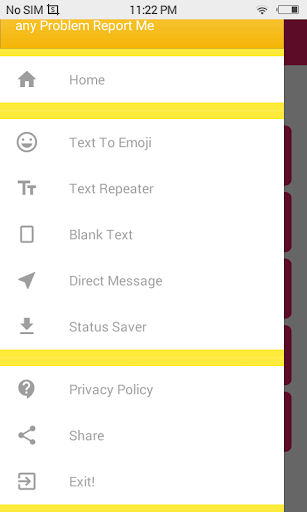
Futures Text To Emoji : Text Repeater : Without Save Any Number Send MSG : Status Save :
Whats
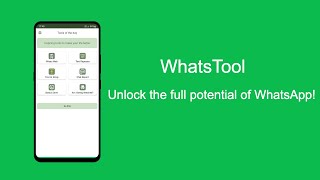
With Smart Tool, you can:
• Convert Normal Text To Emoji Text
• Repeat Text To Unlimited Time On One Click
• Send Direct watsup Message Without Save Number
• Send Direct Watsup Message With Text
• Send Blank Message On Any Social Media
• Save Watsup Status Photos
• Save Watsup Status Videos
• Mirror , Flip & Reverse Any Text
• Change Normal Text To 17 Different Stylish Text
• One Click Message Share
• One Click Copy Text
• Auto Play Watsup Status
Smart Tool Features:
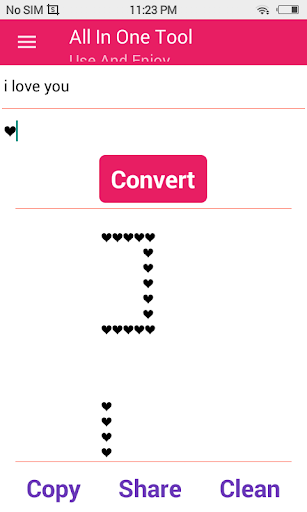
Normal Text to Emoji Text: Simply Type Normal Text & Choose Your Emoji Then Your Text Convert Into Emoji Text. Means if type A & Click on Convert A make with Lots of emoji.
Text Repeater: Simply Type your Text Then Put Number of time you Want to Repeat and choose new line or not then it automatically repeat your text.
Direct Message: Some Time We Want Check Only This Number on Watsup or not. Or some time we want send message to someone without save their number, so there is a way to do this. Simply input text and click on send if these number on watsup then it open in watsup conservation or if these number is not on watsup then show number is not on watsup. Also You Can Enter Number & Message Both Them Smart tool Redirect you to watsup chat with this message.
Blank Message: if you want to shock someone, then this is a best way. You Can Send Blank Message to Anyone to Shock His/Her. Simple Choose new line or not then select Number of blanks then you can simply share or copy this.
Status Saver: When You like Some One watsup Status & If you want this then what you do? Simply text to those person to send the photo or video to you. But Now No need to do this because you can save watsup Status Photo & Video directly to gallery. Simply Click Download icon To Save Status in Gallery No Data Consumptio
Reverse Flip Text: If you want to prank some one then you can prank any one with this feature Simply Enter Text & Smart Tool automatically change it to 3 differnt type. Its look like Crazy.
Stylish Text: Simply Enter Normal Text & Smart Tool Change It to 17 Different Text Style. It Look Like Different Fonts But Without Installing Any Font In Your Device.
This Update New Is Copy And Paste And Share Icons Big Size






9Apps 4.9














