Daisy - Diary / Journal icon

Daisy - Diary / Journal

3.2.1 for Android
4.3 | 100,000+ Installs | Reviews

Roo studio

⚠️ You need 9Apps App to install .XAPK File. How to install XAPK?

Description of Daisy - Diary / Journal

[ 3.0 update now available ! ]
▶ If you want to record your precious moment deeply in mind
▶ If you're looking for minimal but powerful Journal/Diary application
Then, Daisy will be best choice.
With simple and clear design, you can easily focus to write a daily life.
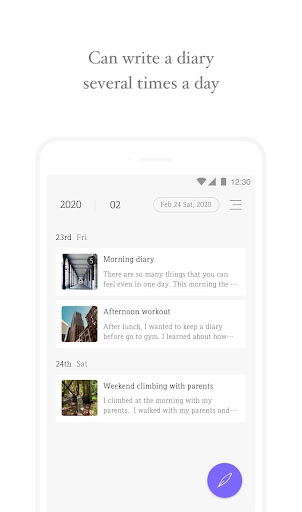
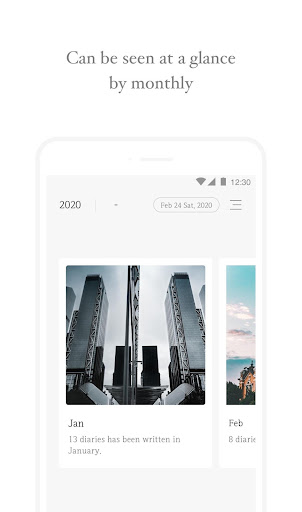
▶ Check your diary & journal in various view type
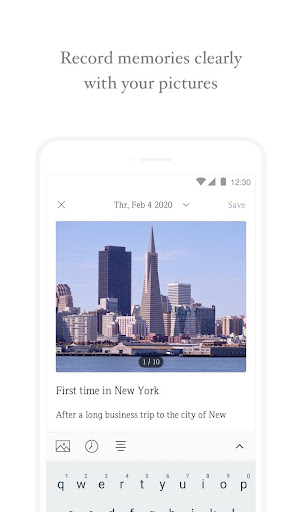
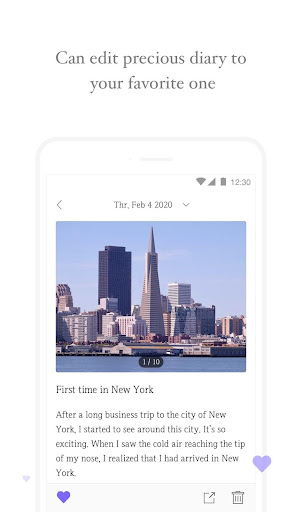
▶ Attach multiple photos of your day
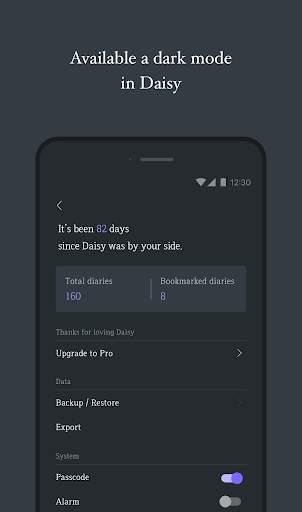
▶ Protect eyes with soft dark colors
▶ Backup to Google drive
▶ Export your day as txt file
Daisy supports basic features to write a journal and it's free.
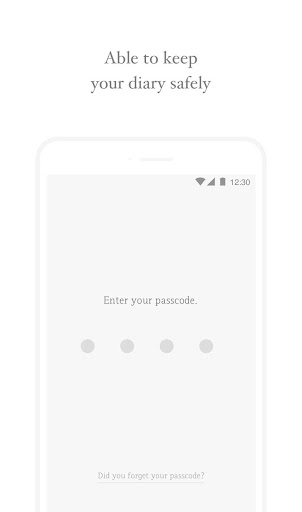
Your personal device is the only place that a diary will be stored
and never be uploaded to any other place.
Feel free to contact us if you have any inconvenience.
▶ READ_EXTERNAL_STORAGE, WRITE_EXTERNAL_STORAGE
These permissions are required to store your photos and backup files.
- DAISY team -

What's New with Daisy - Diary / Journal 3.2.1

[ 3.2.1 ]
1. [Bug Fix] Journal title will not be disappearing unexpectedly.
2. [Bug Fix] Alarm notification will work properly.
- A new 3.0 update is here !
- Write your diary multiple times in a day.
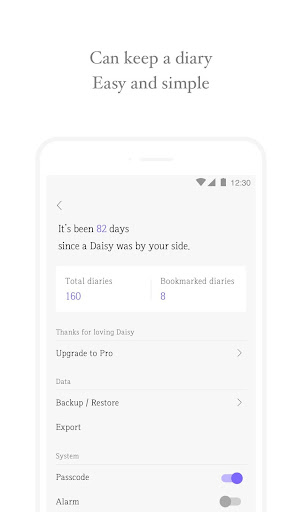
- View your total diaries in one screen.
- Explore your diaries by swiping a screen.
- Attach multiple photos.
- Backup your diary and journal to Google drive.(photo backup is not available yet)
- Bookmark a diary(Pro feature)
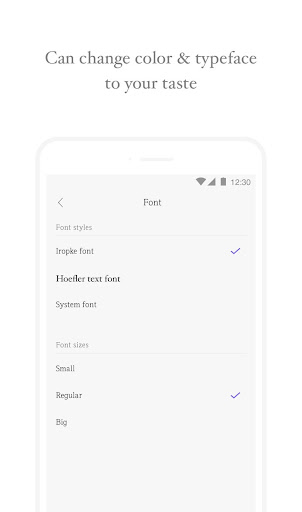
- Change font style and size(Pro feature)

Information

  • Category:
    Lifestyle
  • Latest Version:
    3.2.1
  • Updated:
    2020-07-06
  • File size:
    10.6MB
  • Requirements:
    Android 5.0 or later
  • Developer:
    Roo studio
  • ID:
    com.albatrosslab.www.daisy
  • Available on:
Reviews
  • avatar
    Works really well. I've tried a few other diary apps that were aggravating. This one accepts pictures easily. I keep a herbal grow journal with supporting pictures and it meets my needs.
    2020-10-15 08:35
  • avatar
    Really well done app. Love the interface. The only thing I would want to add is to make the first letter capital after a period. It stays simple as it is now and it's annoying to keep pressing the shift button.
    2020-10-15 04:55
  • avatar
    Minimalistic and simple interface. Very much enjoy the clean layout of the diary entries. Because of the simplistic design, I use this diary for multiple things: health tracker, journal entry, notes. I also appreciate the ability to back-up data to the Google Drive. Photos can be viewed easily after inserting into a journal entry, will look forward to using this as a travel diary too!
    2020-10-12 09:30
  • avatar
    Simple, yet elegant> just what I was looking for. U can add pictures & go back and edit past entries. I love it. Thanks.
    2020-09-19 04:12
  • avatar
    Minimal and clean but needs to improve on the details and design because some UI elements are not aligned (e.g. dialogue boxes/prompt messages).
    2020-09-17 12:09
  • avatar
    I am in awe of the clean interface of Daisy. The simplicity of this app is wonderful and has inspired me to write more than I usually do. It's perfect for digital pocket journalling because the design is straightforward. In the future, if the interface and features change, I hope it would be better than the present, however, I don't mind if it stays like this forever. Also the pro upgrade is affordable and worth the money! Thank you developer(s)!
    2020-09-15 11:50