Coding Keyboard for Programming Ad Free icon

Coding Keyboard for Programming Ad Free

1.2 for Android
3.8 | 5,000+ Installs | Reviews

Ajay Krishna P

$0.99

Description of Coding Keyboard for Programming Ad Free

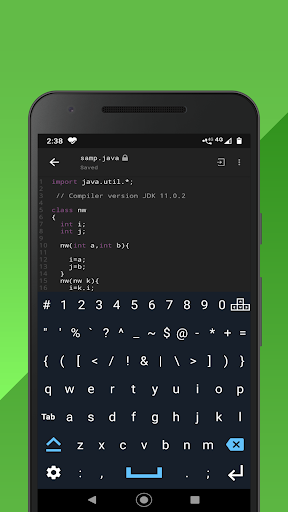
Coding on mobile made easy. No more switching between keyboard views to select the characters you need in your code.
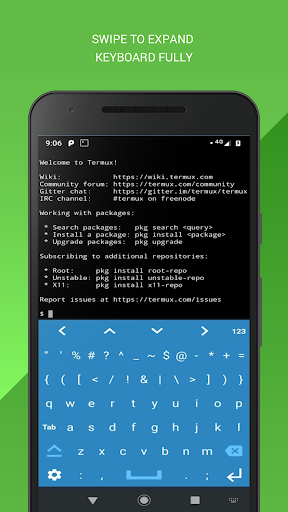
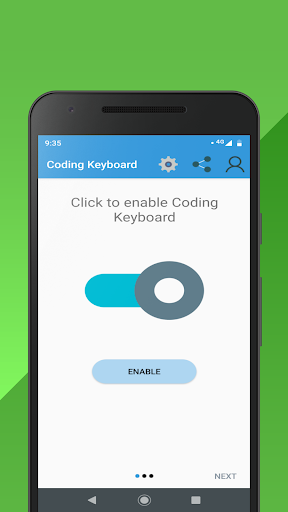
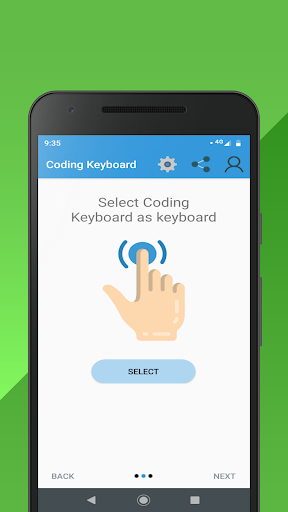
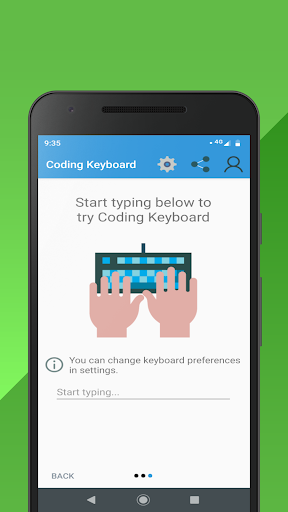
Coding keyboard is the one stop solution to make programming easy and comfortable in mobile phones. Numbers, characters and special characters all within one simple keyboard view. Enable Coding keyboard and use it on any software you wish to.
Highlights-
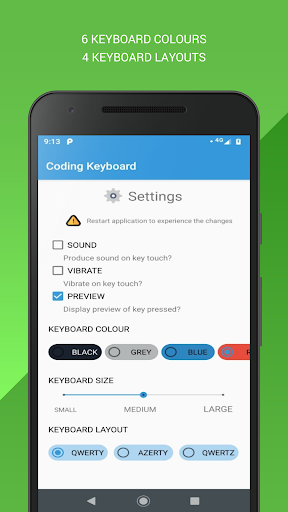
QWERTY, DVORAK, AZERTY and QWERTZ layouts
6 Keyboard colors
Advanced key press and preview effect.
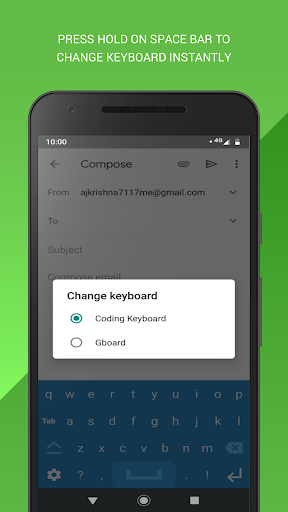
Press hold on space bar to change keyboard.
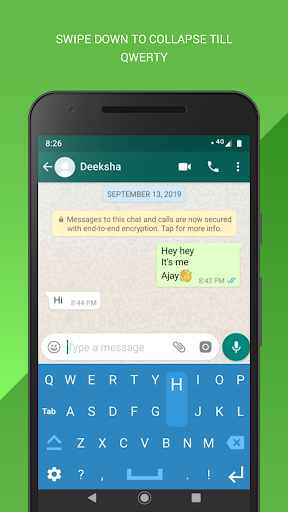
Swipe down to collapse till alphabets.
Swipe up to expand fully (Full layout)
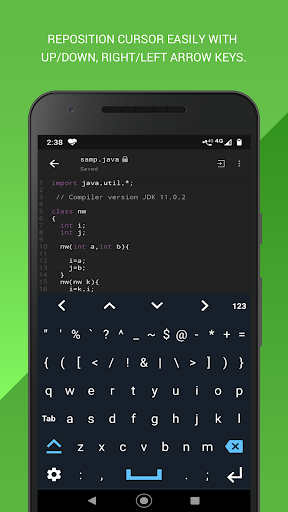
Up/down , Right/left arrows
High resolution key icons
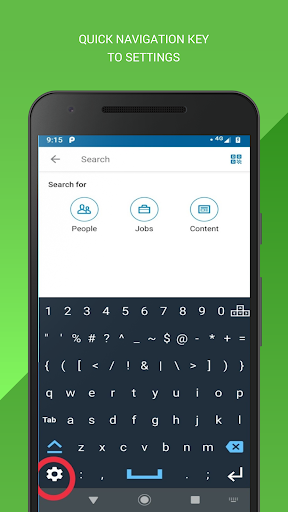
Direct navigation key to settings on keyboard
Convenient key arrangements

What's New with Coding Keyboard for Programming Ad Free 1.2

Bug fixes

Information

  • Category:
    Productivity
  • Latest Version:
    1.2
  • Updated:
    2021-09-18
  • Requirements:
    Android 0 or later
  • Developer:
    Ajay Krishna P
  • ID:
    com.ajay.paidCk
  • Available on:
Reviews
  • avatar
    Great keyboard, but theres a problem with it, its that you cant clearly see how big the keys are so you accidentally hit a different key. i would give this 5 stars if it had the buttons visible like on the regular keyboards. It would make it look better, while making it more usable.
    2024-02-07 04:15
  • avatar
    # की जगह गलत है, बार - बार switch करने पर irritation होता है। # को TAB button की जगह पर करना ज्यादा better है।
    2024-02-07 04:56
  • avatar
    Nice app, but can you add an option that you can also show numbers and arrow key at the same the time?
    2023-09-27 10:40
  • avatar
    Overall good keyboard but, size need to be small, and settings options are not working.
    2022-06-10 06:36
  • avatar
    my qualification is just to take your attention. Later I'll change it. It's really useful, but I think the characters on keyboard are little big, I tried to change the size in settings, but keyboard is the same size in any of the 3 choices. Sounds don't respond too, even restarting the app or even the phone. Xiaomi Redmi note 9s Tnx
    2022-01-11 02:15
  • avatar
    Moving the cursor is too time consuming. Cursor keys need to be accessible at all times, without having to switch to them first. Take a look at the keyboards of small-screen laptops: delete the character to the right of the cursor is in the top right corner, delete to the left is underneath it, then [Enter] and the cursor keys in the bottom right corner. That's where they belong and should be, as they are more important than some symbols and especially the [Settings] button. Move [Tab] up, etc.
    2021-10-17 08:14