


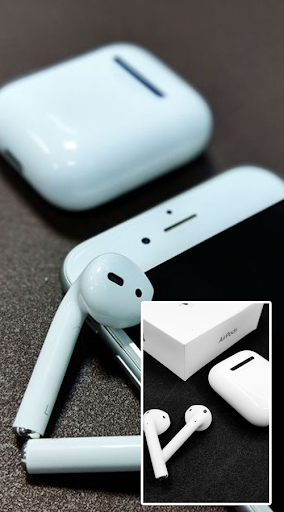
Air Battery : AirPods Battery Control
app displays the current battery level of your connected AirPods in a live notification and/or a small pop-up.
How to use it:
1. After installing, open the app once to enable permissions and change any settings you want.
2. Simply connect your AirPods and the app will start displaying their battery levels!
Features:
⭐ See the battery level of AirPods 1 or 2
⭐ Battery level displayed in a live notification*
⭐ Automatic popup whenever AirPods are connected*
⭐ Unlike other AirPod battery apps, this app will try to only display YOUR AirPods even when there are others nearby
⭐ You can disable this feature if you’d like
If you notice that the app is showing the incorrect battery info, hold your connected AirPods against your phone until the correct info is displayed to calibrate the app.
Thanks for using our application..



![Fix AirPods Pro Won't Reset Or Connect issues in 2026 [101%] Solved screenshot 5](https://i.ytimg.com/vi/stfXepF5GKI/mqdefault.jpg)

9Apps 4.9














