

HD Caller Screen
is the
Full Screen Call ID app
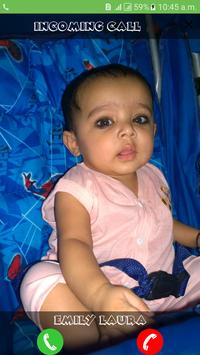
. Like all Full Screen Caller ID, let you see in full screen an high quality photo of the caller or a video of your contacts when you get/make a phone call or
miss a call.
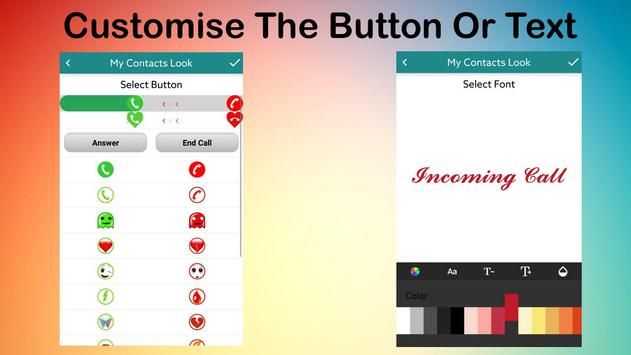
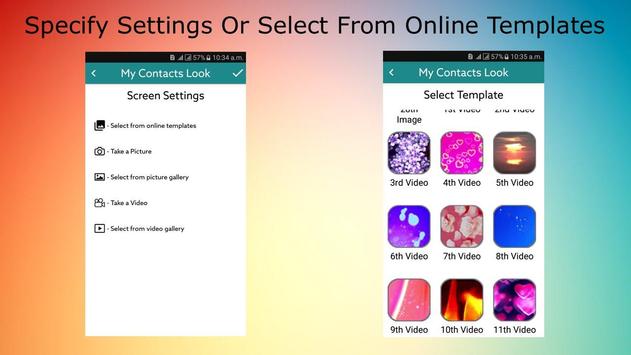
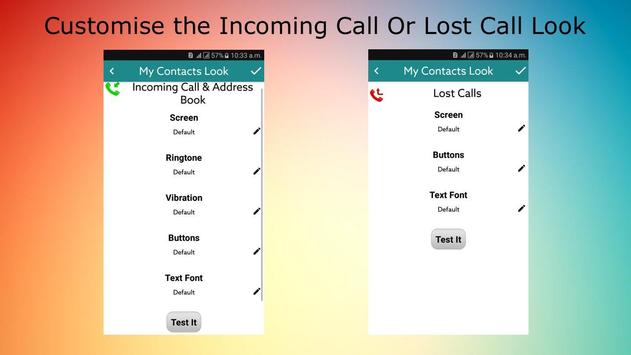
You can customise this behaviour using video/image, audio, buttons, text font,
vibration patterns and time settings along with downloadable videos or images. It can help you to identify quickly your contacts and to have a nice sounding, beautiful looking, smartphone.
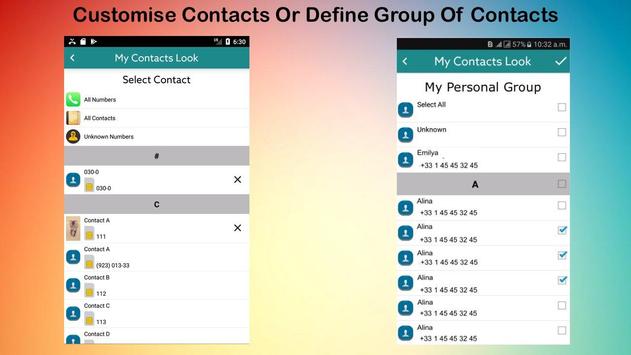
You can create patterns for individual contacts or defined group of contacts to apply behaviour.
This app also allow to specify part of video or audio(along with whole) and crop/zoom the image to specific area.
Features
★ Use Video or Image, customise the screen buttons and text font along with vibration patterns.
★ Select images in HD
★ Trim selected video/audio or crop image
★ Specify the time period
★ Select from downloadable videos or images
★ Customise the missed, outgoing and incoming call behaviour for unknown, all numbers or all contacts
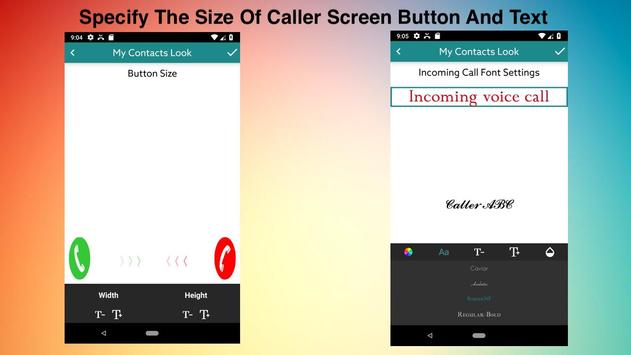
★ Change the size of caller screen buttons and text
How To Use?
On main screen there are 2 options
★
Default Settings
Allow you to customise default settings
★
Custom Settings
Allow you to customise default settings for specific contacts or group of contacts.
How To Specify Customised Settings
★Select the
Custom Settings
from main screen.
★ Select the
Contact
or
Group
from main screen
★ If you pressed the Group then in next screen enter
group name
, press new button and then select the contacts you want to be part of group.
★ Now select the type of settings(Incoming Call/Lost Cal/WA/Outgoing call) and then define its settings
★ Click on Save or Test It button to view the results.
How To Crop Image
After selecting image you will be taken to image crop screen, here you can pinch/double tap to zoom to desired area of image only.
FAQS
Can I disable specific feature of this app
You can always click
Gear Icon
on main screen and disable specific settings.
How to change
Caller Screen
for all contacts or unknown contacts
In contact selection screen you can
select Unknown, All Contacts or All Numbers entries
When I click on answer button then nothing happens
Please check if you has not disabled the app notification access by going to settings Setting -> Security -> Notification Access
Incoming call Heads-up Notification still appear above caller screen
In android 8 or later you have to manually disable it by going to Settings->App section
CREDITS
Thanks to Hồng Kaka for 'Tiếng Việt' translation
Add option to change caller screen buttons size
Fixed app crashing issues



9Apps 4.9














