
Are you stuck to edit your photos efficiently? do you want to edit your photo like a pro?
do you want to enhance your creativity by an effective photo editor?
Do you want to take your photography and editing skills at an upper level? do you need an efficient collage maker to edit your photos with your friends? all those Photo editing skills and tips you will find in the photobe photo editor. Mostly used professional photo editing tools are given below:
1. Crop:
There have multiple types of ratios available to crop your photo by one click and also available tools for cropping the image for Instagram and other social media dimensions.
2. Adjustment with your photo:
Make a proper adjustment with your favorite color, provide contrast and saturation and sharpen as well. Don't forget to increase the brightness of your photo if it's in darker mode.
3.Apply Filter & Edit photo:
Countless filtering options are available to filter your photos with appropriate brightness and darkness that is fit for your photo. More filters will be added soon to make a better photo editor.
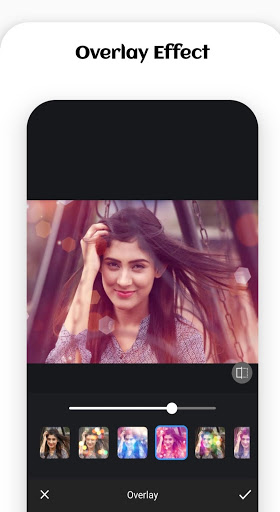
4. Overlaying photo editing effect
Are you thinking of adding some animation and design over your photos? are you trying to edit your photo for making a short video? Here you are, here have many overlaying options to edit your photo with appropriate ratios and sharpness.
5. Sticker adding
Are you a fun guy? do you want to add something extra like a sticker that will make you more fun to look. You can use a bunch of stickers to edit your photo in a funny way to share with your friend.
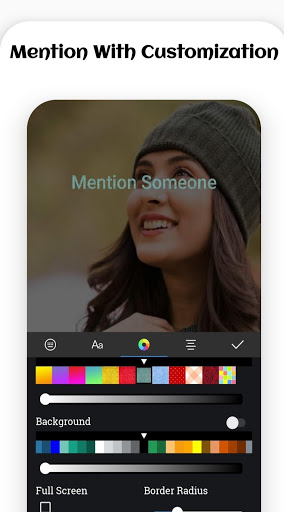
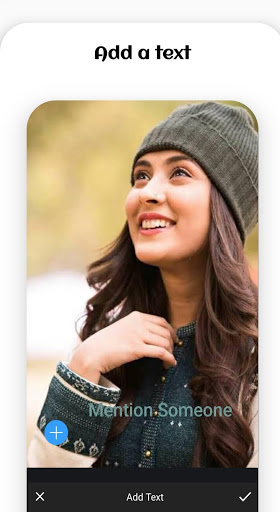
6. Add a custom text and edit your photo more specifically
Do you want to mention something with your photo, you can add a custom text whatever you want with a custom background with drag options to fit it in the photo canvas where ever you want.
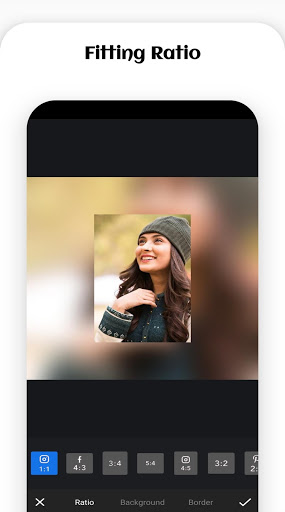
7. Fit your photo
Does your app look a little bit shaky and the background is not good enough? Fit features are for you to change the background with your custom one. you can even use a border to make it like a frame. You can also see the ratio as well in this case. Feel free to edit your photo professionally.
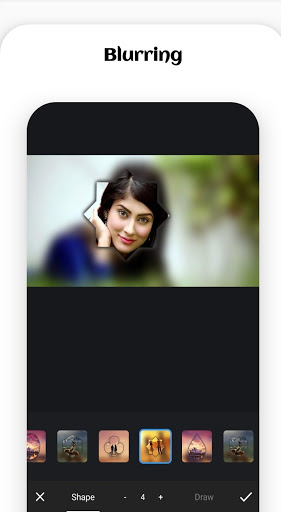
8. Blur effect with frame and ratios
Do you need a blur effect on your backgrounds like a professional photo or image? do you need to hide something from your place by blurring effect? Do you want to make a photo frame with a love effect and blurring with your most lovable ones? These features are for you and will help you to edit your photo in such away.
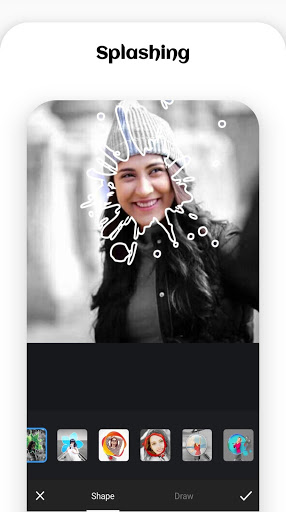
9. Splash
Don't you like the custom & and default tools to edit? you can even draw yourself your canvas to make it more attractive photo editing one your own. You can even change the shape of your image or photos.
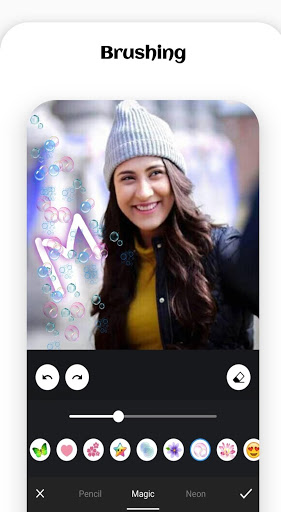
10. Brush
You can add emojis and some icon over your image as much as you want by simply select and drag the items. You can brush and edit your image with neon features that will make an extraordinary shadow on your photo with an attractive look.
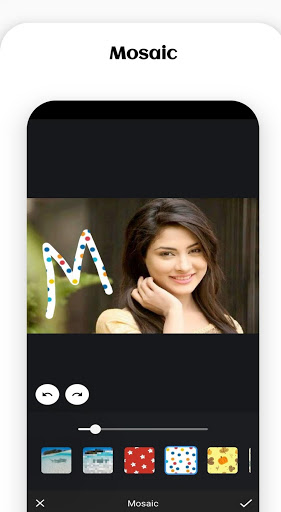
11. Mosaic photo editing features
You can even mosaic your photos, this is personally one of the best photo editing features that I didn't find anywhere till now. You can edit your photo more professionally.
12. Beautify and edit the photo to take it in the next level
You can beautify your image or photos with extra body parts like faces, boos & hips, and so on. You can transform by editing this.
So, Why are you waiting for? let's jump into it and edit a photo like a professional.
Cheers!!





9Apps 4.9














