
Email me for marshmallow version
DOES NOT WORK ON ANDROID 7 or HIGHER
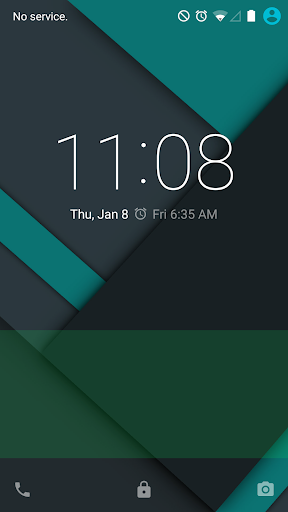
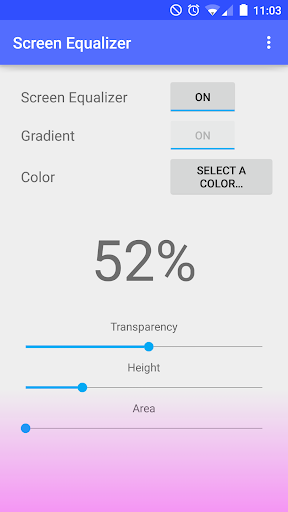
Help make your screens colors flow by masking the tints and screen bleeds, add extra colors to areas of your screen so that any hardware faults can be masked.
INSTRUCTIONS
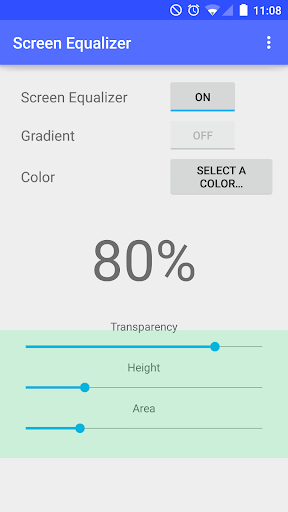
1. Activate the filter in the app (button).
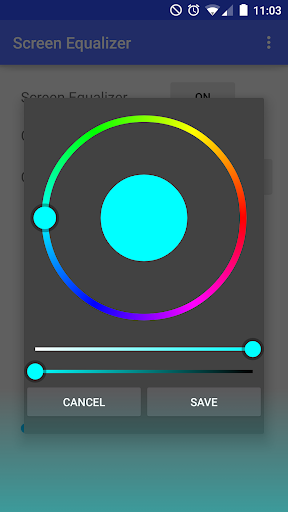
3. Choose a color (for example blue).
2. Set transparency to a low value like 50% first, so you can see the size and position of the filter.
3. Use the area and height sliders to position the filter where you need it for the yellow band.
4. Increase the transparency to 98 or 99%.
5. Exit the app.
TO HIDE NOTIFICATION:
Hold the app and drag it to App Info
Unclick "Show Notifications"
Click okay
Done
SUPER SU USERS
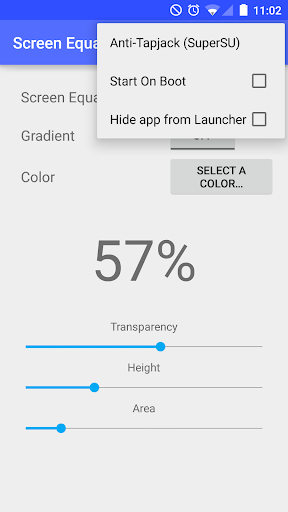
Disable tapjacks protection(working with chainfire for fix)
MANUAL APK INSTALLERS
If you manually install apks, you must disable my app or you will not be able to install...(looking for fix)
~Aaahh
Revert to 1.6.3










9Apps 4.9














