




Tired of the Unlock screen Pattern Drawing?
Use a new unlocking technology TapUnlock!
Unlock your phone using your previously stored Tap sequence.
Usage:
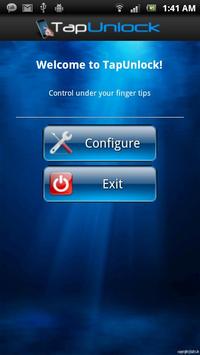
1) After installing the app open it and click configure.
2) Tap a number of times (this will be the sequence) in the white box and then press Next button.
3) Re-Tap the
previous sequence and press Next button
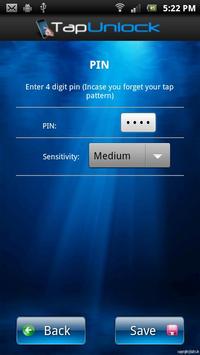
4) Enter a 4 digit pin in the text box. This is stored as in case you forget your tap sequence.
5) Click Save button
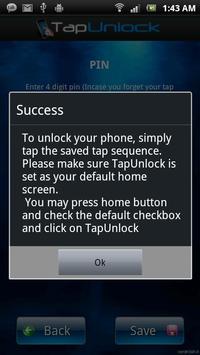
That is all, you are set to go!
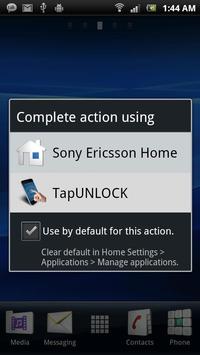
Now each time phone locks it will ask for your Tap Sequence
No ADs, Always free, Minimal permissions needed.
IF YOU LIKE THIS APP AND WISH TO DONATE; YOU MAY INSTALL THE "Tap Unlock (Paid)" App.
*** Important Note ***
A) The app crashes on Motorola Droid phones. So please try it on your own risk. Working on the fix and will update the app soon.
B) TapUnlock will let you in only if you have entered correct tap sequence. For example; if you have configured "Tap Tap pause Tap" then when the phone locks, you have to enter "Tap Tap pause Tap".
C) You will get 5 attempts after which TapUnlock will ask for your 4 digit pin.
D) If you want to retry tap, just press the back key
* Fixed App Crash
* Code refactoring
* Fixed device freeze error (Please uninstall the app of it still freezes your device)




9Apps 4.9













