

Important: If you see an empty window when you first install or open the application, close and reopen it.
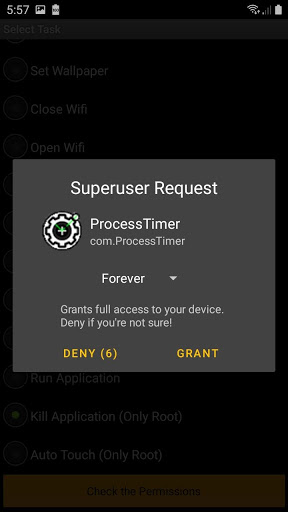
NEED ROOT
if you dont have ROOT but you want use other process look this
https://play.google.com/store/apps/details?id=com.ProcessTimerX
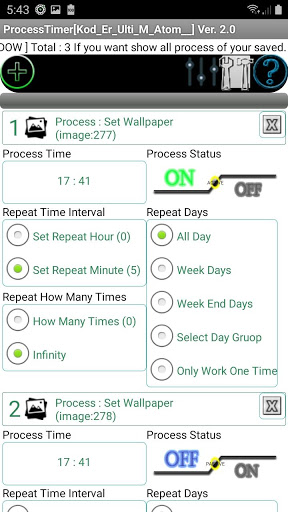
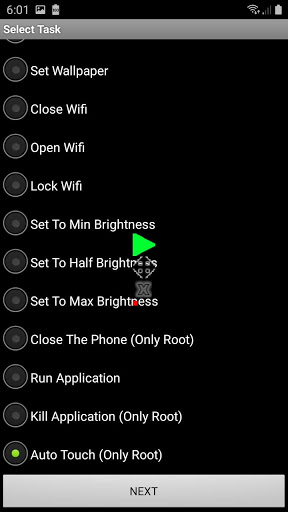
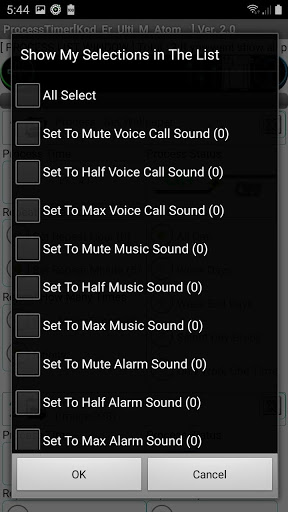
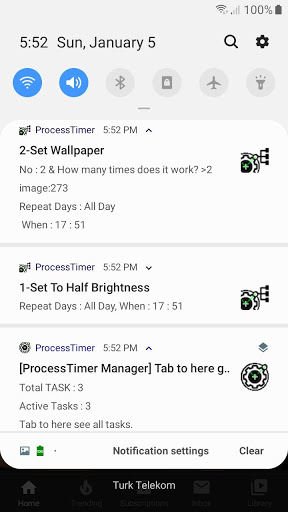
ProcessTimer With Auto Touch! You can Auto Click, Touch Macro and repeat your taps to auto tap. You can draw gesture record tap, touch screen, and single or multi clicks with automatic clicker and repeat it when it is on your setting time. Easy to use. You can set your phone settings, ProcessTimer is timer, tasker for android process. forexample; set sounds, brightness, wallpaper and set start selected application etc. Then will be start process automatically at scheduled time! This is phone settings changer, wallpaper, wifi, sounds, brightness changer! And You can auto click to screen and you can turn off phone with ROOT device. Thats Funny! You can add Infinity task. Easy interface and fast edit task. Click to task name change it. And others. And will be added new tasks and properties.
-What will be new updates?
Will be add to new updates fast tap and fast draw automatic touch screen.
-Tested Devices
Android rooted all emulators over version 4
Android rooted real device samsung j7 Core Android version 9.0 Pie.
Android rooted real device samsung s3 mini Android version 4.4 kitkat.
28.01.2020
Fixed Phone restart (boot) AutoStart
14.01.2020
Fix for user interface of freeze or stability
01.01.2020
New Task > Kill Application (Need root)
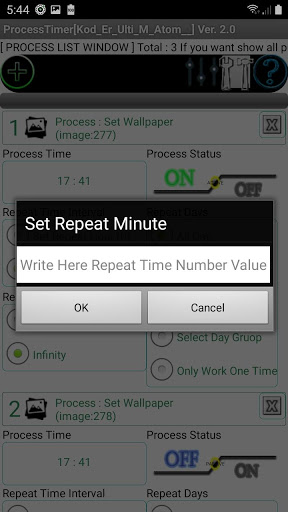
New Settings For Timer
-Repeat Day of week
-Repeat Hours
-Repeat Minutes
And Repeat How Many Times
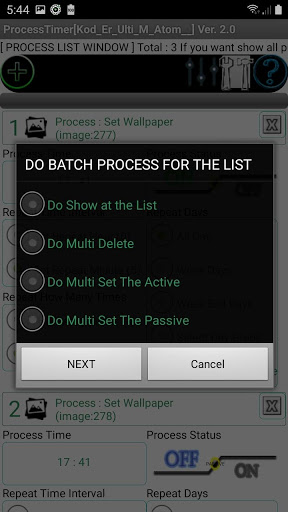
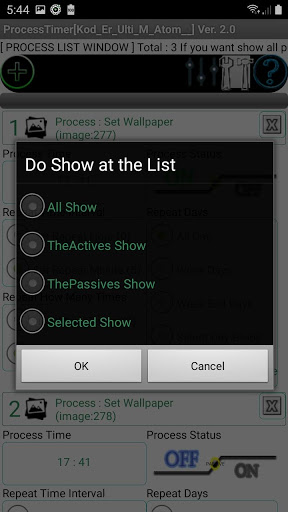
Filter Button is Active now. You can do batch process. And Process list filter is active.



9Apps 4.9