

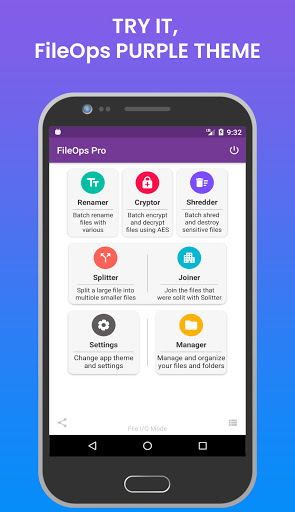
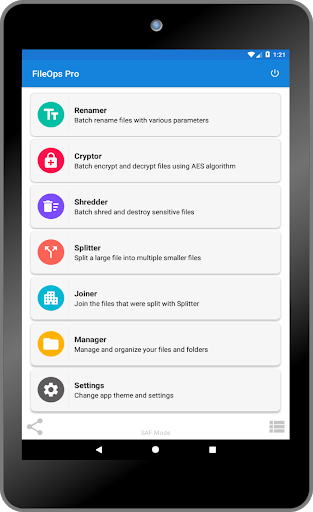
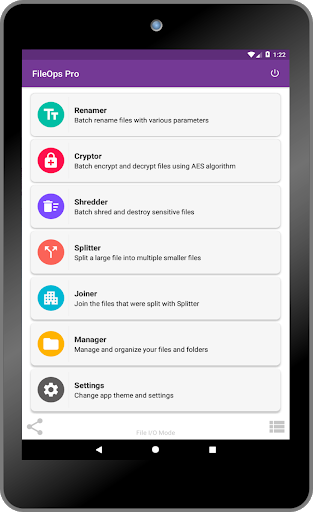
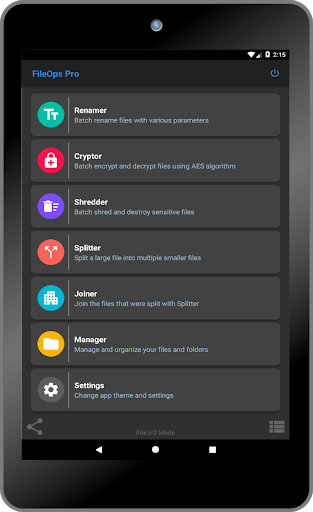
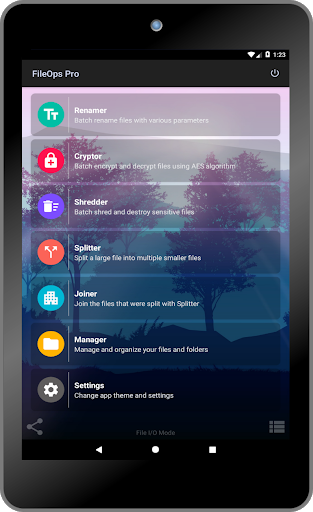
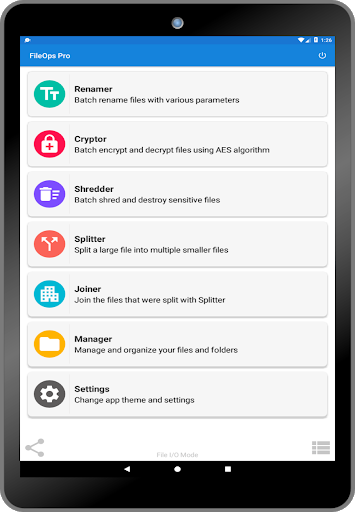
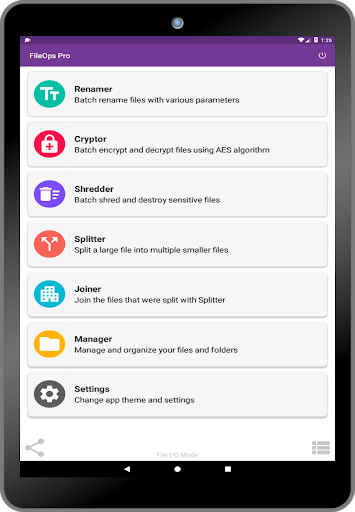
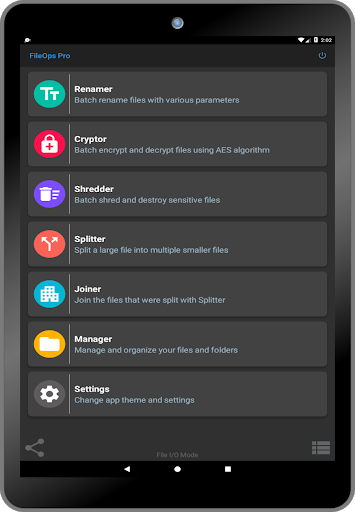
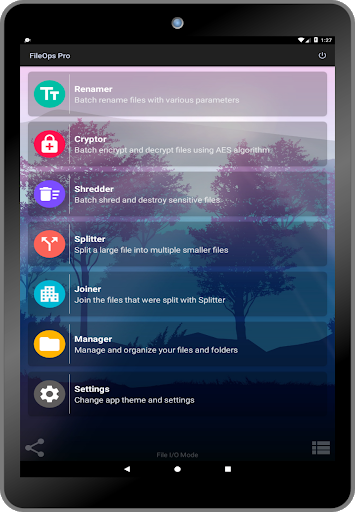
Ever wanted to rename a bunch of pictures or files all at once; How about encrypting these important files before you share them, or how about shredding these sensitive files, family photos before you give away your phone to charity? Well here’s a nice, powerful set of tools for renaming, encrypting, shredding, splitting, joining and simple file management that aims to facilitate batch operations with a clear design and easy commands, Check 'em out...
---- No Advertisements ----
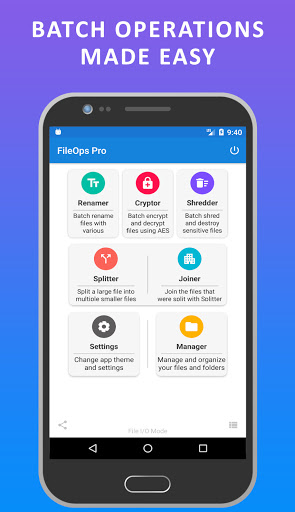
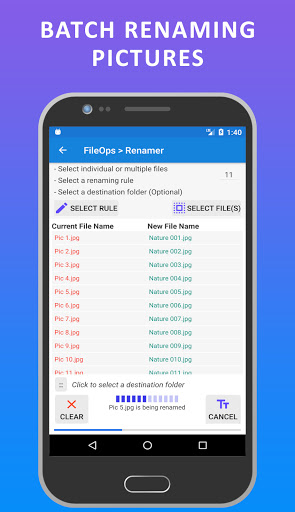
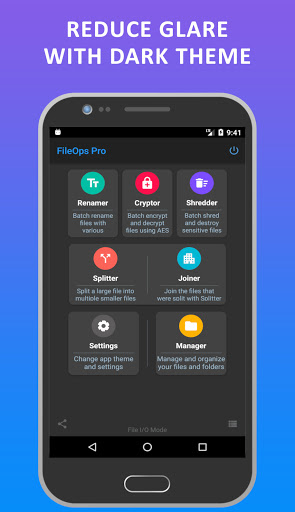
✔️ Renamer
Batch rename files with nine (9) different rules and their parameters (Plus an option to copy the files with the new names to another folder to keep original ones intact)
✔️ Cryptor
Batch encrypt and decrypt files using # 1 encryption algorithm AES (Plus an option to copy the newly encrypted / decrypted files to another folder)
(Encryption is done for the whole file contents not just partial bits and pieces)
✔️ Shredder
Batch shred and destroy sensitive files (Shredded file(s) cannot be recovered, Please be cautious when using Shredder)
✔️ Splitter
Split a large file into smaller ones for easy sharing via emails, social media platforms, etc.
✔️ Joiner
Join the files that were split with Splitter
✔️ Manager
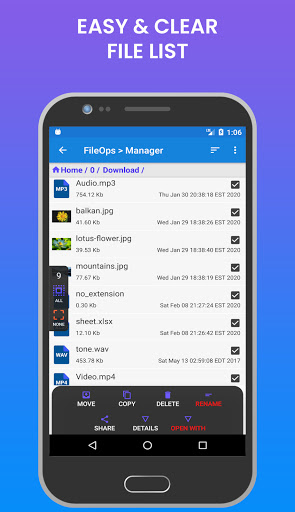
Manage and organize your device storage, Check out the functionalities below:
- Move / Copy: Transfer file(s) and folder(s) on your storage devices, Also from internal (built-in) storage to SD Card and vice-versa (Using SAF Mode)
- Delete: Get rid of unwanted file(s) and folder(s) in bulk or individually
- Rename: Change a file or folder name
- Compress: Create and Extract zip archive files (password protected or unprotected)
- Share: Send file(s) to another app for further functionality
- Details: See details of selected file(s) and folder(s)
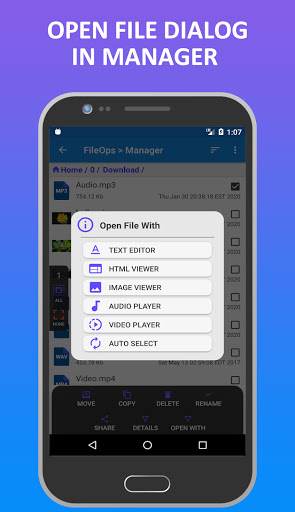
- Open With: Launches a dialog to open file with; Text Editor, HTML Viewer, Image Viewer, Audio Player, Video Player or Auto Select
Supported languages:
English, Arabic, Russian and Spanish
6 Beautiful Themes:
🔸 Blue Light (Default)
🔸 Purple Light
🔸 Dark
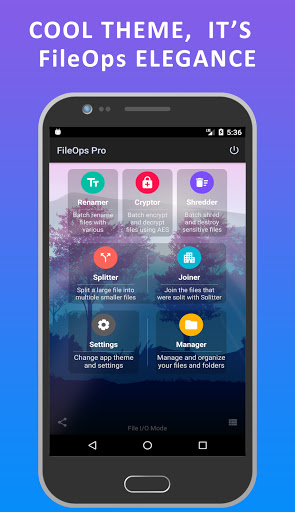
🔸 Elegance
🔸 Geometric Pattern
🔸️ Bright Rays
Requirements:
- The app requires storage access permissions
- The app requires basic internet connectivity
(Bonus) The app supports two file access modes:
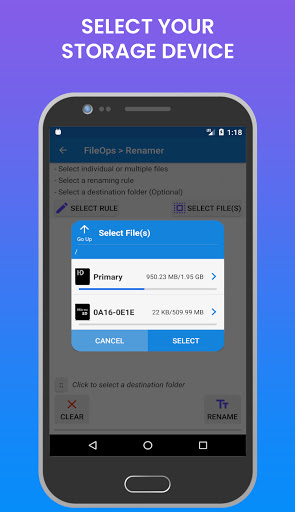
File I/O Mode: This mode uses the file system libraries that adds storage devices automatically but some devices like removable SD cards may not be detected and/or function properly due to system limitations
SAF Mode: This mode uses the Storage Access Framework libraries that requires the user to add storage devices manually (built-in storage, removable SD card, etc.) also recommended by Google for extra security and might be the only mode for Android 11
Please Support Me With a Positive 😊 Review & Rating ⭐⭐⭐⭐⭐
Please contact me if you run into any issue before leaving any negative Review / Rating; that way I can improve the app with your much appreciated feedback. Thanks for your support.
1- Improvements to File Manager
2- Better permission handling for Android 11








9Apps 4.9















