

Version 1.0
How to use
------------------
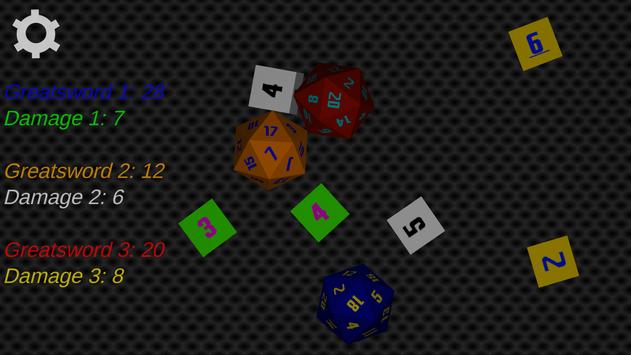
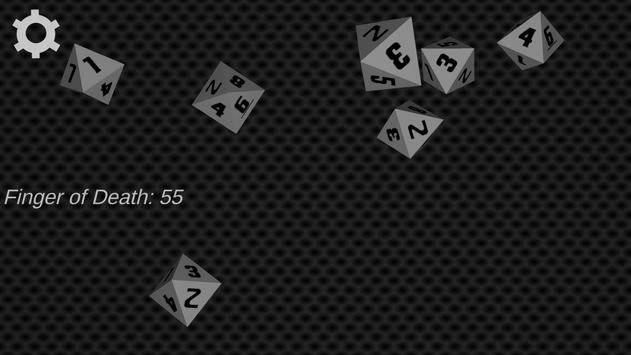
- Rolling the Dice
- Simply shake your phone.
The harder you shake it, the faster they bounce around!
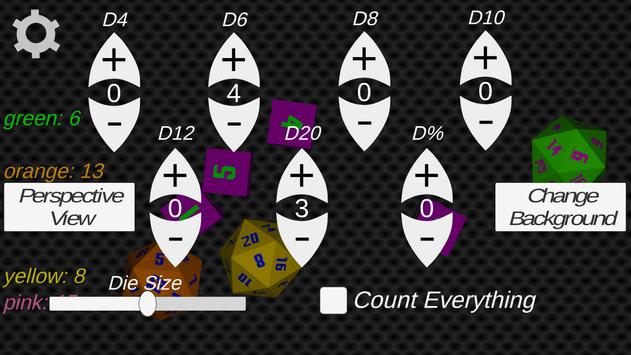
- The Options Menu - From here you can...
1. Add or remove die of various sizes
2. Change the view between Perspective/Orthographic*
3. Toggle the function to count all die on the screen
4. Change the background
5. Change the die size
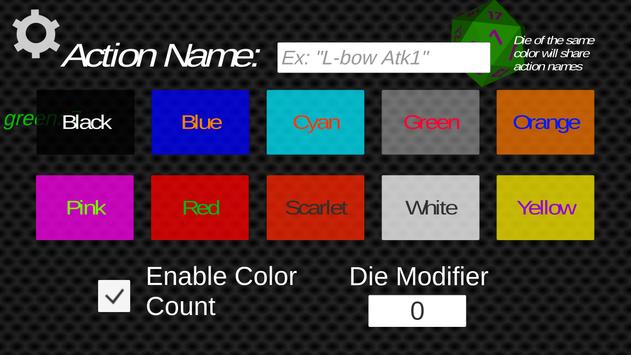
- Dice Menu - If you touch a die it will open options for that die.
From there you can...
1. Change its color
2. Name the action associated with the die (i.e. Dex Save, Stealth Check, Attack 1, etc)
3. Toggle the color specific die counter
4. Change the die's roll-modifier
* Perspective shows depth perception, but is harder to read.
Orthographic is easy to read but has no Depth perception.
Plans for Next Version
---------------------------------
- Improve the Interface
- Add support for multiple "tables"
- Add support for save files

9Apps 4.9














