


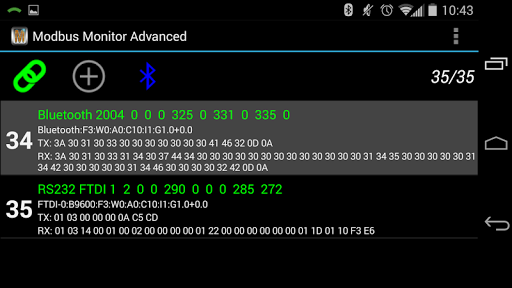
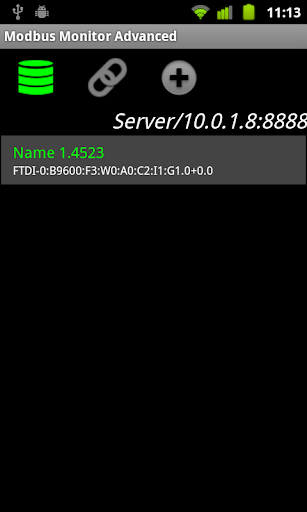
Android Modbus Master/Client and Slave/Server for phones and tablets.
The Modbus Monitor utility is simple but have many advanced features unmatched even by PC based standards. This is the only Modbus App in the Android store with three Apps in one!!!
(Modbus Master, Modbus Server, and Sensors Server in Modbus TCP).
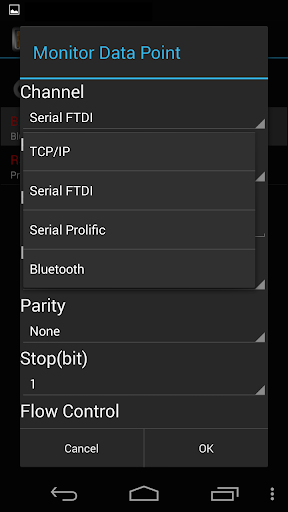
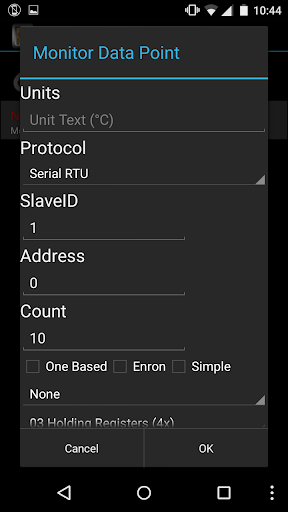
> Modbus Channels: Bluetooth, Ethernet, Wi-Fi, RS232/485 USB Serial ports (check compatibility below)
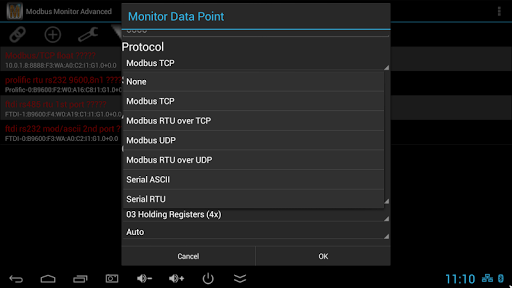
> Protocols: Modbus TCP, Enron/Daniels TCP,
Modbus RTU over TCP, Modbus UDP, Modbus RTU over UDP, Modbus TCP Slave/Server, Modbus RTU, Modbus Serial ASCII
> Sensor Server: Read your phone's sensors (Gyro, GPS, *Cell Phone Tower, etc.)
remotely with built-in Modbus Sensor Server
> IoT D2C to Google Sheets:
Use phone sensor (or any polled data) and log values straight into your private Google Spreadsheet in the cloud!!!
Same Google Sheet can be used to centrally log values from different mobile devices into one Google Sheet (one file in cloud).
> Import/Export: Export values as to CSV file every second, minutes, or hours. Export configuration data via email.
> Languages: German, Spanish, French, Italian, Japanese, Polish, Russian, and Chinese
> Modbus Functions: FC1, FC2, FC3, FC4, FC5, FC6, FC15, FC16, Write Auto Pick
> Allows "Simple" (6 digit Input) or "Advanced" (full modbus) input modes
> *Simple push to write feature that allows writing pre-set value at the push
> *Convert Modbus Integer Values to Text (Coded Message or Status Converter)
>
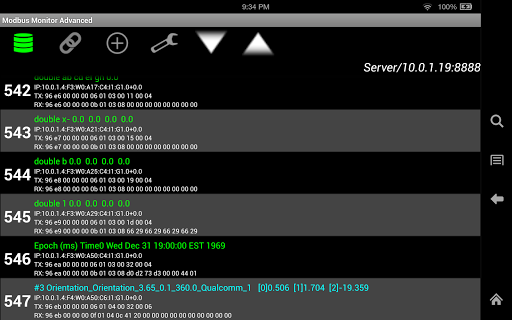
Data Conversion: Unsigned, Signed, Hex, Binary, Long, Double, Float, String, BCD formats, Unix Epoch Time, PLC Scaling (Bipolar/Unipolar Analog ADC value conversion)
> Pro Tuning Options: Interval, Inter-Packet Delay, Link-Timeout, Actual RX/TX Counts
> Bluetooth Requirement
1. Your device must have Bluetooth Radio that supports SPP profile (RFCOMM Secure or Insecure)
2. See "ModbusMonitor.com" or email help@modbusmonitor.com for help
3.See below for hardware requirements
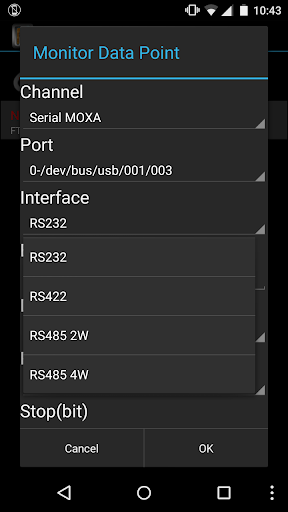
> USB-to-Serial Port Requirement, USB OTG Serial Ports>> RS232/422/RS485
Your device must meet all of the THREE requirements.
1. Your device must be Android version 3.2 or newer
2. Your device must support USB Host or OTG interface
3. Your USB-to-Serial Port dongle must contain one of following chipsets: >FTDI [FT230X, FT231X, FT234XD, FT232R, or FT232H], Prolific [PL2303HXD, PL2303EA, or PL2303RA], SiLab [CP210x], QinHeng CH34x
4. RS485: Tested with "no echo" setting turned ON.
More:
www.modbusmonitor/guide/serialport
> Feedback
www.ModbusMonitor.com contains online form in “Feeback” section for those who are interested providing constructive feedback or feature request.
> Help
- www.modbusmonitor.com/help
- email: help@modbusmonitor.com
2017-05-10
(NEW) Added Ch34x based USB Serial Ports Support
(NEW) Long-press Mobus Item to write pre-set values (Similar to Write value on Button Push)
(NEW) Log Polled data in Google Spreadsheet in your own account ***
(New) Coded Message (Convert Modbus Values to Custom Text)
(New) Added additional sensors to Modbus Server (Cellphone MNC, MCC, CID, LAC, Signal Strength, Network Type, Cell Tower Location, Cell Tower ID, Cell Tower Location,
(New) Export Data at regular timer interval (>1min)












9Apps 4.9














