
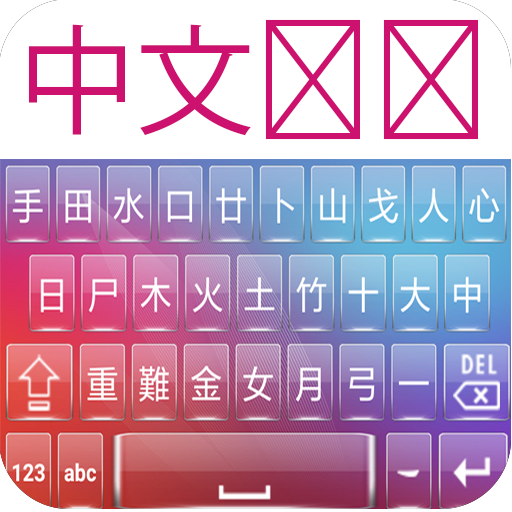
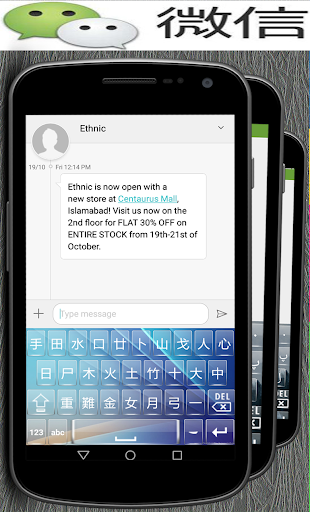
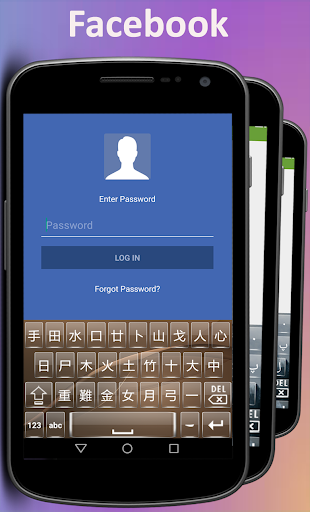
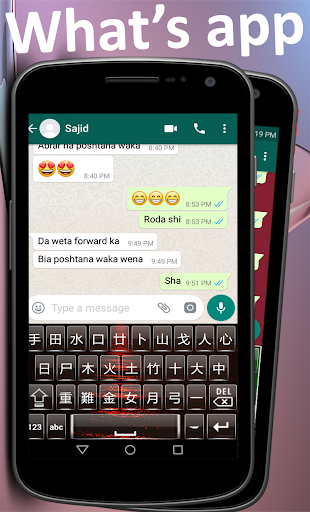
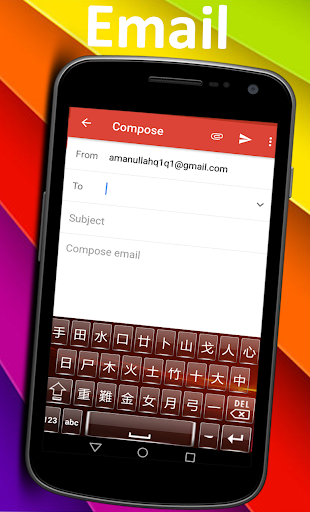
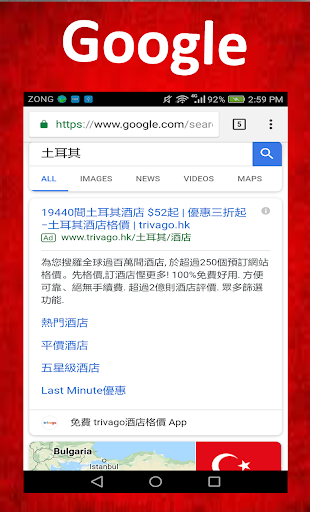
You can compose Emails, post on Facebook and write
some one WhatsApp messages through Chinese Keyboard. With Chinese Keyboard you can write all Chinese Alphabets, letters
and words. It’s the easiest keyboard to write in Chinese language.
HOW TO USE:
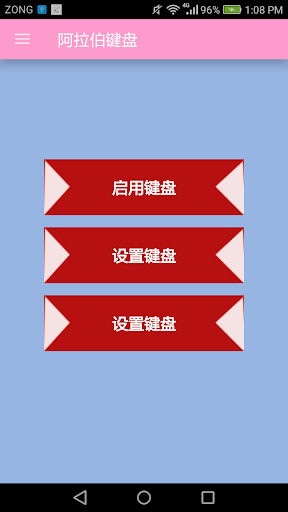
1) After installing the Chinese keyboard click on "keyboard Enable" and select Chinese keyboard.
2) Than click on "Keybaord Set" to select your default keyboard.
3) Click here in "Chinese keyboard".
4) Now you can enjoy your mother language in every apps.






9Apps 4.9














