
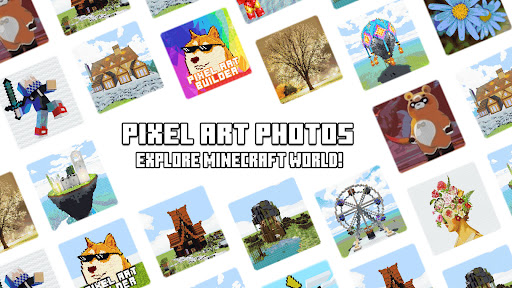
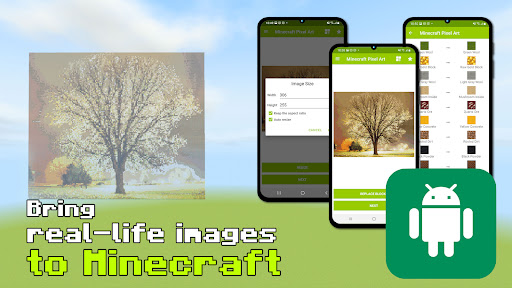
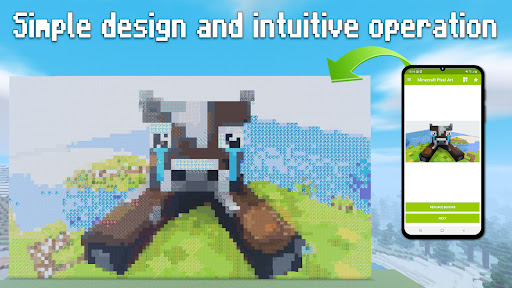
PixelArt Photos for Minecraft helps you to bring real-life images to Minecraft PE in the easiest and simplest way! Just choose an image from your gallery then select a world. Boom! This app made it there!
PixelArt Photos for Minecraft is an augmented work based on intelligent algorithms converting images into block pixels. Only a few clicks, it'll help you build Minecraft quickly.
Features:
- Create magical blocks and structures from any photo in your gallery
- Convert each image pixel into a block with the corresponding color to the most harmonious structure
- Replace any Minecraft builder blocks that you like
- Optional change the size of pixelcraft
- Automatically place the object at your current location or any place that you want
- Pixelart builder will backup world data before building in automatically
- Ensure safety if something goes wrong during the construction
- Compatible with all versions of most Android devices
Challenging many pixel art styles in Pixel Art Photos for Minecraft and taking new inspirations with many themes are not limited to Minecraft. Pixel tool will help you reach these things, be unique in your MC world!
How-to-use:
Using Minecraft pixel art photos for free with a few steps:
- Click “Load from gallery” or take a new picture
- Select the image you want to create pixel arts from
- Resize or next to choose your MCPE world
- Optional set the building position (or you can let the app set it at player position)
- Press “Build”!
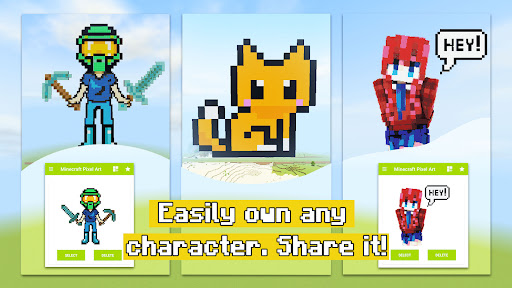
Imagine your beloved portrait, even your selfie, captured by camera appears in-game! You can also create your favorite characters like Steve, Alex, Tom, etc by putting PNG images into the app. “PixelArt Photos for Minecraft” draw a Minecraft world in your own way and enjoy it with friends!
DISCLAIMER
This is an unofficial application for Minecraft Pocket Edition. This application is not affiliated in any way with Mojang AB. The Minecraft Name, the Minecraft Brand, and the Minecraft Assets are all property of Mojang AB or their respectful owner.
All rights reserved. In accordance with http://account.mojang.com/documents/brand_guidelines


9Apps 4.9


![[Minecraft Pixel Art] Welcome back Gura screenshot 3](https://i.ytimg.com/vi/uCNCzpDQauE/mqdefault.jpg)















