

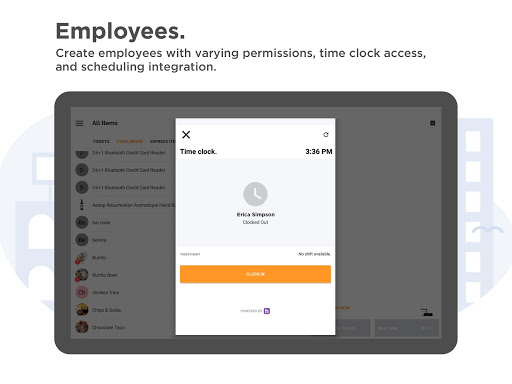
The Payanywhere Point of Sale (POS) app, credit card readers, and Smart Solution Suite are the business payment solutions you need to transform your business’s payments.
Manage all your customer’s payments with the Payanywhere point of sale payment app. From farmers markets to coffee shops to mom & pop shops, the Payanywhere POS app has got you and your customers covered! Easily accept debit and credit card payments with our mobile credit card readers, manage your inventory, send invoices, and generate receipts - all through our free POS mobile app for Android.
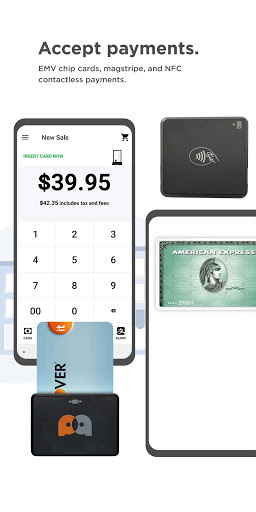
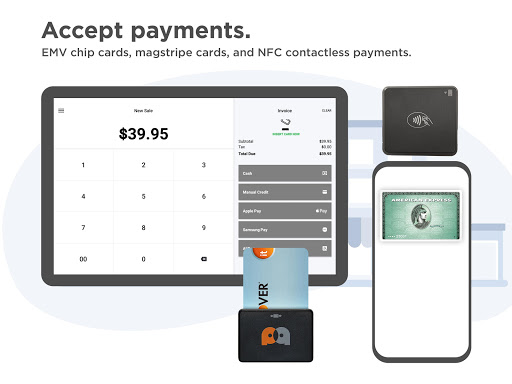
With Payanywhere’s point of sale (POS) app and compatible card readers, your customers can swipe, insert, or tap their cards – no matter where you are! Payanywhere’s credit card readers are even compatible with mobile payments like Android Pay, Samsung Pay, and Apple Pay.
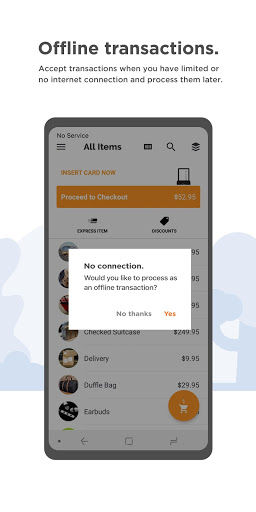
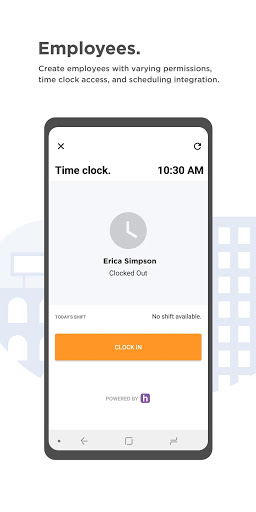
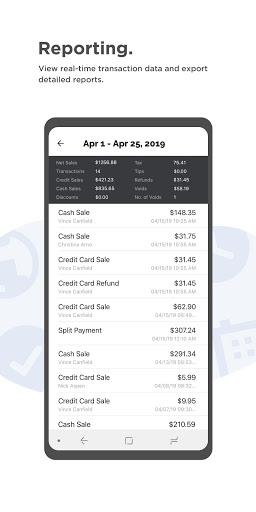
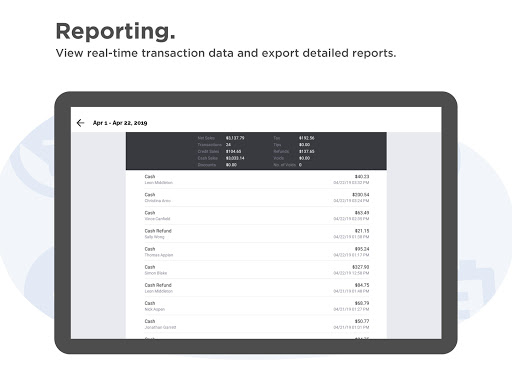
The Payanywhere POS Android app and free online portal has everything you need to run your business successfully. Our Point of Sale (POS) solution makes accepting payments simple. Cash, credit cards, and contactless payments are all supported to help you serve your customers. Streamline your day-to-day operations and easily keep track of inventory, manage invoicing, view transaction reporting, and order additional credit card readers from wherever you do business.
Why Payanywhere’s Point of Sale (POS) app and compatible card readers?
- Credit card reader solutions for mobile payments or point of sale (POS) hardware. Accept chip card, magstripe, and NFC contactless payments.
- Visa, Mastercard, American Express, Discover, and AliPay — accepted all at competitive rates.
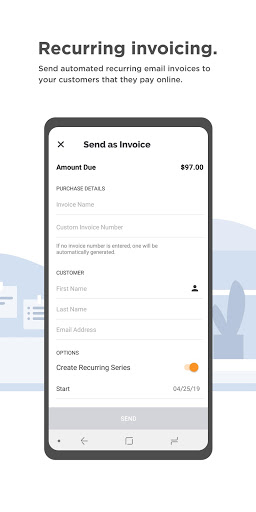
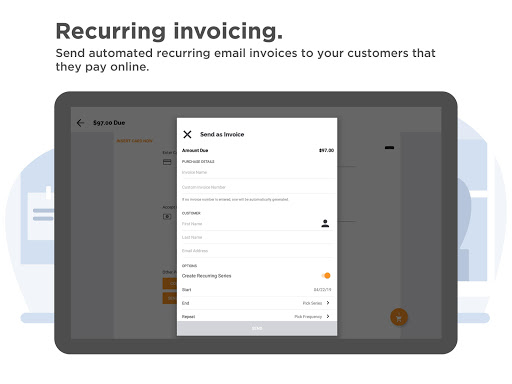
Manage invoicing — send invoices from the Payanywhere point of sale (POS) app. Allow your customers to set up autopay.
- Let customers easily pay with Android Pay, Samsung Pay, and Apple Pay with their mobile devices.
- Easily split payments, accept tips, and allow customers to sign for their transactions from your mobile point of sale (POS) system.
- Email, text, and print receipts.
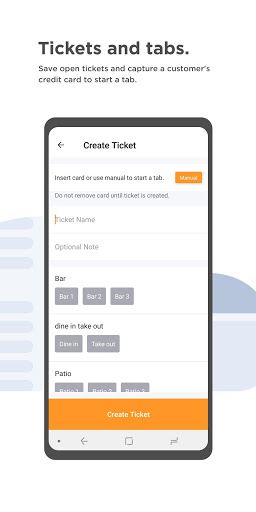
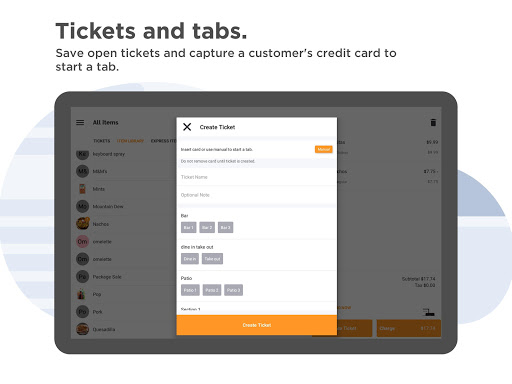
- Create open tickets and tabs for food and drink orders.
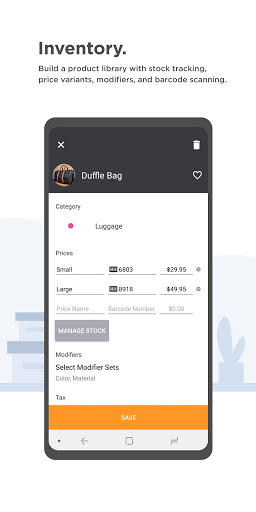
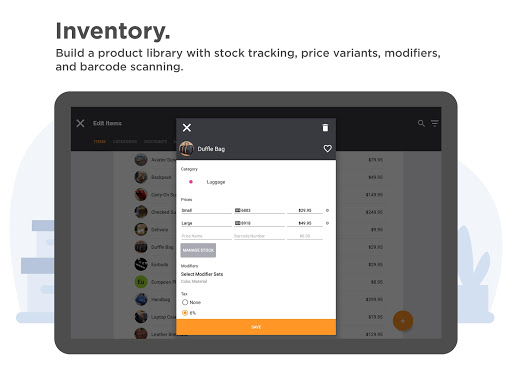
- Keep track of stock with inventory management tools.
EASY ONLINE SIGN UP
Signing up for your business payment solution is easier than ever with Payanywhere’s online application. Get started today by creating an account in the app or at shop.payanywhere.com.
1. Sign up online or in the app.
2. Pick the pay as you go plan or contact us for custom pricing.
3. Select your hardware.
----------
Phone Swipe users: Continue to accept credit cards by uninstalling Phone Swipe and downloading the Payanywhere app.
The mobile POS card reader features and functionality are the same as Phone Swipe, and all of your app settings and information will transfer over. Log in to Payanywhere using the same login credentials.
To learn more about Payanywhere and mobile Point of Sale solutions, visit payanywhere.com. Contact salesreps@payanywhere.com for custom pricing. Please email any comments or suggestions to feedback@payanywhere.com.
Upgrade to the Edge program through Settings. Consult with your sales partner if you would like to learn more about the Edge program.
We routinely update the app for general bug fixes and improvements. For optimal performance, we require your app to be updated to the latest version. Please email any comments or suggestions to feedback@payanywhere.com




9Apps 4.9















