

View and modify documents created using LibreOffice or OpenOffice on the go using the Document Reader & Document Editor!
📄🚶
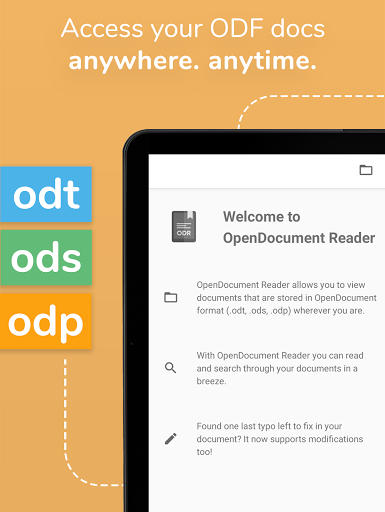
The file reader & document editor allows you to open files like ODF (Open Document Format) documents created using LibreOffice or OpenOffice wherever you are. In the bus on your way to school wanting to look at your notes before the big exam? No problem! With the Document Reader you can open files wherever you like and read & search through your documents to go in a clean and simple way. Is there just one last typo left to fix in your document before sending it out to colleagues? The File Editor supports modification of documents now! Fast, simple and well integrated.
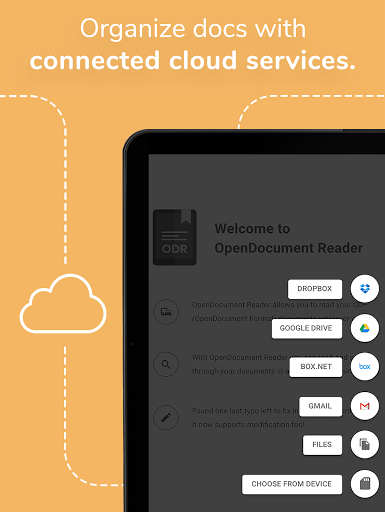
You can open files from ODF (ODT, ODS & many more) that you have created with Libre Office or OpenOffice also from within other apps. Supported apps include GMail, Google Drive, iCloud, OneDrive, Nextcloud, Box.net, Dropbox and lots of others! Or use our integrated file explorer instead to open files on your device.
THE ALL IN ONE DOCUMENT READER AND DOCUMENT EDITOR 📄
➡️open files with ODF: ODT (writer), ODS (calc), ODP and ODG without a hassle
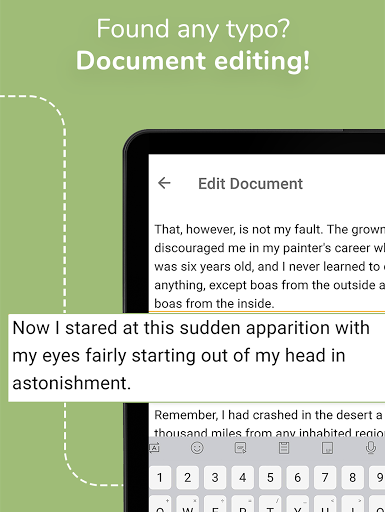
➡️basic editing of documents with the file editor to fix typos, add sentences, etc
➡️securely open password-protected documents
➡️search for keywords in your ODT (writer), ODS (calc) or ODG and highlight them
➡️print documents if your device is connected to a printer
➡️read your documents in fullscreen to avoid distractions
➡️select and copy text out of your documents
➡️enjoy your documents even without internet connectivity - fully offline capable
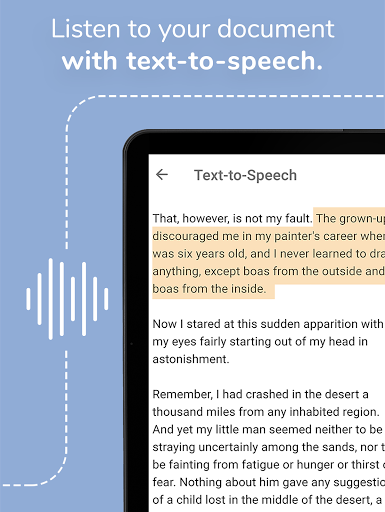
➡️read out aloud your documents using Text-To-Speech technology
DOCUMENTS TO GO - WHEREVER YOU LIKE 🚶
In addition to that, the document reader & document editor aims to support various other file formats as well as possible:
- Portable Document Format (PDF)
- Archives: ZIP
- Images: JPG, JPEG, GIF, PNG, WEBP, TIFF, BMP, SVG, etc
- Videos: MP4, WEBM, etc
- Audio: MP3, OGG, etc
- Text files: CSV, TXT, HTML, RTF
- Microsoft Office (OOXML): Word (DOC, DOCX), Excel (XLS, XLSX), PowerPoint (PPT, PPTX)
- Apple iWork: Pages, Numbers, Keynote
- Libre Office and Open Office ODF (ODT, ODS, ODP, ODG)
- PostScript (EPS)
- AutoCAD (DXF)
- Photoshop (PSD)
This app is open source. We are not affiliated with OpenOffice, LibreOffice or similar. Made in Austria. Ads are shown in order to support the development of this app. They are free to remove temporarily via the in-app menu. We highly appreciate all kinds of feedback via email.
ODF is the format used by office suites like Open Office and Libre Office. Text documents (Writer, ODT), as well as spreadsheets (Calc, ODS) and also presentations (Impress, ODP) are supported, including support with the file editor for complex formatting and embedded images. Graphs are no problem either. If you want to secure your data you can even open password-protected documents. Other applications that are using this format are NeoOffice, StarOffice, Go-oo, IBM Workplace, IBM Lotus Symphony, ChinaOffice, AndrOpen Office, Co-Create Office, EuroOffice, KaiOffice, Jambo OpenOffice, MagyarOffice, MultiMedia Office, MYOffice, NextOffice, OfficeOne, OfficeTLE, OOo4Kids, OpenOfficePL, OpenOfficeT7, OxOffice, OxygenOffice, Pladao Office, PlusOffice, RedOffice, RomanianOffice, SunShine Office, ThizOffice, UP Office, White Label Office, WPS Office Storm, Collabora Office and 602Office.
Fixed a critical issue reported by Jerome. Thank you!










9Apps 4.9















